
Manual of product KX-P1124
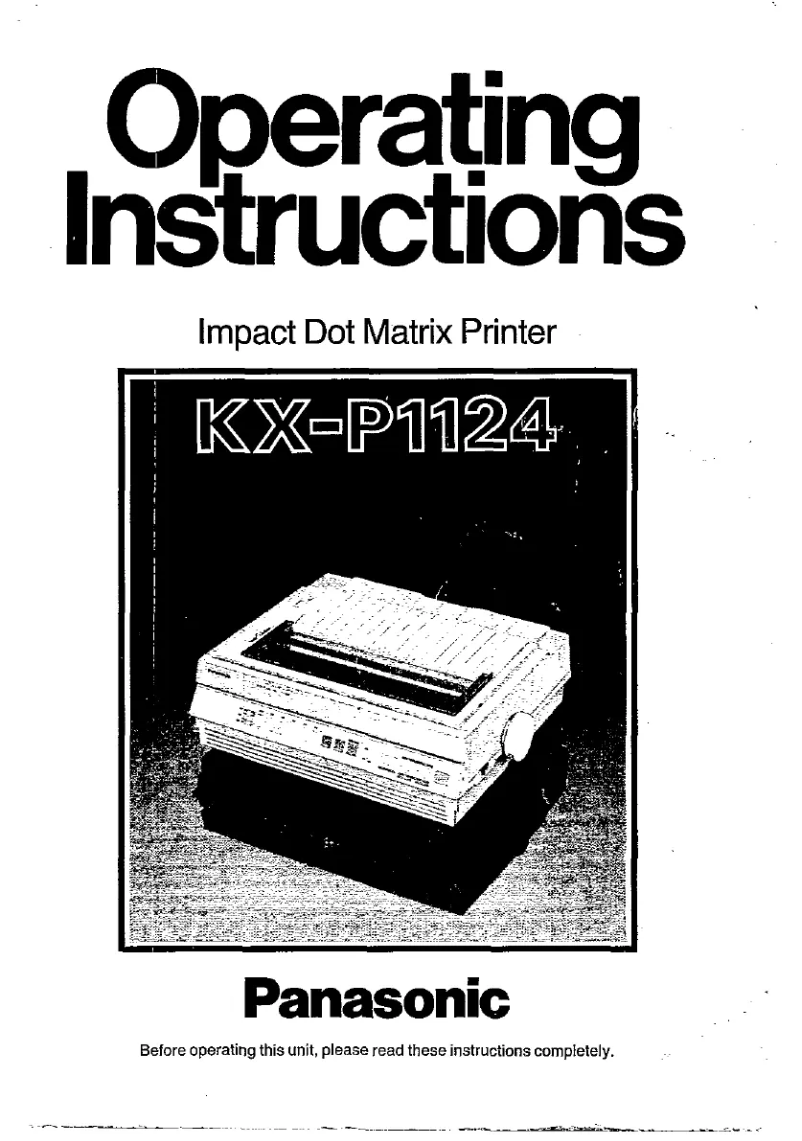
Editorial note
The Panasonic KX-P1124 printer stands out due to the brand's solid reputation, known for its quality and innovation. This model offers optimal performance for text document printing, with an enhanced user experience thanks to intuitive features that make it easy to use, even for beginners. Additionally, the comprehensive documentation provided, including a detailed user manual, allows for quick and effective handling. However, this device also has some drawbacks. Being an impact printer, it generates a high noise level during printing, which could disrupt a quiet work environment. Furthermore, its printing speed is relatively slow compared to modern inkjet or laser models, which may not suit users with urgent printing needs. The print quality, while adequate for text, may be insufficient for high-resolution images or graphics. Regarding value for money, the cost of consumables, such as print ribbons, can add up and make the use of the printer less economical in the long run. Finally, connectivity is limited, as the lack of support for wireless connections can be a disadvantage for users wishing to print from multiple devices. Overall, the Panasonic KX-P1124 is a solid choice for those looking for a robust and reliable printer for text printing, but it may not be suitable for all users due to its limitations in speed and print quality.Score details
User experience
The user experience is enhanced by intuitive features, allowing for simplified use even for less experienced users.
Performance
Performance is optimal for text document printing, but may be relatively slow compared to modern inkjet or laser printers.
Design
The design is functional, but the impact printer can generate a high noise level, which may disturb the work environment.
Documentation
The documentation is comprehensive with a 180-page user manual, facilitating the setup and optimal use of the device.
Value for money
The cost of consumables, such as print ribbons, can accumulate over time, making the use of the printer less economical.
Features
Connectivity is limited, as this model does not support wireless connections, which can be a disadvantage for users wanting to print from multiple devices.
Robustness
Durability is a strong point, as Panasonic products are often designed to withstand intensive use, thus extending the printer's lifespan.
Advantages
Renowned brand for its quality.
Fast and efficient printing.
Simplified use for everyone.
User manual included.
Designed for heavy use.
Disadvantages
Loud noise during printing.
Slow printing compared to modern models.
Insufficient quality for graphics and images.
High cost of consumables in the long run.
No wireless connectivity available.
Technical Specifications KX-P1124
General Information
-
ModelKX-P1124
-
Brand
-
Category
-
Type
-
SKU1094288
-
MPN1094288
Frequently Asked Questions
How can I remove a jammed paper from the printer?
Why is my printer rejecting original cartridges?
What are the reasons for poor print quality?
What is the difference between a laser printer and an inkjet printer?
Why does my inkjet printer leave black streaks on my prints?
What does the acronym DPI mean?
Is the manual for the Panasonic KX-P1124 available in French?
Similar products


More product categories from brand Panasonic
Home appliances Panasonic
Phones Panasonic
Audio Panasonic
Camera and photography Panasonic
Personal care Panasonic
Other Panasonic
Tools Panasonic
Interior Panasonic
More product types from brand Panasonic








Presentation of product KX-P1124 specifications from brand Panasonic
General Information
The Panasonic KX-P1124 printer is an iconic model from the Panasonic brand, known for its commitment to quality and innovation in the field of electronic devices. This model is designed to provide reliable performance and an optimized user experience, even for those who are less familiar with printing technology.
The Panasonic KX-P1124 stands out for its ability to deliver efficient printing service, although it is an impact printer, which can result in a higher noise level during use. Despite this characteristic, it remains a solid option for users looking for a robust and durable printer capable of withstanding frequent use.
Advantages
- Trusted brand: Panasonic is synonymous with quality and innovation, thus providing increased reliability for the KX-P1124 printer.
- Efficient performance: This model is designed to ensure fast printing, meeting common printing needs.
- Ease of use: Intuitive features enhance the user experience, making the printer accessible even to novices.
- Provided documentation: A comprehensive user manual is included, facilitating the setup and optimization of the device.
- Durability: Designed to withstand intensive use, this printer can have an extended lifespan.
Disadvantages
- Noise level: As an impact printer, the noise generated during printing can be disruptive in certain work environments.
- Printing speed: Compared to modern inkjet or laser models, the KX-P1124 may seem relatively slow, which may not suit users in a hurry.
- Print quality: While adequate for text documents, the print quality may not meet the demands of graphics or images.
- Consumable costs: The expenses related to printing ribbons can add up, making the use of the printer less economical in the long run.
- Limited connectivity: This model does not support wireless connections, which may restrict printing options from different devices.


