

Manuals of product KX-MB3010
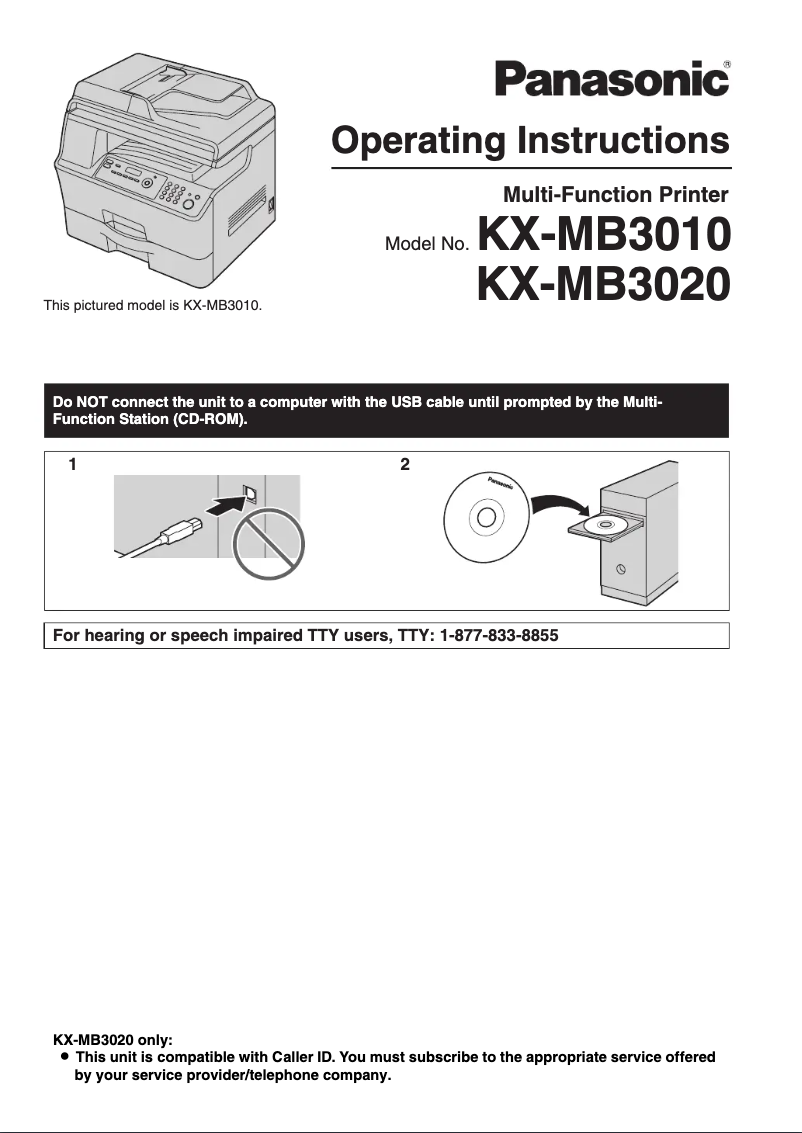

Editorial note
The Panasonic KX-MB3010 stands out for its reliability and optimal performance, making it a wise choice for personal or professional use. The Panasonic brand is known for the quality of its products, and this model is no exception, offering high-quality printing that meets user expectations. Additionally, the provided documentation, including the user manual and quick start guide, makes it easy to get started with the printer. However, there are some drawbacks to consider. The user interface may seem unintuitive to some, making the initial setup more complex. Furthermore, the printer can be relatively noisy during printing, which could disrupt a quiet work environment. The high costs of ink and toner cartridges can also impact the total cost of ownership in the long run, and its size may make it difficult to move in tight spaces. In summary, the Panasonic KX-MB3010 is a robust and high-performing printer, but it is essential to weigh its advantages against its disadvantages to determine if it meets your specific needs.Score details
User experience
The user experience is generally good, but the interface may seem unintuitive for some, making the initial setup more complicated.
Performance
The performance of the KX-MB3010 printer is optimal, providing high-quality printing suitable for personal and professional use.
Value for money
Although the product is reliable and efficient, the high costs of ink and toner cartridges can impact the total cost of ownership.
Documentation
The documentation provided, including the user manual and quick start guide, is accessible and facilitates getting started with the printer.
Robustness
The Panasonic brand is recognized for its quality and innovation, ensuring a durable and high-performing product.
Usability
Although versatile, the printer can be relatively noisy during printing, which may disrupt a quiet work environment.
Advantages
Recognized reliability of the Panasonic brand.
High-quality printing guaranteed.
Clear documentation for easy handling.
Versatile personal and professional use.
Energy-efficient design to reduce costs.
Disadvantages
Noisy during printing.
Difficult to move in a small office.
High costs of cartridges and toners.
Unintuitive user interface.
Lack of wireless connectivity.
Technical Specifications KX-MB3010
General Information
-
ModelKX-MB3010
-
Brand
-
Category
-
Type
-
SKU87066
-
MPN87066
Frequently Asked Questions
What is the recommended method for removing paper jammed in the printer?
Why is my printer rejecting original cartridges?
What are the possible causes of poor print quality?
How does a laser printer differ from an inkjet printer?
Why does my inkjet printer leave black streaks on my prints?
What does the acronym DPI mean?
Is the manual for the Panasonic KX-MB3010 available in French?
Similar products


More product categories from brand Panasonic
Home appliances Panasonic
Phones Panasonic
Audio Panasonic
Camera and photography Panasonic
Personal care Panasonic
Other Panasonic
Tools Panasonic
Interior Panasonic
More product types from brand Panasonic








Presentation of product KX-MB3010 specifications from brand Panasonic
General Information
The Panasonic KX-MB3010 is a printer from the renowned brand Panasonic, known for its commitment to quality and innovation in the home appliance sector. This model, KX-MB3010, is designed to provide reliable performance and an optimal user experience.
Developed to meet various needs, this printer is suitable for both personal use and a professional environment. It ensures high-quality printing while facilitating ease of use thanks to the provided documentation, including a user manual and a quick start guide.
One of the major advantages of the KX-MB3010 is its energy efficiency, thus helping to reduce electricity costs. However, it is important to note some potential drawbacks. The printer may generate a relatively high noise level during printing, which could disrupt a quiet work environment. Additionally, its size and weight may make it difficult to move, especially in offices with limited space.
The costs of ink and toner cartridges can also represent a significant long-term investment. Finally, the printer's user interface may seem unintuitive to some, making initial setup and daily use sometimes more complex. Furthermore, the lack of certain modern features, such as wireless connectivity, could disappoint those seeking flexibility.


