
Manual of product PL 720
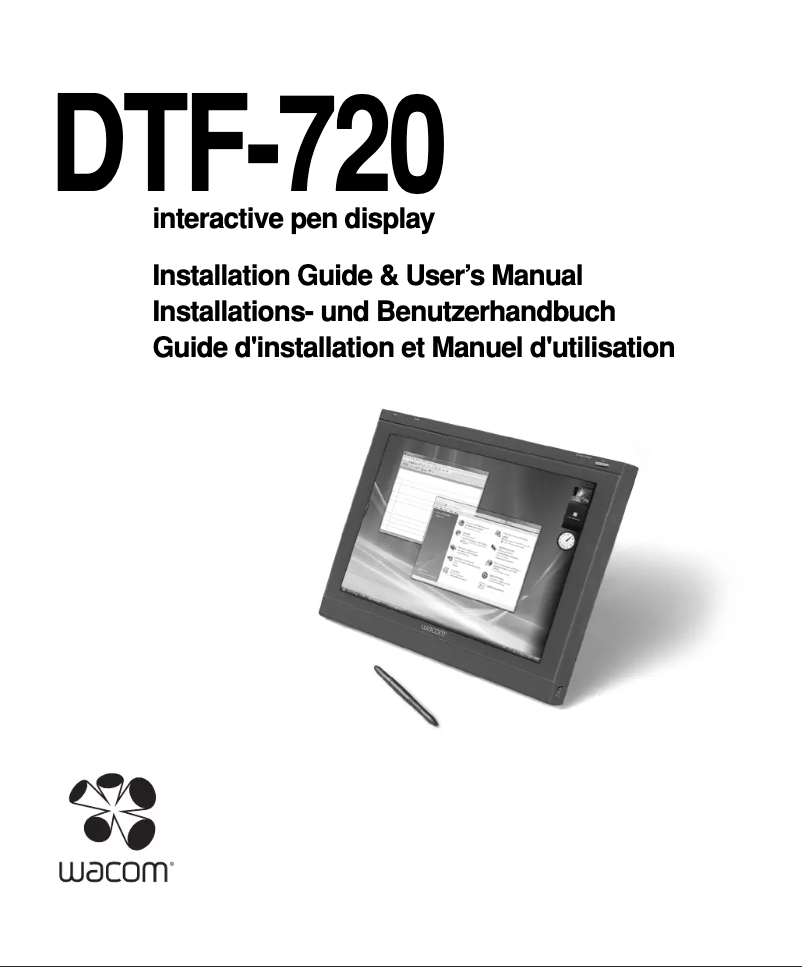
Editorial note
The Wacom PL 720 tablet stands out for its reputation for quality and innovation, providing a reliable and satisfying user experience. With optimal performance, it ensures smoothness and precision when drawing or writing, making it an ideal tool for artists and creative professionals. The included user manual makes it easy to get started, whether you are a beginner or an experienced user. Its ergonomic and compact design allows for comfortable use over long periods, although it may not be suitable for all users, particularly those with larger hands. However, the relatively high price compared to other tablets on the market may deter some potential buyers, even if the quality is there. Compatibility with various graphic design software enhances its versatility, but the lack of built-in features, such as a touchscreen or programmable buttons, limits certain tasks. Additionally, the learning curve required to master all its features can be a barrier for novice users, which may make the experience less intuitive at first. In summary, the Wacom PL 720 is a quality tablet that meets the needs of creators, but it may present challenges in terms of ergonomics and learning for some users.Score details
User experience
The Wacom PL 720 tablet offers a reliable and satisfying user experience, thanks to the brand's reputation and a comprehensive user manual that facilitates handling.
Performance
The performance is optimal, with increased fluidity and precision when drawing or writing, which is essential for artists and creative professionals.
Design
The ergonomic and compact design allows for comfortable use over long periods, although it may not suit all users.
Value for money
The price is relatively high compared to other tablets on the market, which may deter some users, although the quality is present.
Features
Compatibility with various graphic design software makes it a versatile tool, but the lack of built-in features like a touchscreen limits certain uses.
Usability
The learning curve to master all the features can be long for novice users, which may pose a challenge for some.
Advantages
Reputation for quality of the Wacom brand
Precision and fluidity for artists and creators
Manual included for easy handling
Ergonomic design for prolonged comfort
Compatible with various creation software
Disadvantages
High price compared to other tablets
Ergonomics not suitable for all hands
Limited compatibility with certain software
No useful built-in features
Long learning curve for beginners
Technical Specifications PL 720
General Information
-
ModelPL 720
-
Brand
-
Category
-
Type
-
SKU1058518
-
MPN1058518
Frequently Asked Questions
What factors influence download speed on the Internet?
What are the dimensions of my tablet's screen?
Is the manual for the Wacom PL 720 available in French?
Similar products


More product categories from brand Wacom
More product types from brand Wacom


Presentation of product PL 720 specifications from brand Wacom
General Information
The Wacom PL 720 tablet, manufactured by the renowned brand Wacom, stands out for its reputation for excellence and innovation in the field of digital tools. This model, the PL 720, is designed to deliver superior performance and an enhanced user experience, making the creative process smoother and more precise.
Advantages
The Wacom PL 720 benefits from the expertise of its manufacturer to ensure a high-quality drawing and writing experience, particularly appreciated by artists and creative professionals. Its optimized ergonomics provide comfort during long working sessions. Additionally, this tablet is compatible with a variety of graphic design software, making it a versatile tool for illustrators and designers.
Delivered with a user manual, getting started with the Wacom PL 720 is made easier, whether you are a beginner or an experienced user.
Disadvantages
However, some aspects may deter certain users. The price of the Wacom PL 720 may seem high compared to other models available on the market, which could limit its accessibility. Furthermore, the ergonomics of the tablet may not suit everyone, especially those with larger hands. Compatibility with certain software or operating systems may also be restricted, which could pose problems in some work environments. Finally, the lack of integrated features, such as a touchscreen or programmable buttons, may make certain tasks less intuitive, and the time required to master all the features may be lengthy for novices.


