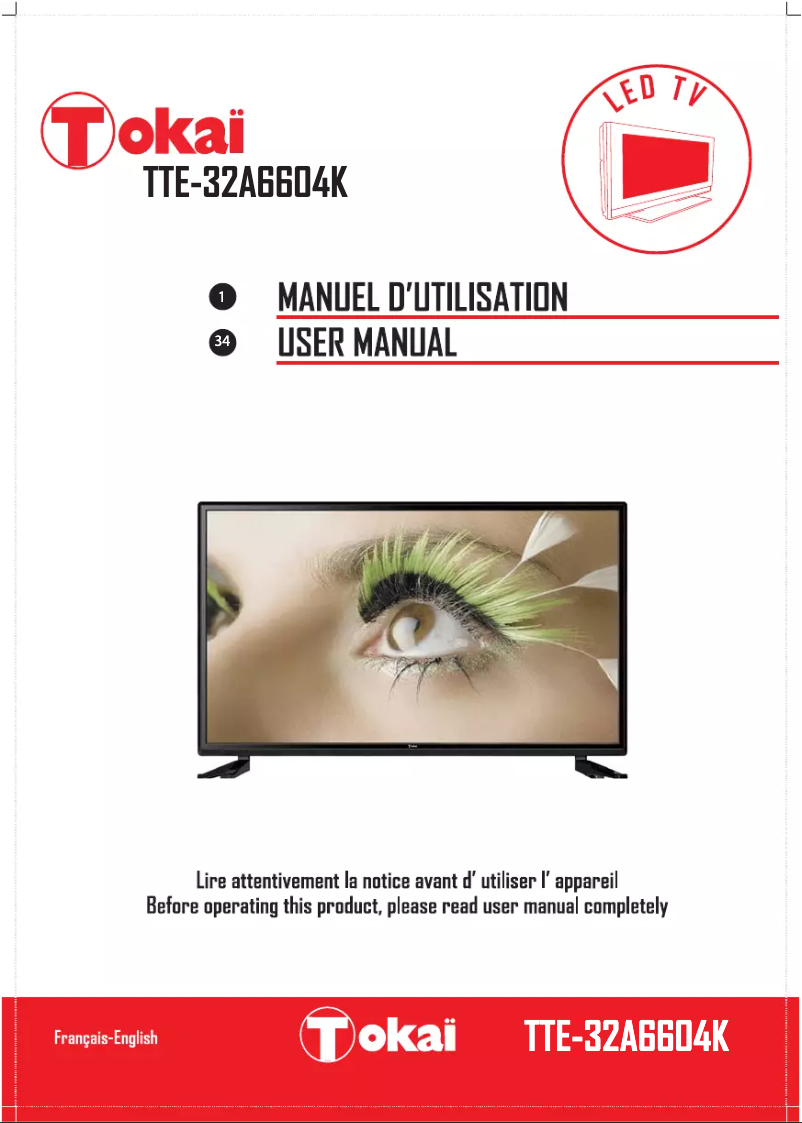
Thumbnail of product TTE-32A6604K from brand Tokaï
Logo of brand Tokaï

Television Tokaï TTE-32A6604K

The Tokaï TTE-32A6604K television is a compact and high-performance model, ideal for small spaces. With a modern and elegant design, it fits perfectly into any room of your home.
This television is designed by Tokaï, a brand renowned for its quality and innovation in the field of household appliances, thus ensuring an optimal user experience.

The Tokaï TTE-32A6604K offers impressive visual performance, allowing you to enjoy your favorite movies and shows with clear and sharp image quality. This model also comes with a user manual to facilitate its installation and use.

In summary, the Tokaï TTE-32A6604K is a wise choice for those looking for a high-performance, compact, and easy-to-use television, suitable for various environments.

Manual of product TTE-32A6604K
7 10

Editorial note

The Tokaï TTE-32A6604K is a television that stands out for its recognized quality and optimal performance. With a modern design, it easily blends into various environments, adding an aesthetic touch to your space. Its daily use is facilitated by an included user manual, allowing you to make the most of its features. However, this model has some limitations. The 32-inch screen size may not be suitable for large rooms, which can diminish the cinematic experience. Additionally, the smart features are less developed compared to other brands, limiting access to certain popular streaming applications. The built-in audio quality may also disappoint, leading to the need for an external audio system for an optimal sound experience. In terms of value for money, the Tokaï TTE-32A6604K remains acceptable, but the limitations in features may deter some buyers. Finally, the technical support and availability of spare parts seem less effective, which could complicate repairs if needed. Overall, this television is an interesting choice for those looking for a reliable and aesthetic product, while being aware of its few shortcomings.

Score details

User experience

The user experience is pleasant thanks to the optimal performance of the Tokaï TTE-32A6604K, but the screen size may limit immersion in large rooms.

Performance

The TTE-32A6604K model offers satisfactory performance for everyday use, but it may lack some smart features found in other brands.

Design

The modern design of the television is an asset, but it may seem basic to those looking for a more sophisticated style.

Value for money

The value for money is fair, considering the brand's reputation, but the limited features may make some buyers hesitate.

Support

The technical support and availability of spare parts seem less effective compared to more established brands, which could complicate repairs.


Advantages

Renowned brand for its reliability

Guaranteed high performance

User manual included

Modern and elegant design

Optimized image and sound quality

Disadvantages

32-inch size for small rooms.

Limited smart features.

Insufficient built-in audio quality.

Basic and unappealing design.

Weak technical support and spare parts.

Technical Specifications TTE-32A6604K

General Information

Frequently Asked Questions

What is the recommended viewing distance for my Tokaï television?
The recommended viewing distance for your Tokaï television varies depending on the screen size. Generally, it should be about 2.4 times the diagonal of the screen.
What should I do if my television is no longer receiving a signal?
If your television is not receiving a signal, check the following: - Make sure your television is set to the correct source. - Ensure that your television is properly connected via the HDMI or SCART input.
What are the dimensions of my television screen?
The dimensions of your television are usually expressed in inches, with 1 inch equivalent to 2.54 centimeters. The size corresponds to the diagonal of the screen, which you measure from the bottom left corner to the top right corner.
What does the acronym HDMI stand for?
HDMI stands for High-Definition Multimedia Interface. An HDMI cable allows for the transmission of audio and video signals between different devices.
Is it possible to connect devices from different brands via Bluetooth?
Yes, Bluetooth is a universal technology that allows various Bluetooth devices to connect with each other.
How do I turn on the television from standby mode?
To turn on your Tokaï TTE-32A6604K television from standby mode, follow these steps: 1. Press the MENU button to access the main menu. 2. Select CONFIGURATION using the ⛽/· button. 3. Go to OSD Timer and choose a time interval (like 5/10/15 seconds). 4. Enable the Auto SCART function to automatically display programs via SCART. 5. Adjust the PC Configuration if necessary. 6. Enable the blue screen option in case of a weak signal. 7. Select a picture mode in Home Mode (Home, Dynamic, Standard, Soft). 8. To reset the television settings, choose Reset TV settings. 9. Use Software Update via a USB device for updates. To switch from on to standby mode, simply press the power button on the remote or the television.
What should I do if the television does not respond to the power button when turning on from standby?
To resolve the issue of your Tokaï TTE-32A6604K television not responding to the power button, follow these steps: 1. Check that the signal is above 85 for good channel reception. 2. Consider using a signal amplifier between the television and the antenna socket to improve reception. 3. If the problem persists, consider replacing your antenna with a compatible high-gain digital antenna.
How do I navigate the television menu to change settings or preferences?
To navigate the menu of your Tokaï TTE-32A6604K television and change settings, proceed as follows: 1. Press the navigation buttons to access the menu. 2. Use these buttons to select the desired setting. 3. Press OK to confirm your choice. 4. To manage channels, select Channel Management. 5. Use the options to add/remove, lock/unlock, skip, or move channels. 6. To add channels to favorites, select Favorite Management and use the colored buttons to organize them. 7. Press MENU to access the main menu and navigate to the CHANNEL option. 8. Select the desired options and press OK to enter the submenus.
How do I reset or change my PIN code if I have forgotten it?
To reset or change the PIN code of your Tokaï TTE-32A6604K television, follow these steps: 1. Press OK or a navigation button to access the submenu. 2. Enter the Old Password, the New Password, and confirm the New Password in that order. 3. The new password will be saved automatically once entered.
How do I set the sleep timer or the automatic shutdown function on the Tokaï TTE-32A6604K television?
To set the sleep timer on your Tokaï TTE-32A6604K television, follow these steps: 1. Press the menu button on the remote. 2. Access 'Clock' using the navigation buttons. 3. Select 'Sleep Timer' from the submenu. 4. Choose the desired automatic sleep time (10, 20, 30 minutes, etc.). 5. Confirm your choice. To set the automatic shutdown: 1. Press the menu button. 2. Access 'Clock'. 3. Select 'Auto Shutdown' from the submenu. 4. Choose the desired shutdown duration (1, 2, or 4 hours). 5. Validate your selection.
Is the manual for the Tokaï TTE-32A6604K available in French?
Yes, the manual for the Tokaï TTE-32A6604K is available in French.

Similar products


Discover the technical sheet of 55LED1600 from Salora and its manuals...
Available manuals:
Discover the technical sheet of 28LED1600 from Salora and its manuals...
Available manuals:
Discover the technical sheet of TTL-22S001K from Tokaï and its manuals...
Available manuals:
Discover the technical sheet of TTL-22S011K from Tokaï and its manuals...
Available manuals:
Discover the technical sheet of 43LED1600 from Salora and its manuals...
Available manuals:
Discover the technical sheet of TTE-40D1304K from Tokaï and its manuals...
Available manuals:
Discover the technical sheet of TTL-19S011K from Tokaï and its manuals...
Available manuals:
Discover the technical sheet of TTE-24K2014K from Tokaï and its manuals...
Available manuals:
Discover the technical sheet of 20LED1600 from Salora and its manuals...
Available manuals:
Discover the technical sheet of LTL – 1406 CK from Tokaï and its manuals...
Available manuals:
Discover the technical sheet of 22LED1600 from Salora and its manuals...
Available manuals:
Discover the technical sheet of 32LED1600 from Salora and its manuals...
Available manuals:

More product categories from brand Tokaï

Presentation of product TTE-32A6604K specifications from brand Tokaï

General Information

The Tokaï TTE-32A6604K is a television from the Tokaï brand, known for its commitment to quality and innovation in the home appliance sector. This model, with its 32-inch dimensions, is designed to provide a pleasant viewing experience, combining technical performance and modern aesthetics.

This television stands out for its ability to deliver optimal performance that enhances the user experience. With refined image quality and suitable sound, it allows you to fully enjoy all your multimedia content, whether it's movies, series, or video games.

Advantages

  • Recognized quality: The Tokaï brand is renowned for its reliability, ensuring a quality product.
  • Optimal performance: The TTE-32A6604K is designed to provide a smooth and enjoyable usage experience.
  • User manual included: A detailed guide is provided to facilitate handling and maximize the television's features.
  • Modern design: Its contemporary aesthetics easily fit into various environments, adding a touch of modernity to your space.
  • Enhanced multimedia experience: The technical features allow for optimized image and sound quality.

Disadvantages

  • Screen size: With its 32 inches, it may not be suitable for large rooms, which limits the cinematic experience for some users.
  • Smart features: Connectivity options and applications may be more limited compared to other models on the market.
  • Integrated audio quality: The sound may not meet expectations, which could require the addition of an external audio system.
  • Design: For some, the appearance of the television may seem basic and unappealing.
  • Technical support: The availability of spare parts and technical support may be less effective than that of more established brands.