

Manuals of product MX-3551
Editorial note
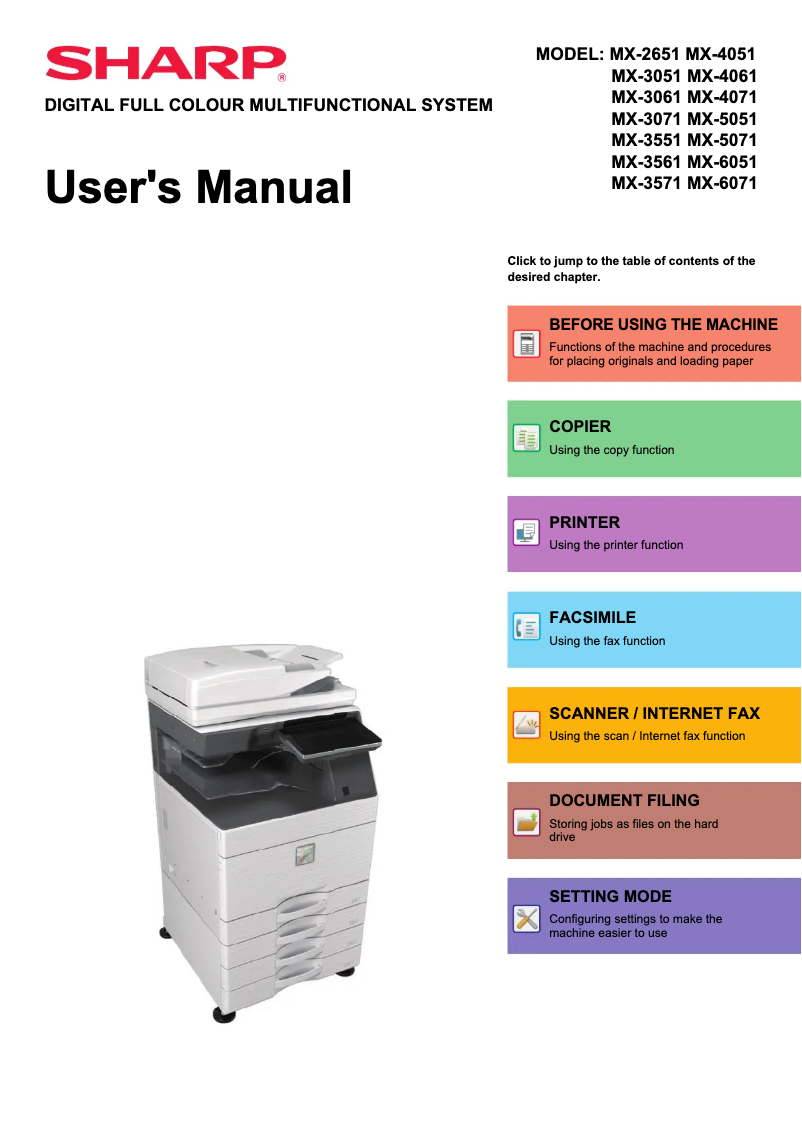
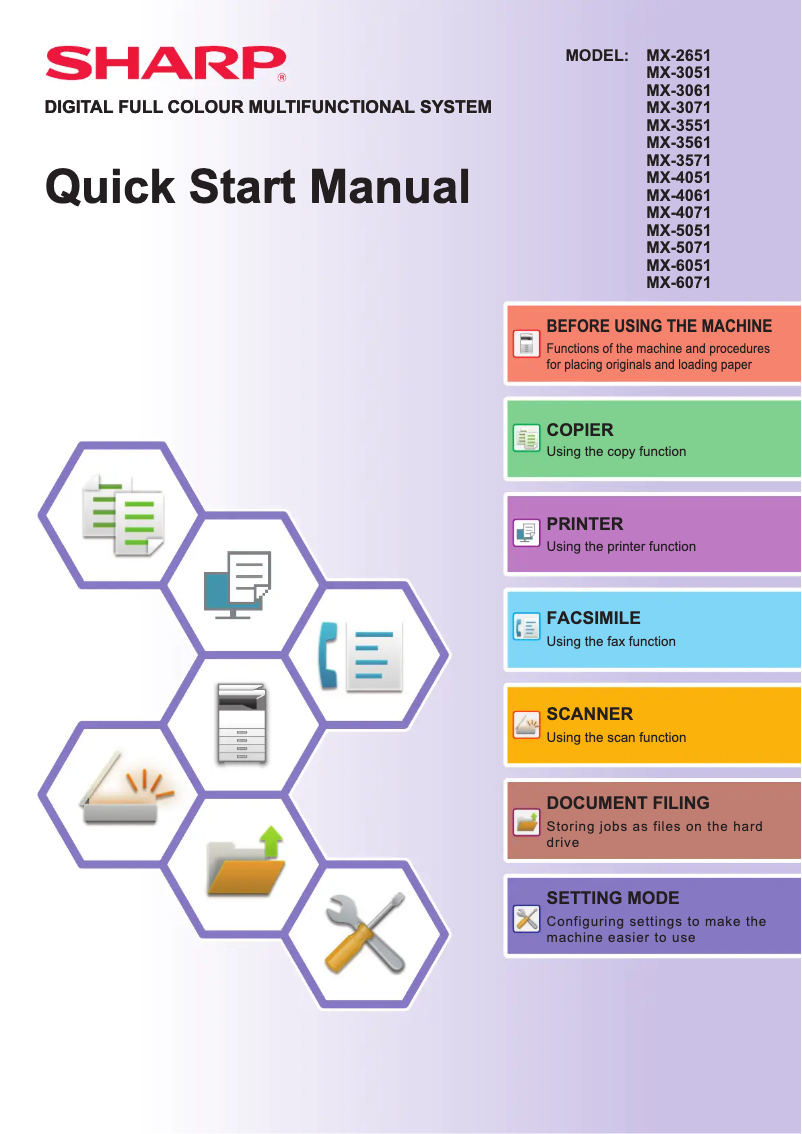
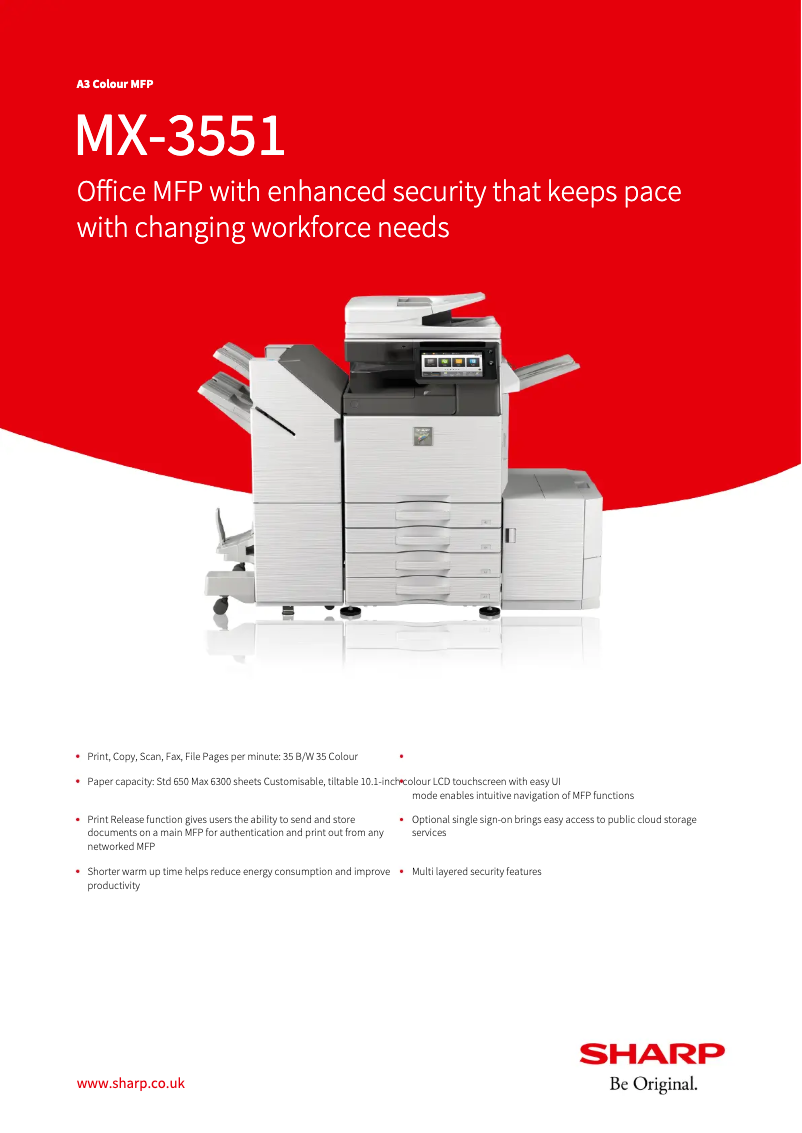
The Sharp MX-3551 is a printer that stands out for its exceptional print quality, delivering sharp and precise professional documents. Its versatility is a major asset, as it supports various paper sizes and media types, thus meeting different printing needs. Additionally, ease of use is enhanced by the availability of a user manual and a quick start guide, allowing for simplified setup. However, it is important to note that the initial purchase cost can be high, which may pose a barrier for some small businesses or occasional users. The printer's dimensions can also be cumbersome, requiring adequate workspace for installation. In case of a breakdown, maintenance and repair time can be lengthy, leading to potential workflow interruptions. Regarding energy consumption, it can be high, which is a factor to consider for long-term operating costs. Finally, ink cartridges and replacement parts can be expensive, affecting the total cost of ownership of the printer. In summary, the Sharp MX-3551 is a wise choice for those seeking a professional-quality printer, but it is essential to consider budgetary and space constraints before making an investment.Score details
User experience
The user experience is enhanced by the ease of use of the printer, with help documents available such as the manual and quick start guide.
Performance
The print quality is exceptional, providing high-quality professional documents with sharp and accurate prints.
Features
The Sharp MX-3551 incorporates advanced features that meet various printing needs, thus enhancing its versatility.
Value for money
The initial purchase cost is high and may not fit all budgets, although the quality partly justifies this investment.
Usability
The handling is facilitated by comprehensive documentation, but some bulky dimensions may pose installation issues.
Support
The documentation support is comprehensive, with several documents available to help users maximize the use of the device.
repairability
The maintenance and repair time can be long, which could lead to interruptions in workflow in case of a breakdown.
Battery life
The energy consumption can be high, which may increase long-term operating costs.
Advantages
Clear and professional prints
Supports various formats and media
Ease of use and setup
Advanced features for greater efficiency
Comprehensive documentation for optimization
Disadvantages
High initial purchase cost.
Bulky dimensions requiring a lot of space.
Long maintenance and repairs.
High energy consumption.
Expensive cartridges and spare parts.
Technical Specifications MX-3551
General Information
-
ModelMX-3551
-
Brand
-
Category
-
Type
-
SKU1570516
-
MPN1570516
Frequently Asked Questions
What is the recommended method for removing jammed paper from the printer?
Why is my printer not recognizing original cartridges?
What are the reasons for poor print quality?
What is the difference between a laser printer and an inkjet printer?
Why does my inkjet printer leave black streaks on prints?
What does the acronym DPI mean?
Is the manual for the Sharp MX-3551 available in French?
Similar products


More product categories from brand Sharp
Television and multimedia Sharp
Home appliances Sharp
Household appliances Sharp
Audio Sharp
Phones Sharp
Other Sharp
Interior Sharp
More product types from brand Sharp


Presentation of product MX-3551 specifications from brand Sharp
General Information
The Sharp MX-3551 printer, from the renowned Sharp brand, stands out for its reputation for excellence and innovation in the office equipment sector. This model, the MX-3551, is designed to deliver optimal performance, making its use both efficient and enjoyable for the user.
Advantages
Exceptional print quality: The device produces remarkably sharp and precise prints, ensuring professional-quality documents.
Versatility: It supports various paper sizes and types of media, thus adapting to a wide range of printing needs.
Ease of use: With a user manual and a quick start guide, setting up and operating the printer is greatly facilitated.
Technological innovation: The MX-3551 model incorporates advanced features, reflecting Sharp's commitment to innovation, which enhances efficiency and productivity.
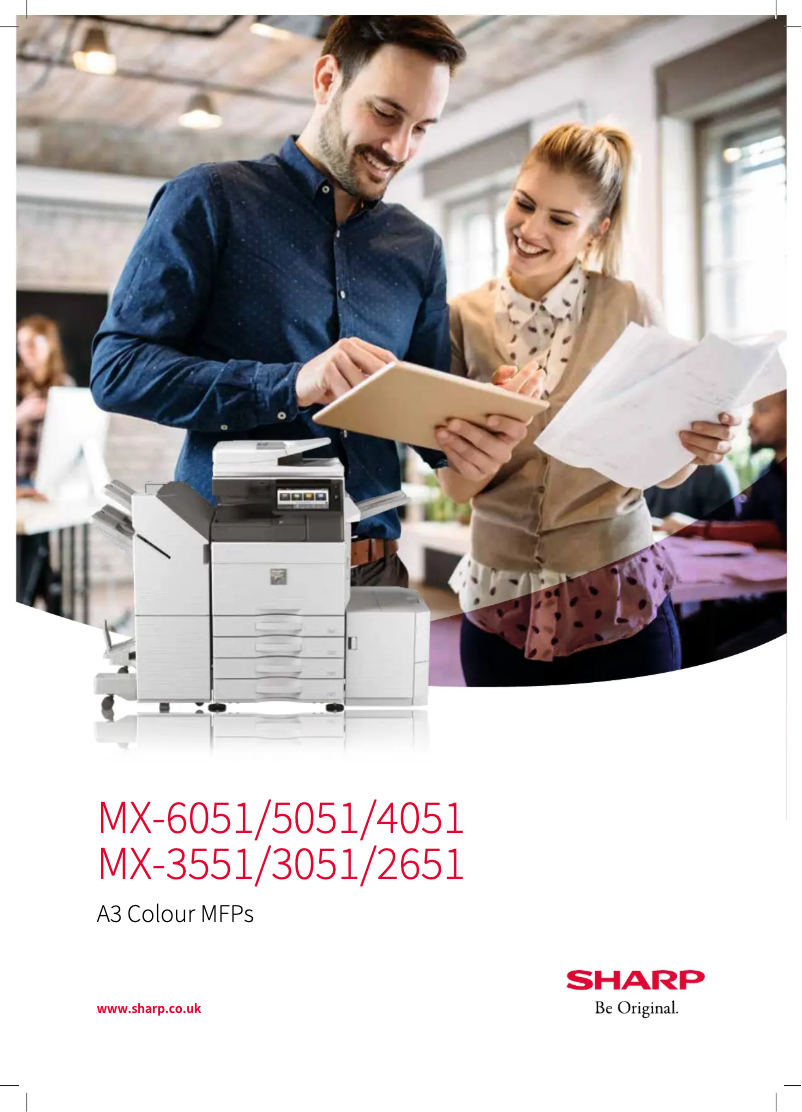
Comprehensive documentation support: The availability of documents such as the technical sheet and brochure allows users to fully optimize the use of the device.
Disadvantages
Initial purchase cost: The acquisition price can be relatively high, which may not suit all budgets, especially for small businesses or occasional users.
Bulky dimensions: The printer may require significant workspace for installation, which can be problematic in restricted environments.
Maintenance time: Repairs can take time, leading to potential interruptions in workflow in case of a breakdown.
Energy consumption: Its consumption can be high, which may increase long-term operating costs.
Cost of consumables: Ink cartridges and replacement parts can represent a significant investment, affecting the total cost of ownership of the printer.


