

Manuals of product MX-3051
Editorial note
The Sharp MX-3051 printer stands out for its excellent print quality, delivering sharp and professional documents. With its versatile features, it perfectly adapts to the varied needs of dynamic office environments. Moreover, ease of use is a major asset, enhanced by the availability of a user manual and a quick start guide, making it accessible even for novices. However, the initial purchase cost may be considered high compared to other similar models, which could deter some users, particularly small businesses. Additionally, its bulky dimensions may make installation challenging in tight spaces. The energy consumption, higher than that of some competitors, may also lead to increased operating costs in the long run. Regarding support, the availability of documents such as the technical sheet and brochure allows users to maximize the use of the printer. Nevertheless, some advanced features may require a learning curve, which can be a barrier for less tech-savvy users. Despite these drawbacks, the reliability of the Sharp brand ensures durable and dependable performance over time.Score details
User experience
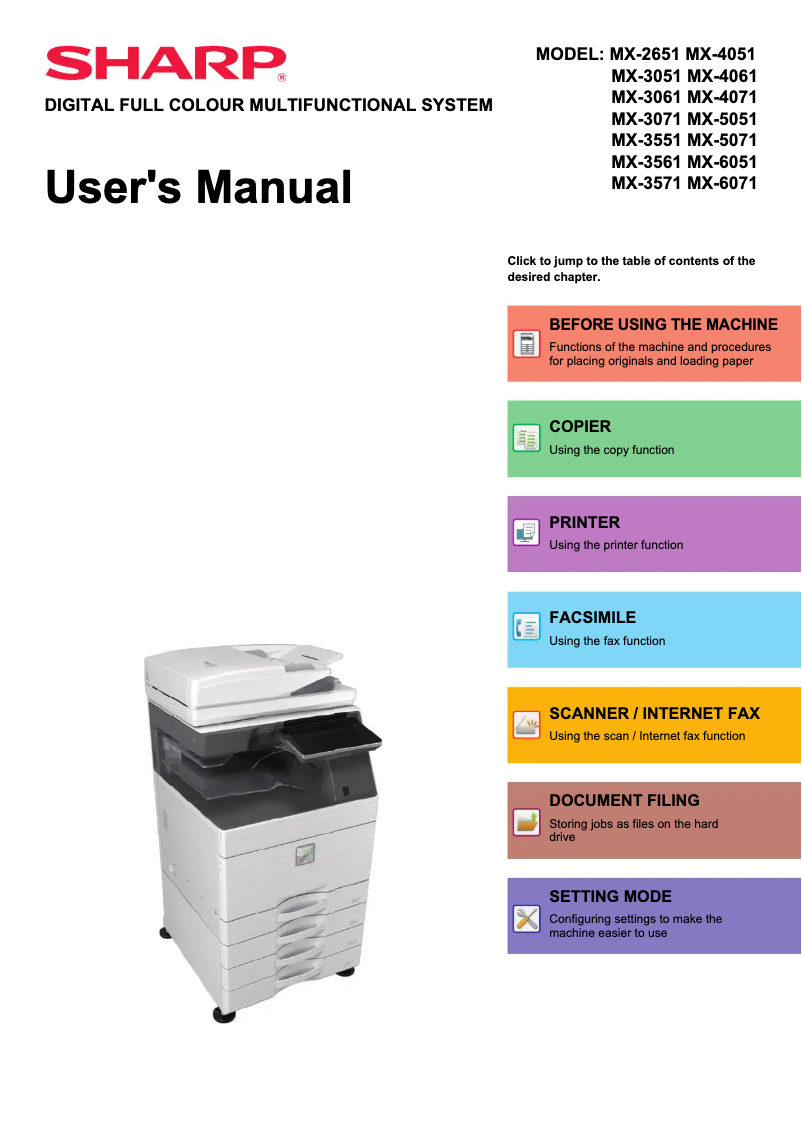
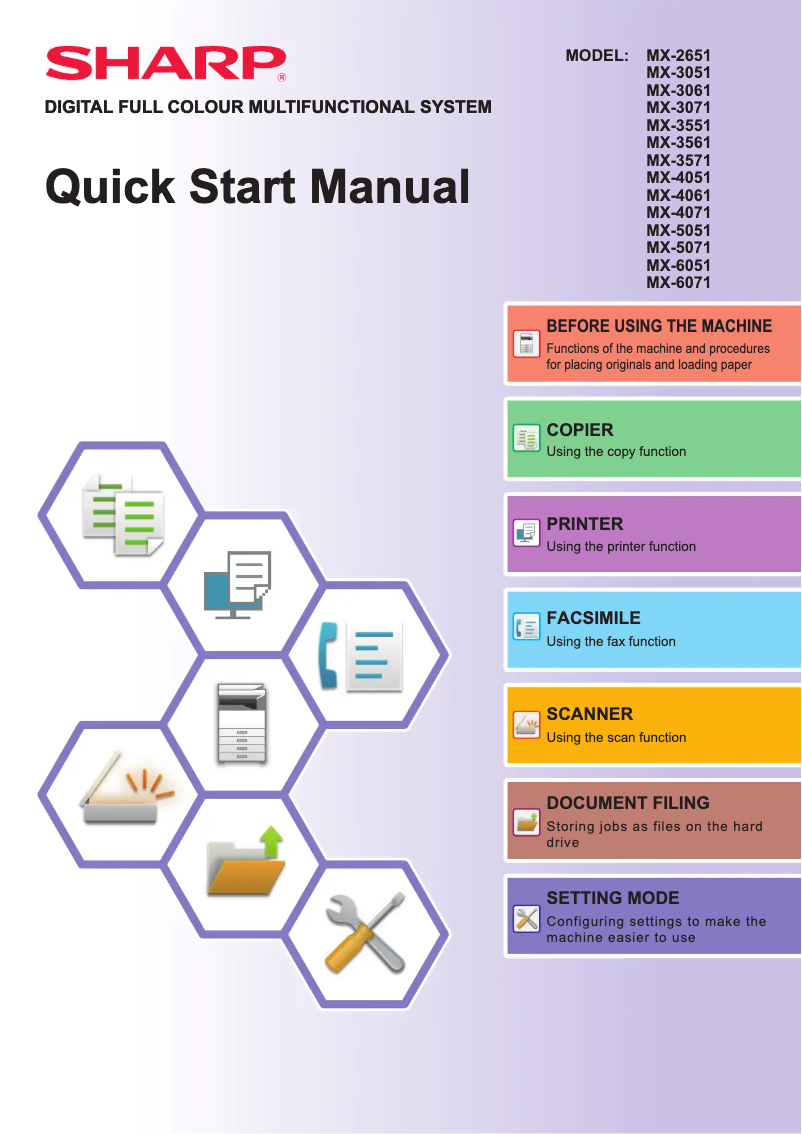
The ease of use is enhanced by the availability of a user manual and a quick start guide, making the printer accessible even to novices.
Performance
The excellent print quality and versatile features ensure optimal performance for various needs in a office environment.
Value for money
The initial purchase cost may be considered high compared to other models, which could be a barrier for some users.
Design
The dimensions of the printer can be bulky, making installation difficult in small spaces.
Support
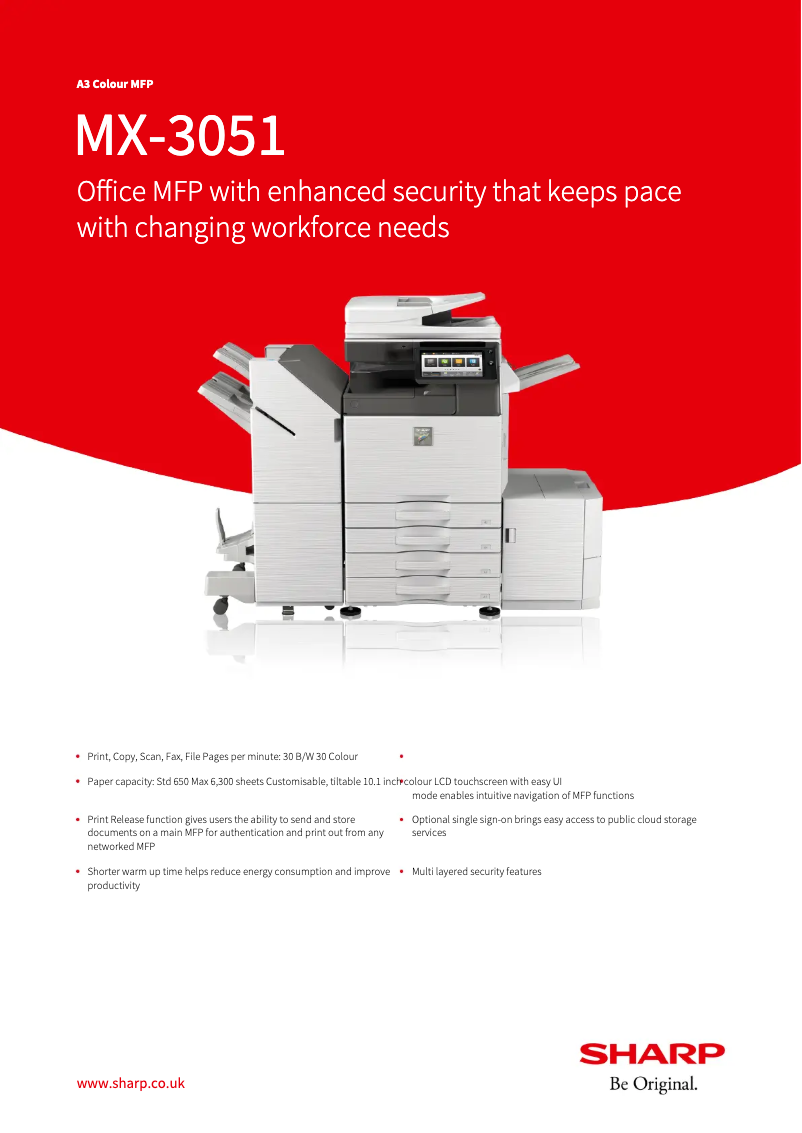
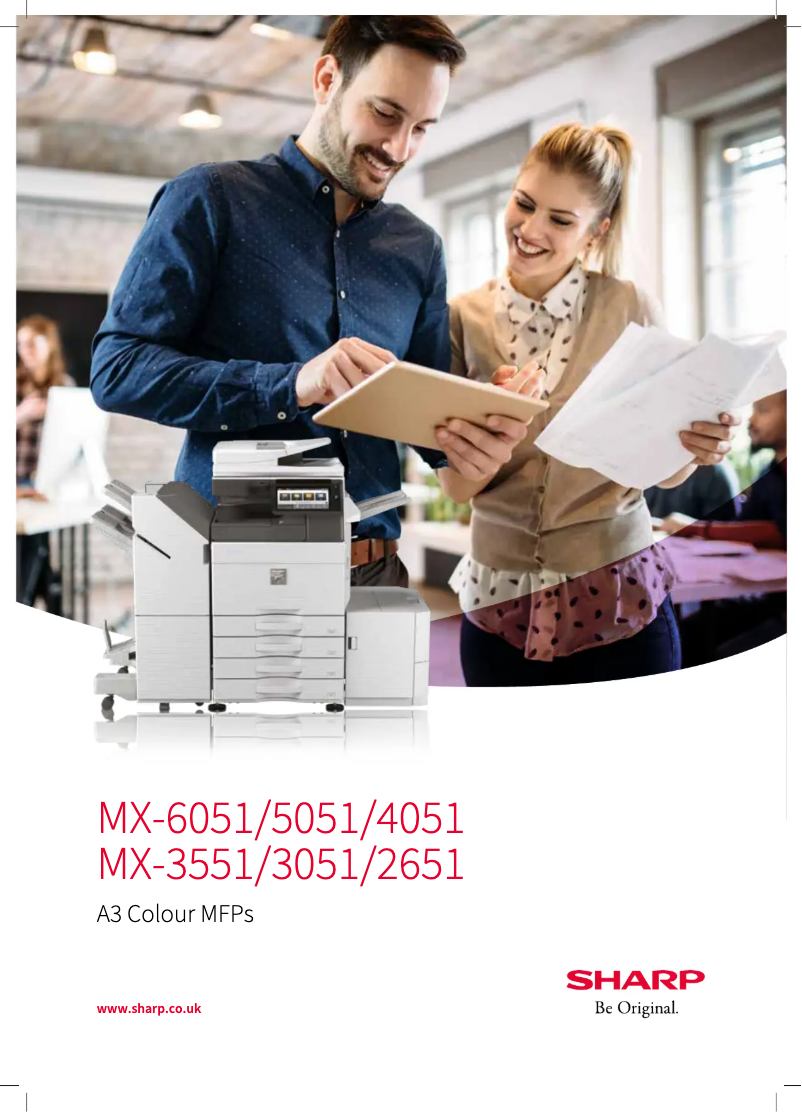
The availability of documents such as the technical sheet and brochure allows users to maximize the use of the printer.
Features
The advanced features, while versatile, may require a learning curve for less tech-savvy users.
Battery life
The energy consumption is higher than that of some competing models, leading to higher operating costs in the long run.
Robustness
The reliability of the Sharp brand ensures durable and dependable performance over the long term.
Advantages
Clear and high-quality prints.
Simple setup for all users.
Printing, copying, and scanning features.
Reliable and durable brand.
Documentation for optimal use.
Disadvantages
High purchase cost for small businesses.
Bulky dimensions for limited spaces.
Above-average energy consumption.
Relatively long startup time.
Advanced features requiring a learning curve.
Technical Specifications MX-3051
General Information
-
ModelMX-3051
-
Brand
-
Category
-
Type
-
SKU1570562
-
MPN1570562
Frequently Asked Questions
What is the recommended method for removing jammed paper from the printer?
Why is my printer not recognizing the original cartridges?
What could be the reasons for poor print quality?
How does a laser printer differ from an inkjet printer?
Why is my inkjet printer leaving black streaks on prints?
What does the abbreviation DPI mean?
Is the manual for the Sharp MX-3051 available in French?
Similar products


More product categories from brand Sharp
Television and multimedia Sharp
Home appliances Sharp
Household appliances Sharp
Audio Sharp
Phones Sharp
Other Sharp
Interior Sharp
More product types from brand Sharp


Presentation of product MX-3051 specifications from brand Sharp
General Information
The Sharp MX-3051 printer, from the renowned Sharp brand, stands out for its commitment to quality and innovation in the office equipment sector. This model, the MX-3051, is designed to deliver superior performance, ensuring a smooth and efficient user experience.
Advantages
This model is distinguished by several notable strengths:
- Exceptional print quality: The Sharp MX-3051 produces prints with remarkable clarity, ensuring high-quality professional documents.
- Ease of use: With a clear user manual and a quick start guide, the installation and handling of the printer are simplified, making this device accessible even to novice users.
- Functional versatility: This device supports printing, copying, and scanning, making it ideal for dynamic work environments requiring multifunctionality.
- Brand reliability: Sharp's reputation for innovation and durability translates into reliable long-term performance, essential for businesses.
- Documentation and support: The availability of resources such as technical sheets and brochures allows users to make the most of their printer.
Disadvantages
However, the Sharp MX-3051 also has some limitations:
- Initial cost: The purchase price may be higher than that of some competing models, which could be a barrier for small businesses or individuals.
- Bulky dimensions: With relatively large dimensions, its installation can be challenging in tight spaces.
- Energy consumption: This printer may consume more energy than some of its competitors, leading to potentially higher operating costs in the long run.
- Startup time: The startup time can be relatively long, which may affect productivity in an active professional setting.
- Advanced features: Some advanced options may require an adjustment period, posing a challenge for users less familiar with technology.


