
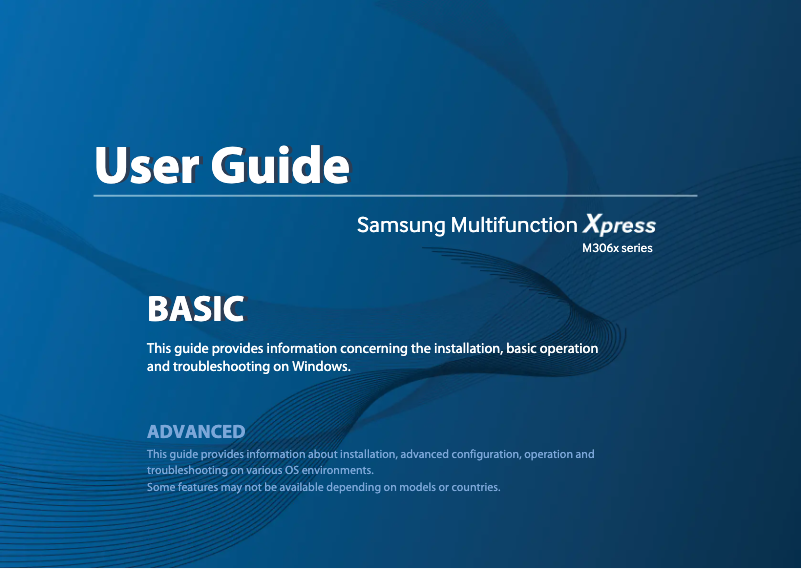
Manual of product Xpress SL-M3065FW
Editorial note
The Samsung Xpress SL-M3065FW is an all-in-one printer that stands out for its high print quality, making this model suitable for professional documents and presentations. Its ability to combine printing, scanning, copying, and faxing makes it a practical choice for optimizing workspace and facilitating office tasks. Additionally, wireless connectivity allows for easy printing from mobile devices, providing appreciated flexibility. However, some points deserve consideration. The print speed may be lower than that of some competitors, which could slow down workflow in high-volume printing environments. Furthermore, the cost of toner cartridges is relatively high, which can increase expenses in the long term for users who print frequently. Wireless connectivity, while useful, can sometimes be unstable, leading to connection difficulties. Finally, the size of the printer may be cumbersome for small spaces, limiting its integration into small offices or homes. In summary, the Samsung Xpress SL-M3065FW is a solid choice for those seeking a quality printer with comprehensive features, but it is essential to consider its limitations in terms of speed and operating costs.Score details
User experience
The user experience is generally satisfactory thanks to an intuitive control panel and a clear user manual, but some users may find the interface not very intuitive.
Performance
The print quality is good, but the printing speed may be lower than that of some competitors, which can slow down the workflow.
Features
The all-in-one features, including printing, scanning, copying, and faxing, are a major asset, offering great flexibility for users.
Value for money
Although the printer offers good print quality, the high cost of toner cartridges can increase long-term expenses, limiting its value for money.
connectivity
Wireless connectivity offers usage flexibility, but can sometimes be unstable, leading to difficulties in connecting to the network.
Design
The size of the printer can be bulky, limiting its integration into small spaces.
Advantages
High-quality printing for professional documents
All-in-one features: printing, scanning, copying, faxing
Wi-Fi connectivity for easy mobile printing
Energy-saving to reduce costs
Easy to use with an intuitive panel
Disadvantages
Print speed lower than the competition.
High cost of toner cartridges.
Wireless connectivity sometimes unstable.
User interface not very intuitive.
Bulky size for small spaces.
Technical Specifications Xpress SL-M3065FW
General Information
-
ModelXPRESS SL-M3065FW
-
Brand
-
Category
-
Type
-
SKU1385546
-
MPN1385546
Frequently Asked Questions
What is the recommended method for removing a jammed paper from the printer?
Why is my printer refusing to accept original cartridges?
What are the possible reasons for poor print quality?
How does a laser printer differ from an inkjet printer?
Why is my inkjet printer leaving black streaks on prints?
What does the acronym DPI mean?
Is the manual for the Samsung Xpress SL-M3065FW available in French?
Similar products




More product categories from brand Samsung
Television and multimedia Samsung
Home appliances Samsung
Household appliances Samsung
Phones Samsung
Audio Samsung
Other Samsung
Interior Samsung
Tools Samsung
Software Samsung
More product types from brand Samsung


Presentation of product Xpress SL-M3065FW specifications from brand Samsung
General Information
The Samsung Xpress SL-M3065FW is a multifunction printer from the renowned brand Samsung, famous for its commitment to quality and innovation in the electronics sector. This model, the SL-M3065FW, offers solid performance and an optimized user experience, ideal for various professional and home environments. Its EAN code, 0191628388424 and 0887276123844, allows for precise identification in distribution systems.
Advantages
This printer stands out for its exceptional print quality, making your professional documents and presentations particularly attractive. As an all-in-one device, the Samsung Xpress SL-M3065FW combines printing, scanning, copying, and faxing functions, freeing up space on your desk and optimizing your daily tasks. Its wireless connectivity makes it easy to print directly from mobile devices, providing appreciated flexibility of use. Additionally, this device is designed to be energy efficient, helping to reduce your operating costs. Finally, its intuitive user interface and clear user manual make setup and use accessible even for novice users.
Disadvantages
However, the Samsung Xpress SL-M3065FW has some limitations. Its print speed may be lower than that of some competitors, which can slow down workflow in environments requiring fast and frequent printing. Moreover, the cost of toner cartridges can be high, which could increase long-term expenses for users who print regularly. The wireless connectivity features can sometimes be unstable, leading to connection difficulties with the network or printing from mobile devices. Additionally, the user interface may seem complicated for some, making initial setup and daily use less intuitive. Finally, the size of the printer can be bulky, limiting its integration into small spaces, both at the office and at home.


