
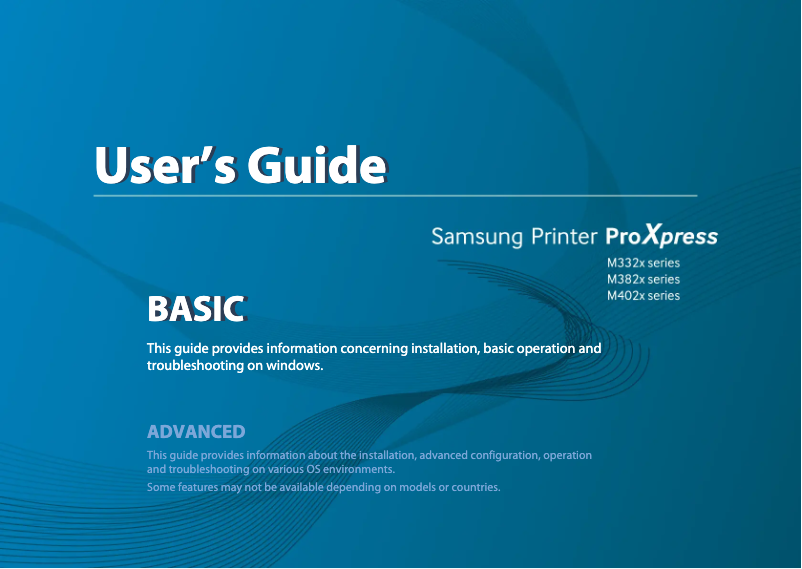
Manual of product SL-M3325
Editorial note
The Samsung SL-M3325 printer stands out for its high print quality, delivering sharp and professional documents, making it an ideal choice for users seeking optimal performance. Its compact and modern design allows for easy integration into various work environments, thus optimizing space usage. The simplicity of installation and use is also a plus, enabling users to start printing quickly without complications. However, this model has some drawbacks. The cost of toner cartridges can be high, increasing long-term operating expenses. Additionally, the printer does not support color printing, which limits its versatility for those needing color prints. The lack of wireless features may also be a drawback for users wanting to print directly from their mobile devices. Finally, the noise level during printing can be disruptive, and the relatively long initial warm-up time may delay the start of prints. In summary, while the Samsung SL-M3325 offers a satisfactory user experience and solid performance, it should be considered with caution due to its limitations in terms of features and operating costs. The reliability of the Samsung brand and the quality of its after-sales service are reassuring assets for users.Score details
User experience
The user experience is satisfactory due to the simplicity of installation and use, allowing users to start printing quickly.
Performance
The print quality is high, providing clear and professional documents, although the printer is limited to black and white printing.
Value for money
Although the initial cost is reasonable, the high cost of toner cartridges can increase long-term operating expenses.
Design
The compact and modern design of the printer allows for easy integration into various work environments.
Features
The lack of wireless features and the limitation to black and white printing reduce the printer's versatility.
Robustness
The reliability of the Samsung brand ensures durability, but the noise level during printing can be disturbing.
Support
Samsung is recognized for its quality after-sales service, which reassures users.
Advantages
Clear and high-quality prints.
Compact design for space saving.
Recognized reliability of the Samsung brand.
Simple installation and use.
Reduced energy consumption.
Disadvantages
High cost of toner cartridges.
No color printing available.
No wireless features.
High noise level during printing.
Long initial warm-up time.
Technical Specifications SL-M3325
General Information
-
ModelSL-M3325
-
Brand
-
Category
-
Type
-
SKU860453
-
MPN860453
Frequently Asked Questions
What is the recommended method for removing jammed paper from the printer?
Why is my printer not recognizing original cartridges?
What are the possible reasons for poor print quality?
What is the difference between a laser printer and an inkjet printer?
Why is my inkjet printer leaving black streaks on prints?
What does the acronym DPI mean?
Is the manual for the Samsung SL-M3325 available in French?
Similar products




More product categories from brand Samsung
Television and multimedia Samsung
Home appliances Samsung
Household appliances Samsung
Phones Samsung
Audio Samsung
Other Samsung
Interior Samsung
Tools Samsung
Software Samsung
More product types from brand Samsung


Presentation of product SL-M3325 specifications from brand Samsung
General Information
The Samsung SL-M3325 is a printer from the renowned brand Samsung, known for its commitment to quality and innovation in the electronics sector. This model, SL-M3325, is designed to provide reliable performance and enhance the printing experience for users.
Advantages
Among the main strengths of the Samsung SL-M3325, we note:
- High print quality: The prints produced are sharp and of high quality, ideal for both professional and personal documents.
- Compactness and modern design: Its compact format allows for easy integration into various work environments, maximizing the use of available space.
- Brand reliability: Samsung is synonymous with durability and innovation, providing a satisfying user experience as well as efficient after-sales service.
- Ease of use: The installation and use of the printer are simple, allowing users to start printing quickly, without complications.
- Energy efficiency: Designed to consume less energy, this printer helps reduce operating costs while being environmentally friendly.
Disadvantages
However, the Samsung SL-M3325 also has some drawbacks:
- Cost of toner cartridges: The cartridges can be relatively expensive, which may increase operating costs in the long run.
- Monochrome printing: This printer does not support color printing, limiting its versatility for users needing color prints.
- Absence of wireless features: Users wishing to print directly from their mobile devices may find this disadvantageous.
- Noise level: During printing, the noise level can be relatively high, which may be disruptive in a quiet work environment.
- Initial warm-up time: A prolonged warm-up time can delay the start of prints.


