
Manual of product ML-4055N
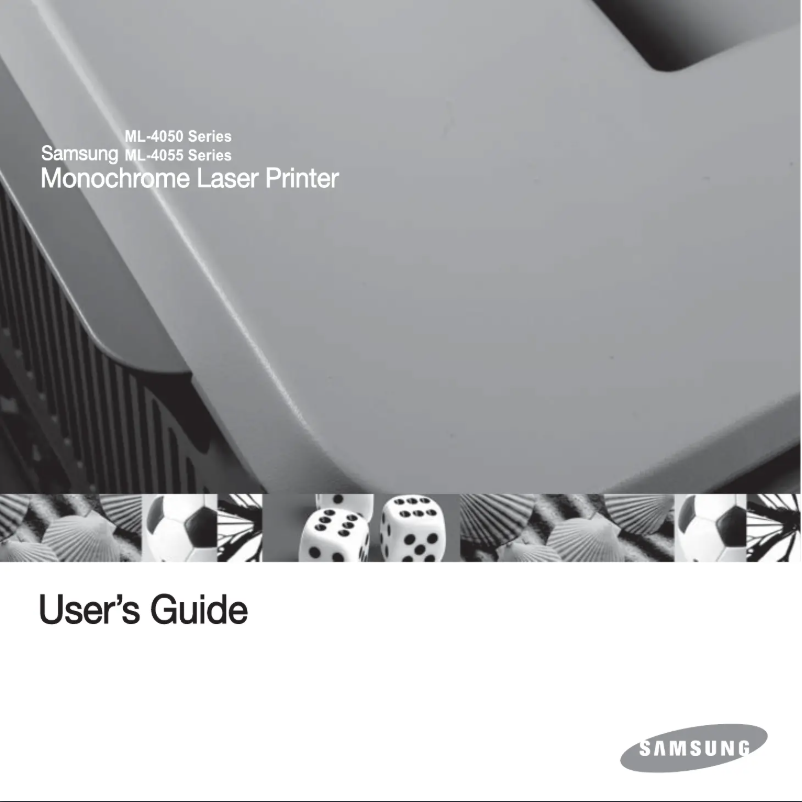
Editorial note
The Samsung ML-4055N printer stands out for its reliability and optimal performance, making this machine a wise choice for office environments. The Samsung brand is recognized for its quality and innovation, thus ensuring durability and efficiency. With a user-friendly interface and advanced features, the user experience is significantly enhanced, making daily printing tasks more enjoyable. However, a few drawbacks deserve mention. The noise level of the printer can be relatively high during printing, which could be disturbing in a quiet work setting. Additionally, its price may seem high compared to other similar models, which could deter some buyers. The limited network connectivity and the absence of scanning or copying features reduce the versatility of the device for those seeking multifunctional equipment. Finally, it is worth noting that the cost of toner cartridges can lead to additional expenses in the long run. In summary, although the Samsung ML-4055N offers a solid and efficient printing experience, users should weigh the potential drawbacks before making their purchasing decision.Score details
User experience
The user experience is enhanced by a user-friendly interface and advanced features, making daily use enjoyable.
Performance
The performance of the ML-4055N printer is optimal, allowing for fast and efficient printing, ideal for office environments.
Value for money
The price of the printer may be high compared to other similar models, which could deter some buyers.
Usability
The accessibility of the documentation allows for quick familiarization with the device, although limited network connectivity may pose a problem.
Robustness
The reliability of the Samsung brand ensures durability and performance, making it a solid choice for users.
Features
The lack of scanning or copying features limits the versatility of the device for some users.
noise
The printer can be relatively noisy during printing, which may be disruptive in a quiet work environment.
Advantages
Reliable and recognized brand.
Fast and efficient printing.
User-friendly and intuitive interface.
Accessible user documentation.
Versatile for various documents.
Disadvantages
Noisy printer in operation.
High price compared to competitors.
Limited network connectivity.
No scanning features.
High cost of toner cartridges.
Technical Specifications ML-4055N
General Information
-
ModelML-4055N
-
Brand
-
Category
-
Type
-
SKU1222153
-
MPN1222153
Frequently Asked Questions
What is the best method to remove a jammed paper from the printer?
Why does my printer not recognize the original cartridges?
What are the possible reasons for poor print quality?
What is the difference between a laser printer and an inkjet printer?
Why does my inkjet printer leave black streaks on prints?
What does the acronym DPI mean?
Is the manual for the Samsung ML-4055N available in French?
Similar products




More product categories from brand Samsung
Television and multimedia Samsung
Home appliances Samsung
Household appliances Samsung
Phones Samsung
Audio Samsung
Other Samsung
Interior Samsung
Tools Samsung
Software Samsung
More product types from brand Samsung


Presentation of product ML-4055N specifications from brand Samsung
General Information
The Samsung ML-4055N printer stands out due to the reputation of the Samsung brand, known for its commitment to quality and innovation in the electronics sector. This model, the ML-4055N, is designed to deliver optimal performance, ensuring an efficient and satisfying printing experience.
Advantages
Among the strengths of the Samsung ML-4055N printer, we note:
- Brand reliability: Samsung ensures durability and consistent performance, reinforcing user trust.
- High performance: This model is optimized for fast printing, perfect for a dynamic office environment.
- Enhanced user experience: With its advanced features and intuitive interface, managing printing tasks becomes smoother.
- Accessibility of documentation: A comprehensive user manual accompanies the product, facilitating onboarding and troubleshooting.
- Versatility: The printer is capable of handling various types of documents, making it suitable for multiple printing needs.
Disadvantages
However, the Samsung ML-4055N printer has some drawbacks:
- Noise level: The device can be relatively loud during printing, which may disrupt a quiet work environment.
- Cost: Its price may be higher than that of other similar models, which could deter some potential buyers.
- Limited connectivity: Network connectivity may be insufficient, making printing from multiple devices more complex.
- Lack of multifunction features: The absence of scanning or copying may be an issue for users looking for an all-in-one device.
- Consumable costs: Toner cartridges can be expensive, leading to additional long-term expenses.


