
Manual of product ML-1430
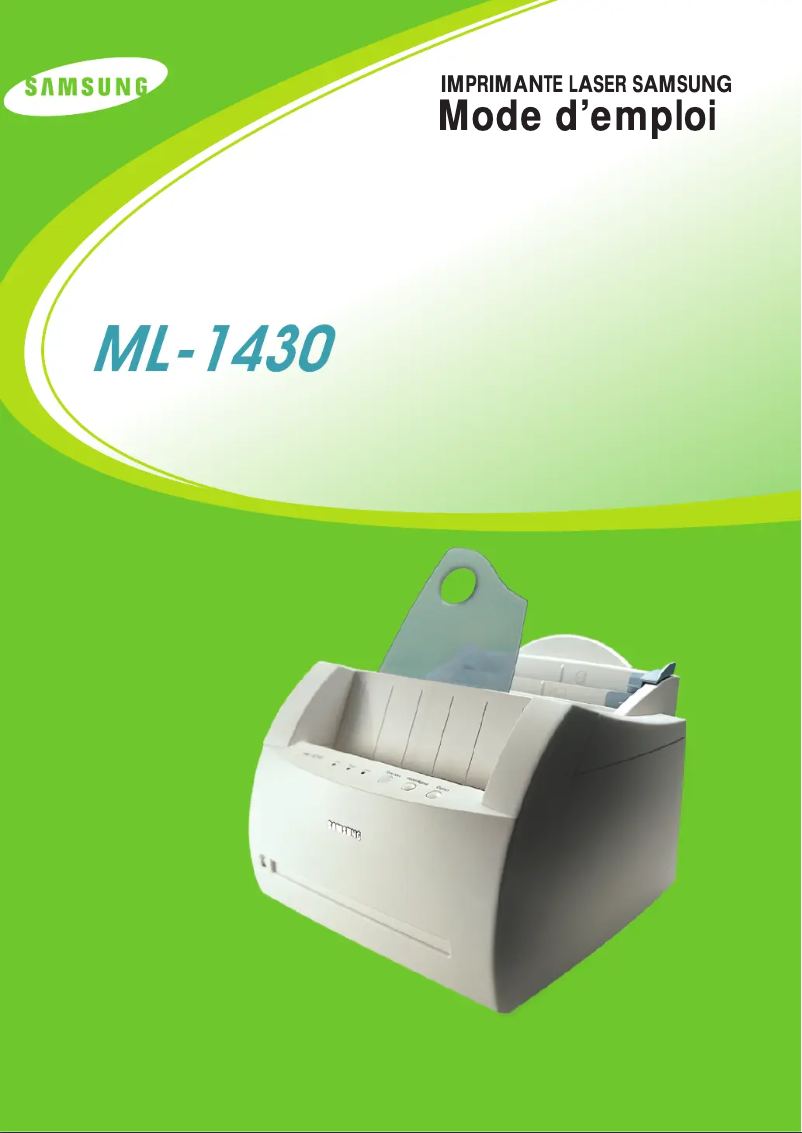
Editorial note
The Samsung ML-1430 printer stands out for its high print quality, producing sharp and precise documents, making it an ideal choice for professionals and presentations. Its compact design allows it to be easily integrated into tight workspaces, adding a touch of practicality for home offices or small businesses. Additionally, the availability of a user manual facilitates installation and use, making the user experience enjoyable. However, some drawbacks must be considered. The laser printing technology can lead to high toner costs, particularly for frequent use, which may affect the perceived value of the printer. Furthermore, being a relatively old model, the ML-1430 may not be compatible with recent operating systems, limiting its integration into modern environments. Its print speed is also lower than that of newer models, which can be a drawback for users with high printing needs. Finally, the lack of additional features such as scanning or copying reduces its appeal compared to contemporary multifunction printers. Overall, while the Samsung ML-1430 offers excellent print quality and recognized reliability, its age and functional limitations may not meet the expectations of all users.Score details
User experience
The user experience is enhanced by the availability of a user manual, making the installation and setup of the printer simple and enjoyable.
Performance
The print quality is high, but the printing speed may be lower than that of newer models, which can be a drawback for some users.
Design
The compact design allows for easy integration into small workspaces, although some may find it bulky.
Value for money
Although the print quality is good, the high toner costs for frequent use can reduce the perceived value compared to other models.
Features
The lack of additional features such as scanning or copying limits its use compared to contemporary multifunction printers.
Robustness
The reliability of the Samsung brand contributes to confidence in the printer's durability, although its age may pose compatibility issues with recent systems.
Advantages
Clear and precise prints
Reliable and recognized brand
Compact design for small spaces
Simplified installation and use
Efficient energy savings
Disadvantages
High cost of toners for frequent use.
Old model, limited compatibility with new systems.
Printing speed lower than recent models.
No scanning or photocopying functions.
Bulky design for small workspaces.
Technical Specifications ML-1430
General Information
-
ModelML-1430
-
Brand
-
Category
-
Type
-
SKU860476
-
MPN860476
Frequently Asked Questions
What is the recommended method for removing jammed paper from the printer?
Why is my printer not recognizing the original cartridges?
What are the possible reasons for poor print quality?
How does a laser printer differ from an inkjet printer?
Why is my inkjet printer leaving black streaks on prints?
What does the acronym DPI mean?
Is the manual for the Samsung ML-1430 available in French?
Similar products




More product categories from brand Samsung
Television and multimedia Samsung
Home appliances Samsung
Household appliances Samsung
Phones Samsung
Audio Samsung
Other Samsung
Interior Samsung
Tools Samsung
Software Samsung
More product types from brand Samsung


Presentation of product ML-1430 specifications from brand Samsung
General Information
The Samsung ML-1430 printer is a well-known model from the Samsung brand, recognized for its innovation and reliability in the field of electronic devices. This model is designed to deliver high-quality printing performance, making each printed document clear and precise. With its compact design, the ML-1430 easily fits into tight workspaces, making it a practical choice for home offices and small businesses.
Advantages
The Samsung ML-1430 stands out for several strengths:
- High print quality: Capable of producing sharp prints, it is particularly suitable for professional documents.
- Reliability: As a product of the Samsung brand, it has a solid reputation for durability and performance.
- Compact design: Its format allows for easy integration into various work environments.
- Ease of use: The printer comes with a user manual, simplifying installation and setup.
- Energy efficiency: Designed to be energy-saving, it helps reduce electricity costs while being environmentally friendly.
Disadvantages
However, the Samsung ML-1430 also has some limitations:
- Toner costs: Using laser printing technology, the costs associated with toners can add up, especially for frequent use.
- Compatibility: Being an older model, it may not work with the latest operating systems, limiting its integration into modern environments.
- Print speed: Its print speed is slower than that of newer models, which can be a drawback for users with high demands.
- Limited features: Unlike contemporary multifunction printers, it does not offer additional features such as scanning or copying.
- Bulkiness: Its design may be considered bulky for some workspaces.


