
Manual of product Aficio MP C305SPF
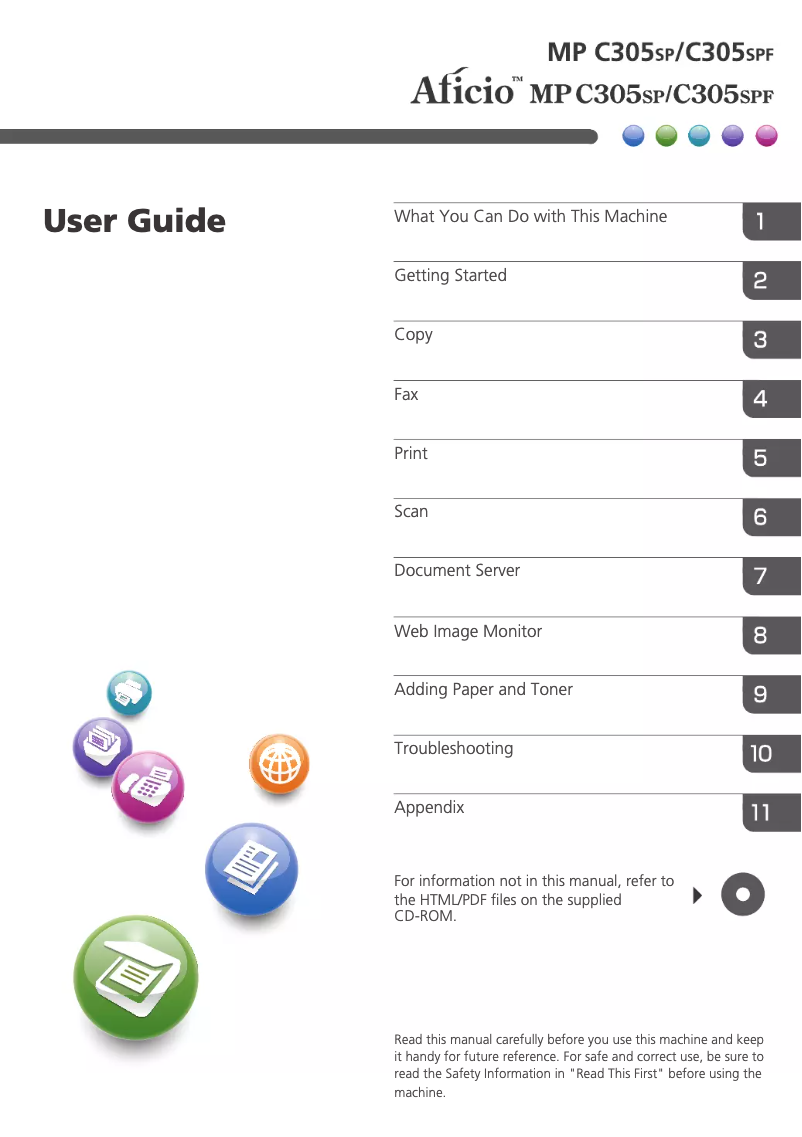
Editorial note
The Ricoh Aficio MP C305SPF is an all-in-one printer that stands out for its high-quality printing performance, both in color and monochrome. Ideal for professional environments, it offers valuable versatility with its printing, scanning, copying, and faxing features. Its user-friendly interface and touchscreen simplify task management, enhancing the user experience. Additionally, its advanced connectivity options, including Wi-Fi and Ethernet networking, allow for seamless integration into various workspaces. However, this device has some drawbacks. The high cost of ink and toner cartridges can quickly increase long-term operating expenses. Its size and weight can complicate installation and relocation, especially in tight office spaces. Furthermore, the startup time is longer compared to other compact models, which can slow down operations in a dynamic environment. Some advanced features, such as cloud scanning, require configurations that may not be intuitive for all users. Finally, the print quality on certain types of paper may not meet expectations, particularly for high-quality documents. Overall, the Ricoh Aficio MP C305SPF is a solid choice for offices looking for a high-performing and versatile printer, but it is important to consider operating costs and challenges related to its size.Score details
User experience
The user experience is very satisfactory thanks to a user-friendly interface and a touchscreen that simplify the management of printing and scanning tasks.
Performance
The color and monochrome printing performance is of professional quality, but the quality may vary on certain types of paper.
Features
The all-in-one features, including printing, scanning, copying, and faxing, make it a versatile device ideal for the office.
connectivity
Advanced connectivity options, such as Wi-Fi and Ethernet, allow for easy integration into different work environments.
Value for money
Although the device offers many features, the high cost of ink and toner cartridges can increase long-term operating costs.
Usability
Ease of use is present, but some advanced functions require complex configurations that may not be intuitive.
Robustness
Its size and weight can make installation and relocation difficult, especially in tight workspaces.
Advantages
Professional color and monochrome printing
All-in-one function: printing, scanning, copying, faxing
User-friendly interface with touchscreen
Advanced Wi-Fi and Ethernet connectivity
Reduced energy consumption
Disadvantages
High cost of cartridges and toners
Size and weight difficult to move
Long startup time
Complex setup for certain functions
Uneven print quality on some papers
Technical Specifications Aficio MP C305SPF
General Information
-
ModelAFICIO MP C305SPF
-
Brand
-
Category
-
Type
-
SKU865496
-
MPN865496
Frequently Asked Questions
What is the best method to remove paper jammed in the printer?
Why is my printer refusing to accept original cartridges?
What could be the reasons for poor print quality?
How does a laser printer differ from an inkjet printer?
Why does my inkjet printer leave black streaks on prints?
What does the acronym DPI mean?
Why won't my printer turn on?
Why are my prints too light?
How do I resolve a paper jam in my printer?
Why are my scanned documents not saving correctly?
How do I change the paper size for printing?
Is the manual for the Ricoh Aficio MP C305SPF available in French?
Similar products


More product categories from brand Ricoh
More product types from brand Ricoh



Presentation of product Aficio MP C305SPF specifications from brand Ricoh
General Information
The Ricoh Aficio MP C305SPF is a multifunction printer from the Ricoh brand, known for its excellence and innovation in the office equipment sector. This model, designed to meet the needs of professional environments, ensures reliable performance and an optimized user experience.
Advantages
This printer stands out for its high-quality printing capability, able to produce color and monochrome documents at a professional level, perfect for important presentations and reports. Additionally, its all-in-one features integrate printing, scanning, copying, and faxing, allowing for space savings and improved productivity within the office.
The ease of use of the Aficio MP C305SPF is enhanced by an intuitive interface and a touchscreen, making the management of printing and scanning tasks enjoyable and accessible. Furthermore, this device offers advanced connectivity, with options including Wi-Fi and Ethernet networking, facilitating its integration into various work environments.
Finally, the Ricoh Aficio MP C305SPF is designed to be energy efficient, thus helping to reduce operating costs while minimizing its ecological footprint.
Disadvantages
However, it is important to consider some disadvantages. The cost of ink and toner cartridges can be high, thus increasing long-term operating costs. Additionally, its size and weight can complicate installation and relocation, especially in tight workspaces.
The startup time may also be longer compared to other more compact models, which could slow down operations in a dynamic office environment. Some advanced features, such as cloud scanning, may require complex configurations, sometimes not very intuitive for the user. Finally, the print quality on certain types of paper may not always meet expectations, particularly for photo prints or high-quality documents.


