
Manual of product Aficio MP C3000
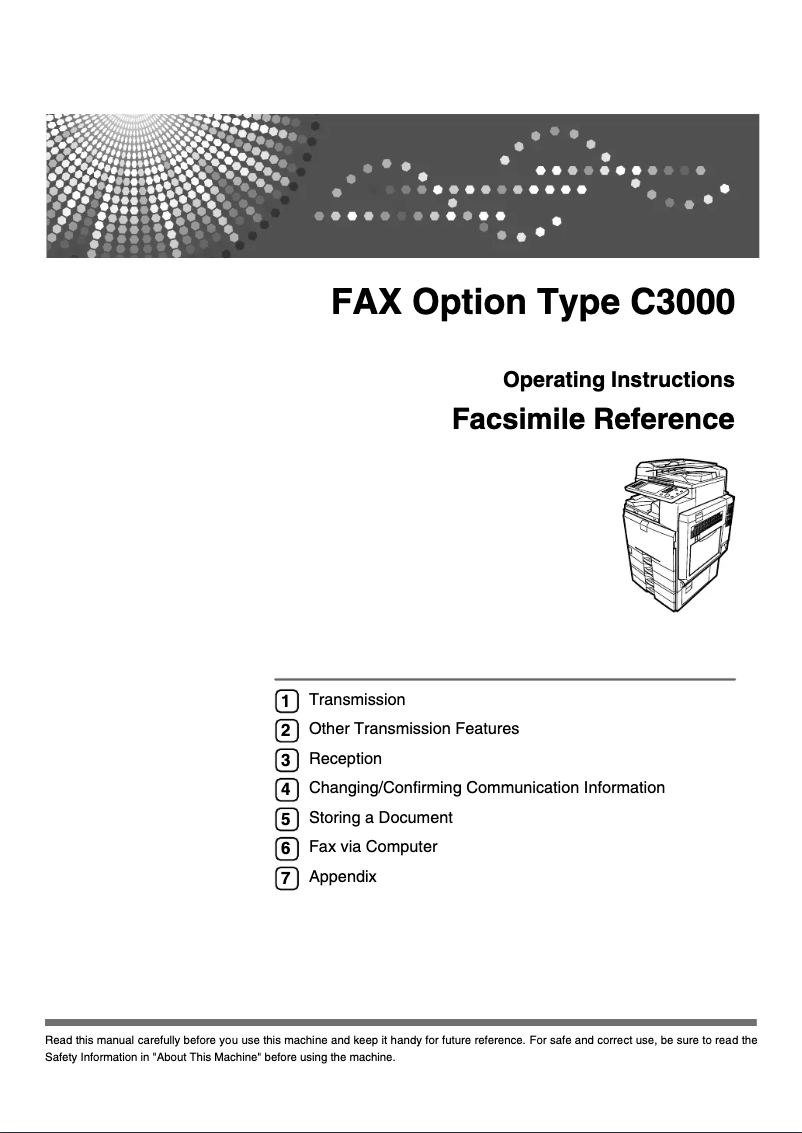
Editorial note
The Ricoh Aficio MP C3000 is a multifunction printer that stands out for its superior print quality, making it a preferred choice for professionals. Its versatility, with photocopying and scanning features, effectively meets various office needs. Additionally, Ricoh's reputation for the reliability and durability of its products ensures prolonged use without major issues. However, a few drawbacks deserve to be highlighted. The size of the printer can be cumbersome in small workspaces, and the cost of consumables, such as toners and drums, can increase long-term operating costs. While the print quality is excellent, the print speed may not be suitable for businesses with very high demands. Regarding the user interface, although it is intuitive and ergonomic, some new users may require an adjustment period. Furthermore, compatibility issues with certain operating systems or software may limit its integration into varied IT environments. Overall, the Ricoh Aficio MP C3000 is a solid option for offices seeking a reliable and high-performing printer, as long as users take into account its few drawbacks.Score details
User experience
The user interface is intuitive, with an ergonomic control panel, although some new users may require an adjustment period.
Performance
The print quality is excellent, but the printing speed may not be sufficient for very high printing needs.
Value for money
The cost of consumables is relatively high, which can increase long-term operating costs.
Design
The size of the printer can be bulky, which may pose issues in small workspaces.
Robustness
Ricoh is known for the reliability and durability of its products, ensuring prolonged use without major issues.
Features
The printer offers versatile features, such as copying and scanning, meeting various office needs.
Support
There may be compatibility issues with certain operating systems or software, limiting its integration in varied environments.
Advantages
High-quality prints
Various multifunctional features
Recognized reliability and durability
Intuitive user interface
Optimal energy efficiency
Disadvantages
Bulky size in small spaces
High cost of consumables
Insufficient printing speed for some businesses
Complex user interface for beginners
Compatibility issues with certain systems
Technical Specifications Aficio MP C3000
General Information
-
ModelAFICIO MP C3000
-
Brand
-
Category
-
Type
-
SKU865498
-
MPN865498
Frequently Asked Questions
What is the best method to remove paper jammed in the printer?
Why is my printer rejecting original cartridges?
What could be the causes of poor print quality?
What is the difference between a laser printer and an inkjet printer?
Why is my inkjet printer leaving black streaks?
What does the acronym DPI mean?
What are the reasons my printer won't turn on?
How do I load paper into the Ricoh Aficio MP C3000 printer?
How do I resolve a paper jam in the printer?
How do I change the print settings, such as paper type and orientation?
How do I replace the toner cartridge in the printer?
Is the manual for the Ricoh Aficio MP C3000 available in French?
Similar products


More product categories from brand Ricoh
More product types from brand Ricoh



Presentation of product Aficio MP C3000 specifications from brand Ricoh
General Information
The Ricoh Aficio MP C3000 is a multifunction printer designed by the renowned brand Ricoh, famous for its commitment to quality and innovation in the office equipment sector. This model stands out for its exceptional performance and user-friendly interface, thus providing an optimized user experience for professionals.
Advantages
This printer is distinguished by several notable features:
- Superior print quality: The Ricoh Aficio MP C3000 is capable of producing prints with remarkable clarity, making it ideal for creating professional documents.
- Versatile features: As a multifunction device, it not only allows printing but also copying and scanning, meeting various needs in a work environment.
- Reliability and durability: Ricoh's reputation for the longevity of its products ensures prolonged use without major issues.
- Intuitive user interface: The ergonomic control panel makes it easy to navigate through the different features, making the device accessible even to less experienced users.
- Energy efficiency: Designed to minimize energy consumption, this device helps reduce operational costs while having a limited environmental impact.
Disadvantages
However, the Ricoh Aficio MP C3000 also has some drawbacks:
- Bulky size: Its format can pose space issues in small offices.
- Cost of consumables: Toners and drums can be relatively expensive, increasing long-term expenses.
- Print speed: Although acceptable, the print speed may not satisfy companies with very high printing needs.
- Complexity of the interface: Some users may find the interface a bit difficult to master at first, requiring an adjustment period.
- Limited compatibility: Issues may arise with certain operating systems or software, which can restrict its integration into varied IT environments.


