
Manual of product Aficio MP 6000
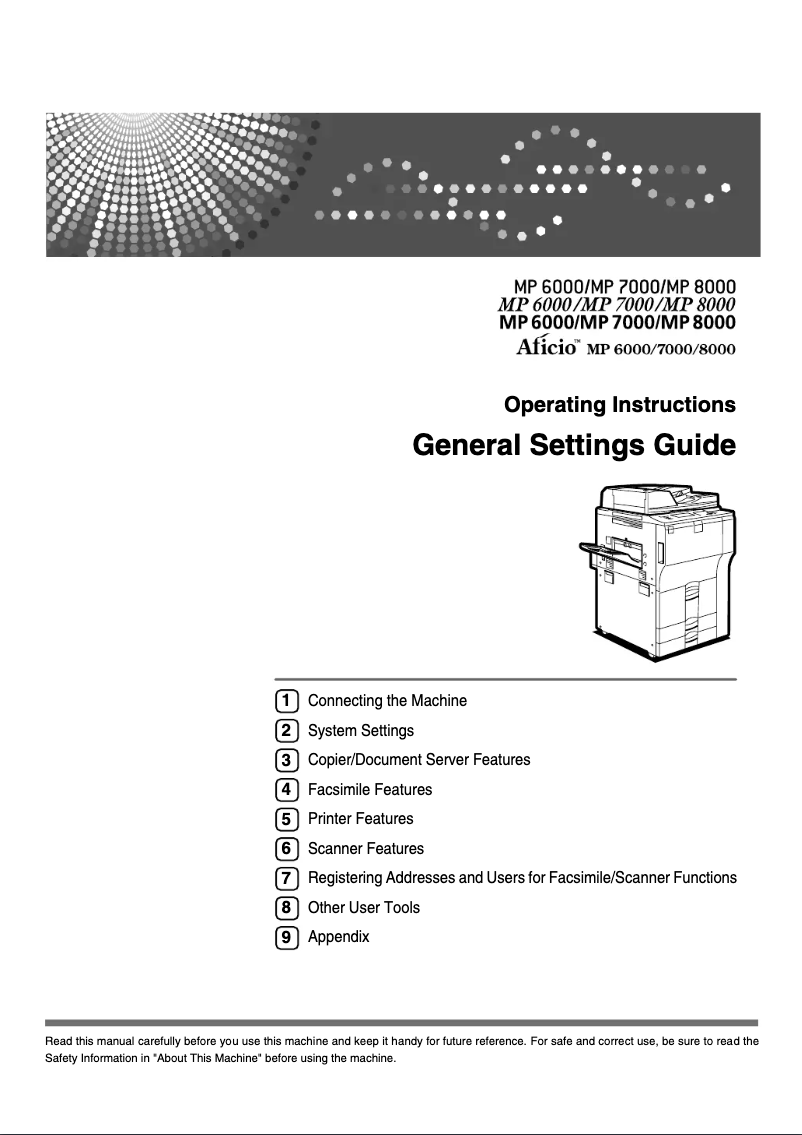
Editorial note
The Ricoh Aficio MP 6000 stands out for its ability to deliver excellent print quality, making this device ideal for offices focused on professional printing needs. Its speed and high performance allow for efficient handling of large volumes of documents, which helps optimize productivity within the company. Additionally, the printer's versatile features, which include printing, copying, and scanning, make it suitable for various office needs. However, it is important to note some potential drawbacks. The initial purchase cost can be high, which may be a barrier for small businesses. The printer's dimensions may also pose installation issues in tighter workspaces. Furthermore, the noise generated during printing can be disruptive, especially in a quiet office environment. The operating costs related to ink and toner cartridges, which can be expensive and require frequent replacements, should also be taken into account. In terms of user experience, the model benefits from an intuitive interface, although some novice users may find it complex. The robustness of the Ricoh brand is an undeniable asset, ensuring durability and longevity, making it a wise long-term investment. Finally, although the user manual is comprehensive, it may require training for optimal use, particularly for less experienced users. Overall, the Ricoh Aficio MP 6000 is a high-performing and versatile solution for businesses, but it is important to consider its initial and operating costs before making a decision.Score details
User experience
The user experience is generally positive, with an intuitive interface, although some novice users may find the interface complex.
Performance
The performance is excellent, with high printing speed that allows for quick processing of large volumes of documents.
Features
The product offers versatile features, including printing, copying, and scanning, making it suitable for various office needs.
Value for money
Although the quality and performance are up to par, the initial purchase cost and operating expenses related to cartridges can be high.
Design
The dimensions of the printer can be bulky, making installation difficult in tight workspaces.
Robustness
Ricoh is a recognized brand for the durability of its products, ensuring a good long-term investment.
Support
The user manual, although comprehensive with 310 pages, may require training for optimal use, especially for less experienced users.
Advantages
High-quality printing
Fast printing speed
Copying and scanning functions
Reliable and durable brand
Intuitive user interface
Disadvantages
High initial purchase cost
Bulky dimensions for small spaces
Disturbing noise during printing
Expensive cartridges and frequent replacements
Complex interface for novice users
Technical Specifications Aficio MP 6000
General Information
-
ModelAFICIO MP 6000
-
Brand
-
Category
-
Type
-
SKU860605
-
MPN860605
Frequently Asked Questions
What is the recommended method for removing paper jammed in the printer?
Why is my printer not recognizing the original cartridges?
What are the possible reasons for poor print quality?
What is the difference between a laser printer and an inkjet printer?
Why is my inkjet printer leaving black streaks on the paper?
What does the acronym DPI mean?
Is it possible to obtain the Ricoh Aficio MP 6000 manual in French?
Similar products


More product categories from brand Ricoh
More product types from brand Ricoh



Presentation of product Aficio MP 6000 specifications from brand Ricoh
General Information
The Ricoh Aficio MP 6000 printer, manufactured by the well-established brand Ricoh, stands out for its reputation in quality and innovation in the office equipment sector. This high-performance model is designed to meet the demands of professional work environments, allowing for high-quality printing and an optimized user experience.
Advantages
The Ricoh Aficio MP 6000 offers excellent print quality, capable of delivering sharp and precise documents, making it a preferred choice for offices requiring professional prints. Its speed and performance are also noteworthy, with a high printing speed that facilitates the efficient handling of large volumes of documents, thus contributing to better productivity.
In addition to its printing capabilities, this multifunction device offers copying and scanning options, making it suitable for various office needs. The reliability of the Ricoh brand ensures users a commendable longevity and durability, thus representing a wise long-term investment.
Easy to use, the Ricoh Aficio MP 6000 features an intuitive interface, allowing for quick handling even for novice users.
Disadvantages
However, the initial purchase cost can be high, representing a significant investment for small businesses. Additionally, its dimensions can be cumbersome, making installation difficult in tight workspaces.
The noise generated during printing can also be bothersome, especially in a quiet office environment. Operating costs may be increased by the cost of ink and toner cartridges, which require frequent replacement. Finally, some users may find the interface complex, thus necessitating additional training for optimal use.


