Thumbnail of product 32PW9551 from brand Philips
Logo of brand Philips

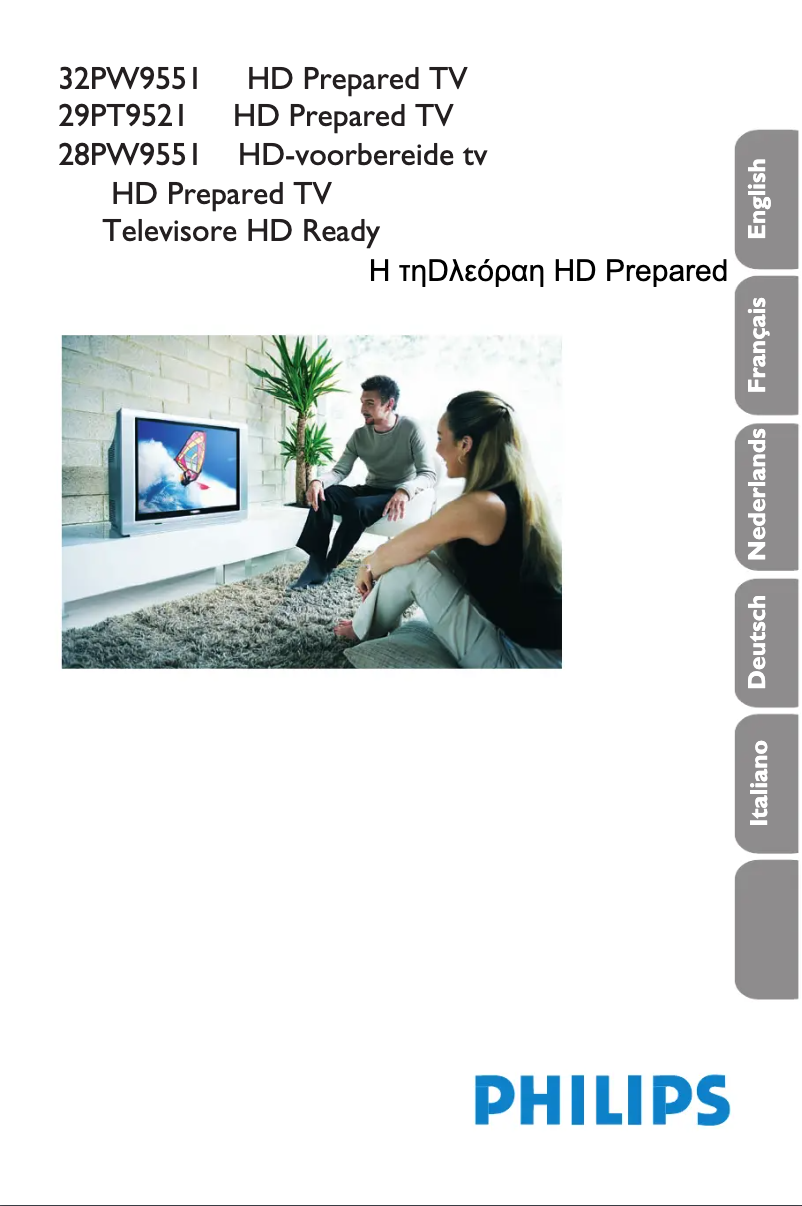
Television Philips 32PW9551

The Philips 32PW9551 television is a quality model that embodies the innovation and expertise of the Philips brand, known for its reliable household appliances. This television is designed to provide an enriching visual experience, with optimal performance suited for various types of multimedia content.

With the Philips 32PW9551, you benefit from an intuitive user interface, making it easy to navigate between different features. Additionally, this model comes with a user manual to help you get the most out of your device.

In summary, the Philips 32PW9551 is a television that combines image quality and ease of use, making it a wise choice for those looking for a high-performing device in the field of television and multimedia.

Manual of product 32PW9551
8 10

Editorial note

The Philips 32PW9551 television benefits from the reputation for quality and durability of the Philips brand, making it a reliable choice for users. Its modern and sleek design allows it to easily fit into various interiors, offering a pleasing aesthetic in addition to its features. In terms of performance, the model provides a satisfactory viewing experience for everyday tasks. However, it is important to note that the display technology is less advanced than that of recent models, which may affect image quality, particularly in terms of contrast and colors. Additionally, the lack of smart features, such as built-in streaming, may limit the user experience, especially for those seeking modern options. The included user manual makes it easy to handle and use the television, making installation and setup straightforward, which is a positive point. On the other hand, the 32-inch size may not suit users looking for a more immersive experience, especially in spacious rooms. Furthermore, the sound may lack power and clarity, which could necessitate the addition of an external audio system for an optimal experience. Finally, while Philips' reputation partly justifies the price, the lack of certain modern features may not provide optimal value for all users. In summary, the Philips 32PW9551 is a good choice for those who prioritize durability and a sleek design, but it may disappoint users looking for more advanced audiovisual performance.

Score details

User experience

The user experience is generally satisfactory thanks to the recognized quality of the Philips brand, but the lack of smart features limits the experience compared to recent models.

Performance

The performance is good for everyday tasks, but the display technology is less advanced, which can affect image quality in terms of contrast and colors.

Design

The design is modern and sleek, allowing the television to easily fit into different interiors.

Value for money

The quality and reliability of the brand partly justify the price, but the lack of certain modern features may not offer good value for money for all users.

Usability

The included user manual makes it easy to understand and use the television, making installation and setup simple.

Robustness

Philips' reputation ensures high durability and reliability, which is a significant advantage for this model.


Advantages

Recognized Philips reliability and durability

Optimal performance for a pleasant viewing experience

User manual included for convenience

Modern design that fits any interior

Innovative technology for image and sound

Disadvantages

No built-in smart features

32-inch size insufficient for some

Image quality inferior to recent models

Sound lacking power and clarity

Outdated connectivity standards like HDMI

Technical Specifications 32PW9551

General Information

Frequently Asked Questions

What is the recommended viewing distance for my Philips TV?
The optimal viewing distance for your Philips TV varies depending on the screen size. Generally, it is about 2.4 times the diagonal of the screen.
What should I do if my TV is not receiving a signal?
If your TV is not receiving a signal, first check the following: - Make sure the TV is set to the correct source. - Check that the connections via the HDMI or SCART input are correct.
What are the dimensions of my TV screen?
The size of your TV is usually given in inches, where 1 inch equals 2.54 centimeters. This size corresponds to the diagonal of the screen, which you should measure from the bottom left corner to the top right corner.
What does the acronym HDMI stand for?
HDMI stands for High-Definition Multimedia Interface. An HDMI cable allows for the transmission of audio and video signals between different devices.
Is it possible to connect Bluetooth devices from different brands?
Yes, Bluetooth technology is universal and allows devices from different brands to connect to each other.
How do I change the picture settings on the Philips 32PW9551 TV?
To adjust the picture settings on the Philips 32PW9551, follow these steps: 1. Press the button to open the main menu. 2. Use the right cursor button to access the picture settings menu. 3. Select the setting to modify using the up/down cursor buttons. 4. Press the right cursor button to start the adjustment. 5. Adjust the specific setting using the up/down buttons. For some settings like brightness and color, a slider will appear on the screen. 6. To return to the previous menu, press the left cursor button. 7. Repeat the steps if you want to adjust other settings. 8. To confirm and exit the menu, press the button several times until the menu disappears. Note that the available settings may vary depending on the model and software version.
Why is the picture on my Philips 32PW9551 TV not clear?
If the picture on your Philips 32PW9551 lacks clarity, here are some possible solutions: 1. Check the picture format. Make sure it is set correctly according to the content (for example, '4:3' for classic content or '16:9' for widescreen). 2. Adjust the picture settings via the menu. 3. Check the signal quality if you are using an external device and ensure everything is properly connected. 4. If problems persist, consider resetting the picture settings to default values as indicated in the manual.
How do I activate the HD function on the Philips 32PW9551 TV?
To activate the HD function on your Philips 32PW9551, follow these steps: 1. Ensure that a high-definition source (HD decoder, Blu-ray player, game console) is connected via an HDMI cable. 2. Press the button to access the main menu. 3. Navigate to the 'Picture Settings' menu. 4. Look for options related to HD settings and select the appropriate setting according to your connection. 5. Adjust the picture settings for optimal viewing in HD. By following these steps, you will be able to enjoy improved picture quality.
Why can't I hear any sound on my Philips 32PW9551 TV?
If you cannot hear sound on your Philips 32PW9551, try these steps: 1. Check the volume to ensure it is not muted or too low. 2. Make sure the correct TV system is selected. 3. Check that all audio cables are properly connected. 4. Access the audio settings and ensure they are configured correctly. 5. If you are using an external audio device, check that it is powered on and properly connected. 6. Check for available software updates. If the problem persists, contact support.
How do I change the audio settings on the Philips 32PW9551 TV?
To adjust the audio settings on the Philips 32PW9551, proceed as follows: 1. Press the button to open the main menu. 2. Select 'Sound' and enter the audio settings menu. 3. You will find options like 'Equalizer', 'Balance', 'Delta Volume', and 'AVL'. 4. Select the setting to adjust using the cursor buttons. 5. Press the right cursor button to start the adjustment. 6. Adjust the setting according to your preferences. 7. To return to the previous screen, use the left cursor button. 8. Repeat if necessary. 9. To exit the menu, press the button several times.
How do I adjust the picture settings on the Philips 32PW9551 TV?
To modify the picture settings on the Philips 32PW9551, follow these steps: 1. Press the button to access the main menu. 2. Use the right cursor button to enter the picture settings menu. 3. Select the setting to modify using the up/down buttons. 4. Press the right cursor button to start the adjustment. 5. Adjust the specific setting. 6. To return to the previous menu, press the left cursor button. 7. Repeat if necessary. 8. To confirm the changes, press the button several times.
Why is the picture on my Philips 32PW9551 TV not clear?
If the picture on your Philips 32PW9551 TV lacks clarity, try these steps: 1. Check the picture format by selecting the correct format suitable for your content. 2. Access the picture settings menu to adjust elements like brightness and contrast. 3. Confirm your adjustments and exit the menu to see if the quality has improved.
How do I activate the HD function on the Philips 32PW9551 TV?
To activate the HD function on your Philips 32PW9551, follow these steps: 1. Ensure that an HD source is connected to the TV. 2. Use an HDMI cable for the connection. 3. Select the correct input source on your TV. 4. Adjust the picture settings according to your preferences to enjoy better visual quality.
Why can't I hear any sound from my Philips 32PW9551 TV?
If you are not receiving sound from your Philips 32PW9551 TV, follow these steps: 1. Check the volume and ensure it is not muted. 2. Verify that the correct TV system is selected. 3. Ensure that the audio connections are correct and that the cables are in good condition. 4. If the problem persists, consult the manual or contact support.
How do I adjust the audio settings on the Philips 32PW9551 TV?
To adjust the audio settings on your Philips 32PW9551, proceed as follows: 1. Press the button to open the main menu. 2. Select 'Sound' to access the audio settings. 3. Choose the setting you wish to adjust. 4. Use the cursor buttons to make your modifications. 5. To confirm and exit, press the button several times.
Is the manual for the Philips 32PW9551 available in French?
Yes, the manual for the Philips 32PW9551 is available in French.

Similar products


Discover the technical sheet of 55LED1600 from Salora and its manuals...
Available manuals:
Discover the technical sheet of 28LED1600 from Salora and its manuals...
Available manuals:
Discover the technical sheet of 43LED1600 from Salora and its manuals...
Available manuals:
Discover the technical sheet of 49PFA4300 from Philips and its manuals...
Available manuals:
Discover the technical sheet of 43PFS4062 from Philips and its manuals...
Available manuals:
Discover the technical sheet of 20LED1600 from Salora and its manuals...
Available manuals:
Discover the technical sheet of 55PFA4300 from Philips and its manuals...
Available manuals:
Discover the technical sheet of 22LED1600 from Salora and its manuals...
Available manuals:
Discover the technical sheet of 6800 series 65PUT6800 from Philips and its manuals...
Available manuals:
Discover the technical sheet of 28PFL3030 from Philips and its manuals...
Available manuals:
Discover the technical sheet of 32LED1600 from Salora and its manuals...
Available manuals:

Presentation of product 32PW9551 specifications from brand Philips

General Information

The Philips 32PW9551 is a television from the Philips brand, known for its quality, innovation, and reliability in the field of electronic devices. This model, with its 32-inch diagonal, is designed to provide satisfactory performance, thus offering a pleasant viewing experience for users.

This television stands out for its modern and elegant design, which integrates harmoniously into various types of interiors. It is equipped with innovative technologies, ensuring good image and sound quality, making it a solid choice for television enthusiasts.


Advantages and Disadvantages

Advantages
  • Known for the reliability and durability of Philips products.
  • Designed to offer optimal performance and viewing comfort.
  • Includes a user manual that facilitates handling.
  • Aesthetically pleasing, fitting any type of decor.
  • Enhanced technology for better image and sound quality.
Disadvantages
  • Lacks smart features, such as built-in streaming or apps.
  • The 32-inch size may be insufficient for spacious rooms.
  • Display technology is less advanced compared to recent models, affecting contrast and colors.
  • The sound may lack power and clarity, requiring an external audio system.
  • May not include the latest connectivity standards, such as HDMI 2.1.