

Manual of product GoGear Vibe
Editorial note
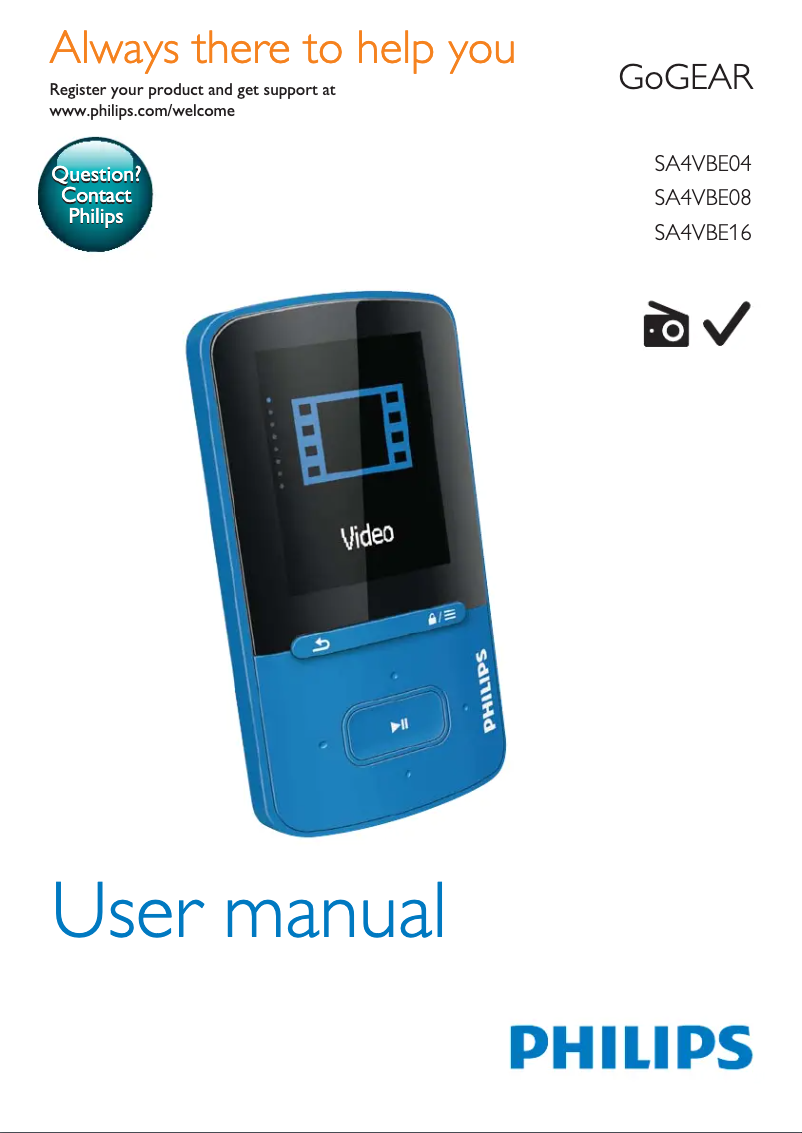
The Philips GoGear Vibe stands out for its compact and lightweight design, making transport and daily use particularly enjoyable. With superior audio quality, it offers an immersive listening experience, although this quality may not satisfy the most demanding audiophiles. However, several drawbacks temper this enthusiasm. The limited storage capacity may restrict the number of songs that can be stored, which can be a hindrance for users wanting a larger music library. Additionally, the user interface is considered not very intuitive, making navigation through the menus less smooth and enjoyable. The absence of modern features such as Bluetooth or wireless connectivity may also disappoint those looking for more contemporary options. Regarding battery life, it proves insufficient for prolonged use, which can be a constraint for regular users. In summary, although the Philips GoGear Vibe has undeniable strengths, particularly in design and audio quality, it also has notable limitations that may influence consumer choice.Score details
User experience
The ease of use with intuitive commands is an asset, but the user interface deemed not very intuitive can harm the overall experience.
Performance
The Philips GoGear Vibe offers superior audio quality, but the sound quality may not satisfy demanding audiophiles.
Battery life
The battery life is insufficient for prolonged use, which can be limiting for regular users.
Design
The compact and lightweight design makes it easy to transport and use daily, making it an excellent choice for mobile users.
Value for money
Although the brand is known for its innovation and reliability, the limited storage capacity and lack of modern features may deter some buyers.
Features
Compatibility with various audio formats is a positive point, but the absence of Bluetooth or wireless connectivity limits the features compared to other devices.
Advantages
Lightweight and compact design for transport
Immersive and high-performance audio quality
Intuitive controls for easy navigation
Compatible with various audio formats
Reliable and innovative brand, durable
Disadvantages
Limited storage for songs
Unintuitive user interface
No Bluetooth or wireless connectivity
Insufficient battery life
Disappointing sound quality for audiophiles
Technical Specifications GoGear Vibe
General Information
-
ModelGOGEAR VIBE
-
Brand
-
Category
-
Type
-
SKU3589
-
MPN3589
Frequently Asked Questions
What is Bluetooth?
How do I turn on my Philips GoGear Vibe MP3 player?
Why is my Philips GoGear Vibe MP3 player not playing music?
How do I add music to my Philips GoGear Vibe?
How can I create playlists on my Philips GoGear Vibe?
Why is my Philips GoGear Vibe not charging?
Is the manual for the Philips GoGear Vibe available in French?
Similar products


More product categories from brand Philips
Audio Philips
Home appliances Philips
Personal care Philips
Household appliances Philips
Interior Philips
Phones Philips
Other Philips
Garden and outdoor Philips
Software Philips
More product types from brand Philips


Presentation of product GoGear Vibe specifications from brand Philips
General Information
The Philips GoGear Vibe is an MP3 player designed by the brand Philips, known for its commitment to quality and innovation in the electronics sector. This model, GoGear Vibe, stands out for its optimal performance, providing an enriching listening experience. The associated EAN code for this product, including references 8712581620370, 8712581620387, 8712581620394, and 8712581637057, allows for precise identification in the distribution system.
Advantages
This MP3 player has several notable advantages:
- Compact and lightweight design: It is easy to carry, making it ideal for daily use.
- Superior audio quality: It offers an immersive listening experience thanks to optimal sound performance.
- Ease of use: Its intuitive controls allow for simple navigation through your music library.
- Compatibility with various audio formats: This ensures flexibility to listen to your favorite tracks without constraints.
- Brand reliability: Philips is synonymous with innovation and durability, ensuring product longevity.
Disadvantages
However, the Philips GoGear Vibe also has some limitations:
- Limited storage capacity: This may restrict the number of songs that can be stored.
- Non-intuitive user interface: This feature may make navigation through menus less smooth.
- Lack of modern features: The absence of Bluetooth or wireless connectivity may be a drawback compared to other contemporary devices.
- Battery life: It may prove insufficient for extended listening sessions without recharging.
- Sound quality: Some audiophiles may not find the sound quality up to their expectations.


