

Manuals of product TX-65JX810E

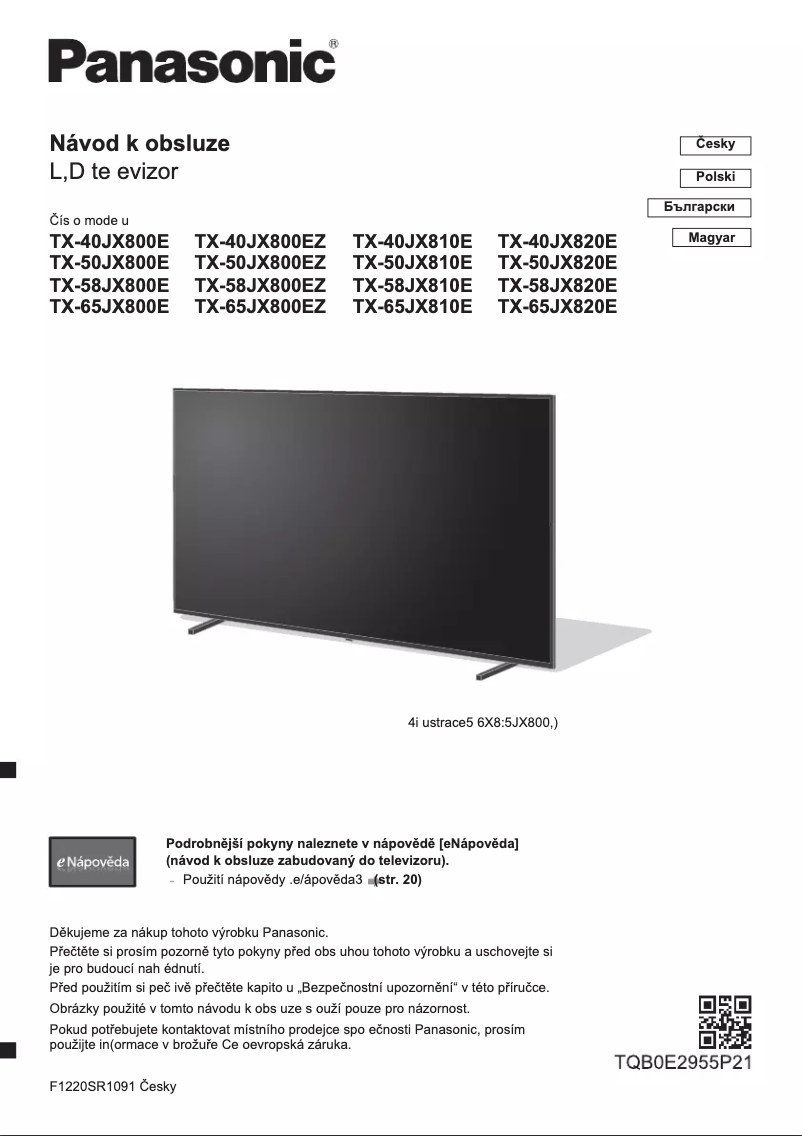
Editorial note
The Panasonic TX-65JX810E is a television that stands out for its exceptional picture quality. Thanks to Panasonic's advanced technology, this model offers vibrant colors and deep contrasts, creating an immersive viewing experience. Its sleek and modern design fits harmoniously into various interior styles, adding an aesthetic touch to your living space. However, some aspects could be improved. The price of this television is relatively high compared to other models of similar size, which may not suit all budgets. Additionally, while the user interface is generally intuitive, some users report navigation difficulties. The maximum brightness may also not be sufficient for very well-lit rooms, thus impacting the viewing experience. Regarding connectivity, although generally comprehensive, the absence of certain recent features like HDMI 2.1 may be regrettable for users of modern consoles. Finally, the built-in audio quality may not meet expectations, often making it necessary to add an external audio system for an optimal experience. In summary, the Panasonic TX-65JX810E is a solid choice for those seeking superior picture quality and an attractive design, although its price and certain limitations in terms of connectivity and audio quality should be taken into account.Score details
User experience
The user experience is generally positive due to an intuitive interface, although some users report navigation difficulties.
Performance
The image quality is exceptional, offering vibrant colors and deep contrasts, but the maximum brightness may be insufficient in very well-lit rooms.
Design
The design is sleek and modern, fitting perfectly into various interior styles, adding an aesthetic touch to the living space.
Value for money
The price is relatively high compared to other models of similar size, which may not suit all budgets.
Features
Although the connectivity options are generally comprehensive, the absence of certain recent features like HDMI 2.1 can be a drawback for users of modern consoles.
Support
The availability of accompanying documents, such as the user manual and quick start guide, makes the installation and use of the television easier.
Robustness
The model is recognized for its durability and reliability, reflecting Panasonic's commitment to the quality of its products.
audio_quality
The built-in audio quality may not meet expectations, requiring an external audio system for an optimal experience.
Advantages
Exceptional and immersive image quality
Elegant design that fits any interior
Intuitive and easily accessible user interface
Accompanying documents for simplified installation
Recognized durability and reliability of Panasonic
Disadvantages
High price for some budgets
Unintuitive user interface
Insufficient brightness in well-lit room
Lack of HDMI 2.1
Disappointing built-in audio quality
Technical Specifications TX-65JX810E
General Information
-
ModelTX-65JX810E
-
Brand
-
Category
-
Type
-
SKU1393377
-
MPN1393377
Frequently Asked Questions
What is the recommended viewing distance for my Panasonic television?
What should I do if my television is not receiving a signal?
What are the dimensions of my television screen?
What does the acronym HDMI stand for?
Is it possible to connect devices from different brands via Bluetooth?
Is the manual for the Panasonic TX-65JX810E available in French?
Similar products


More product categories from brand Panasonic
Home appliances Panasonic
Phones Panasonic
Audio Panasonic
Camera and photography Panasonic
Personal care Panasonic
Other Panasonic
Tools Panasonic
Interior Panasonic
More product types from brand Panasonic








Presentation of product TX-65JX810E specifications from brand Panasonic
General Information
The Panasonic TX-65JX810E is a television from the renowned brand Panasonic, known for its products that combine quality and innovation in the home appliance sector. This model stands out for its impressive performance, offering an enhanced user experience thanks to its advanced technologies.
Advantages
The Panasonic TX-65JX810E is characterized by:
- Exceptional picture quality: Thanks to cutting-edge technologies developed by Panasonic, this television offers vibrant colors and deep contrasts, creating an immersive visual experience.
- Sleek and modern design: Its refined aesthetics allow it to blend harmoniously into all types of interiors, adding a touch of sophistication to your living space.
- Intuitive user interface: Navigating through features and applications is a breeze, making the viewing experience particularly enjoyable.
- Available accompanying documents: The user manual and quick start guide facilitate the installation and use of the television.
- Durability and reliability: Known for its robustness, this model reflects Panasonic's commitment to the quality of its products.
Disadvantages
However, the Panasonic TX-65JX810E also has some drawbacks:
- High price: Compared to other televisions of similar size, its cost may not suit all budgets.
- User interface sometimes not intuitive: Some users have found navigation less smooth than expected.
- Insufficient maximum brightness: In very bright rooms, the brightness may not be adequate, which can affect the viewing experience.
- Limited connectivity options: While generally comprehensive, some modern features like HDMI 2.1 are missing, which can be a drawback for users of recent gaming consoles.
- Integrated audio quality: The sound may not meet expectations, prompting an investment in an external audio system for an optimal experience.


