

Manual of product TX-100FP1E
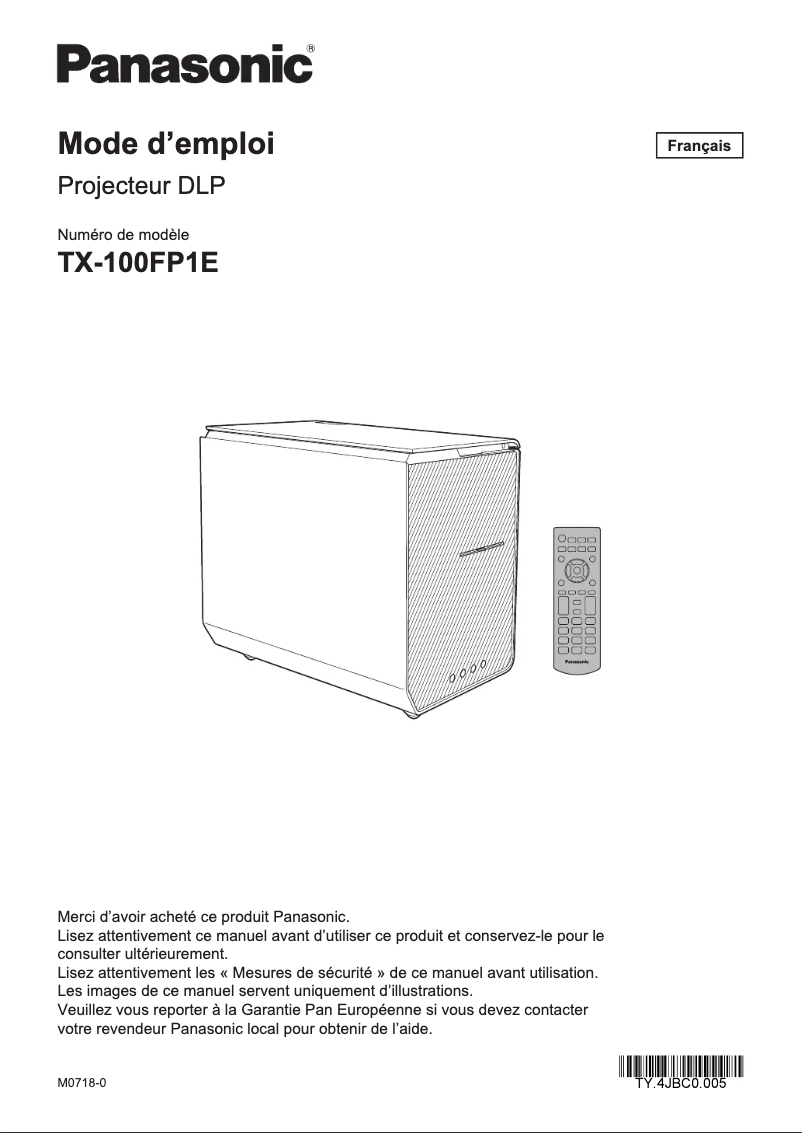
Editorial note
The Panasonic TX-100FP1E is a television that stands out for its build quality and technological innovation. Known for its high standards, Panasonic offers a durable and reliable product. The user experience is optimized thanks to an intuitive interface and user-friendly features, making it enjoyable for the whole family. The visual and audio performance is also excellent, ensuring high-quality entertainment. However, this model has some drawbacks. Its price is relatively high compared to other competitors, which may make it less accessible for some consumers. Additionally, the weight of the television can complicate its installation, potentially requiring the help of several people. The connectivity ports are limited, which could pose problems for those wishing to connect multiple devices simultaneously. Finally, the energy consumption may be higher than that of newer models, leading to higher electricity bills, and the user interface, while generally intuitive, may seem less user-friendly compared to other brands. In summary, the Panasonic TX-100FP1E is a solid choice for those looking for a quality television, but it is important to consider its limitations before making a purchase.Score details
User experience
The user experience is optimized thanks to an intuitive interface and user-friendly features, making it enjoyable for the whole family.
Performance
The visual and sound performance is excellent, thanks to the integrated technological innovation, offering high-quality entertainment.
Value for money
The price is relatively high compared to other models, which may make it less accessible for some consumers.
Support
The product comes with a detailed user manual, making its installation and use easier, which reflects good support.
Design
The build quality is high, but the weight may make the television difficult to handle during installation.
Features
The connectivity ports may be limited, which could pose problems for connecting multiple devices simultaneously.
Battery life
The energy consumption could be higher than that of some newer models, leading to higher electricity bills.
Usability
Although the user interface is generally intuitive, it may seem less user-friendly compared to that of other brands, which could frustrate some users.
Advantages
Superior and durable manufacturing quality
Advanced technologies for a better experience
User-friendly and easy-to-use interface
Detailed user manual included
Reputable brand with excellent customer service
Disadvantages
High price compared to the competition
Difficult weight to handle for installation
Limited connectivity for multiple devices
Higher energy consumption than other models
Less intuitive user interface than others
Technical Specifications TX-100FP1E
General Information
-
ModelTX-100FP1E
-
Brand
-
Category
-
Type
-
SKU1205009
-
MPN1205009
Frequently Asked Questions
What is the recommended viewing distance for my Panasonic television?
What should I do if my television is no longer receiving a signal?
What are the dimensions of my television screen?
What does the acronym HDMI stand for?
Is it possible to connect devices from different brands via Bluetooth?
How do I connect external devices to my Panasonic TX-100FP1E television?
How do I change the picture settings on my Panasonic TX-100FP1E?
Why won't my Panasonic TX-100FP1E television turn on?
How can I connect to the Internet on my Panasonic TX-100FP1E?
Can I customize the audio settings on my Panasonic TX-100FP1E television?
Is the manual for the Panasonic TX-100FP1E available in French?
Similar products


More product categories from brand Panasonic
Home appliances Panasonic
Phones Panasonic
Audio Panasonic
Camera and photography Panasonic
Personal care Panasonic
Other Panasonic
Tools Panasonic
Interior Panasonic
More product types from brand Panasonic








Presentation of product TX-100FP1E specifications from brand Panasonic
General Information
The Panasonic TX-100FP1E is a television from the renowned brand Panasonic, known for its commitment to quality and innovation in the multimedia device sector. This model, the TX-100FP1E, offers optimal performance, ensuring an enriching visual experience for users.
Advantages
This television stands out for its build quality, inherited from Panasonic's high standards, thus ensuring its durability and reliability over the long term. It also incorporates advanced technologies that enhance both the visual and audio experience, allowing for high-quality entertainment. Thanks to its user-friendly interface and intuitive features, the TX-100FP1E is easy to use, making it accessible to all family members. Additionally, a detailed user manual is provided to facilitate the installation and use of the product. Finally, choosing Panasonic means opting for a reputable brand dedicated to providing excellent customer service and effective after-sales support.
Disadvantages
However, some aspects of the TX-100FP1E may be considered limitations. First, its price may be deemed high compared to other competing models, which could make it less accessible for some users. Furthermore, its weight may complicate installation, potentially requiring the assistance of several people. The connectivity ports could also be limited, posing challenges for those wishing to connect multiple devices simultaneously. The energy consumption of this model could exceed that of some newer televisions, leading to higher electricity bills. Finally, the user interface may not be as intuitive as that offered by other brands, which could frustrate some users when navigating the menus.


