
Manual of product ML5720
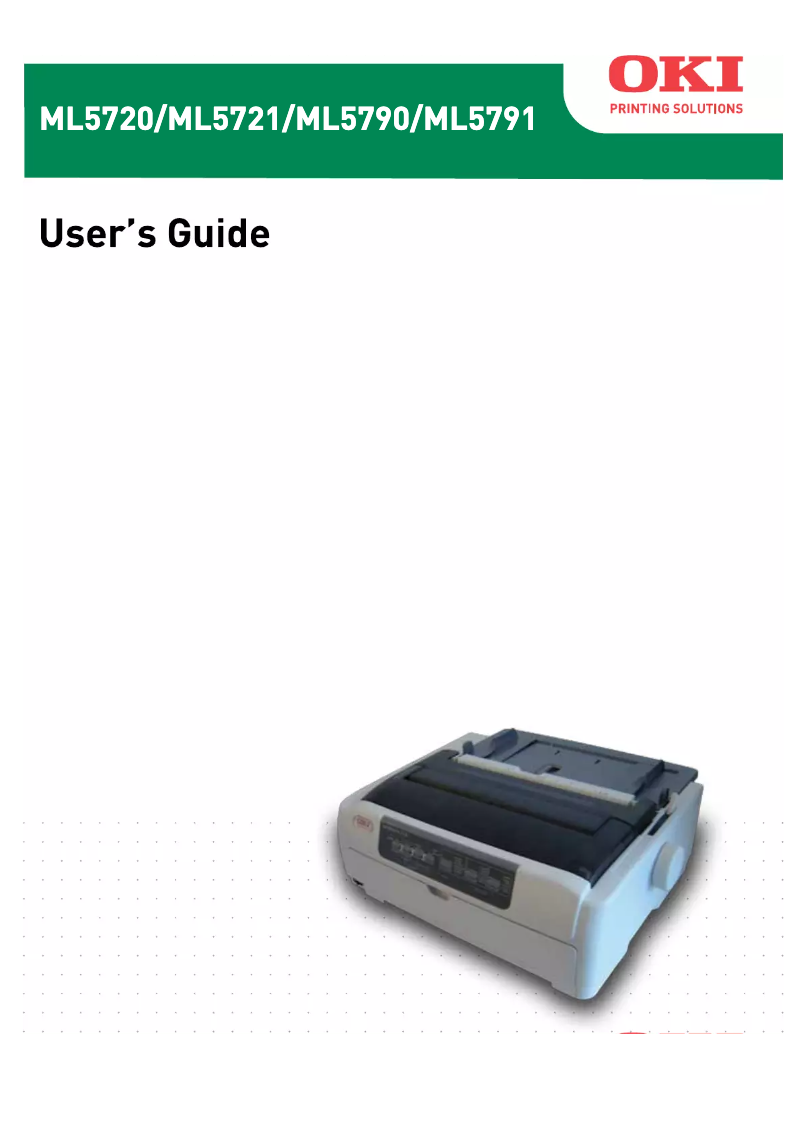
Editorial note
The OKI ML5720 printer stands out for its exceptional print quality, delivering sharp and precise documents, making it an ideal choice for professional environments. Its robust design ensures reliable performance, even with regular use, which is essential for demanding businesses. Additionally, ease of use is a major asset, thanks to a clear manual that facilitates onboarding for all users. However, some drawbacks must be considered. The cost of consumables, such as toners and drums, can quickly increase the overall cost of use. Furthermore, the printer can be relatively noisy during operation, which may pose a problem in quiet workspaces. Its bulkiness can also be a hindrance for those with limited office space. In terms of support, the OKI ML5720 benefits from strong after-sales service, thanks to the brand's reputation. Nevertheless, the installation and initial setup can be complicated for less experienced users, which could delay their optimal use. In summary, the OKI ML5720 is a quality investment for those seeking a reliable and high-performing printer, provided that its operating costs and bulkiness are taken into account.Score details
User experience
Ease of use is a strong point, thanks to a clear user manual, allowing for quick onboarding for all users.
Performance
The print quality is exceptional, producing sharp and precise documents, which is essential in a professional environment.
Design
The design is functional, but the printer can be bulky and requires significant office space.
Value for money
The cost of consumables is high, which increases the overall cost of using the printer.
Support
Technical support is satisfactory, benefiting from the expertise of a recognized brand.
Usability
Installation and initial setup can be complicated for less experienced users.
Robustness
The robust design ensures reliable use, ideal for demanding work environments.
Advantages
Clear and precise impressions
Robust and reliable design
Easy handling
Sustainable investment
Good after-sales service
Disadvantages
High cost of consumables.
Noisy during printing.
Bulky for small spaces.
Limited connectivity.
Complicated installation for beginners.
Technical Specifications ML5720
General Information
-
ModelML5720
-
Brand
-
Category
-
Type
-
SKU860366
-
MPN860366
Frequently Asked Questions
What is the recommended method for removing jammed paper from the printer?
Why is my printer refusing to accept original cartridges?
What could be the reasons for poor print quality?
What is the difference between a laser printer and an inkjet printer?
Why is my inkjet printer printing black streaks?
What does the acronym DPI mean?
Is the OKI ML5720 manual available in French?
Similar products


More product categories from brand OKI
More product types from brand OKI


Presentation of product ML5720 specifications from brand OKI
General Information
The OKI ML5720, manufactured by the renowned brand OKI, stands out for its commitment to quality and innovation in the printing device sector. This model is designed to deliver exceptional performance, thus ensuring an enhanced user experience for professional environments.
Advantages
The OKI ML5720 is particularly appreciated for its remarkable print quality, capable of producing sharp and precise documents, an essential asset for professionals. Its reliability is also a strong point; its robust design allows for intensive use without compromising print quality. The printer is easy to use thanks to a clear user manual, facilitating onboarding for all users, whether they are novices or experienced.
Moreover, the durability of the OKI ML5720 makes it a wise choice for businesses, as it signifies longevity and reliability. Additionally, as a product of a respected brand, it benefits from excellent technical support and responsive after-sales service.
Disadvantages
However, some aspects may be considered disadvantages. The cost of consumables, such as toners and drums, can be high, impacting the total cost of using the printer. Furthermore, the device can be relatively noisy during printing, which could be a drawback in work environments requiring silence.
The OKI ML5720 can also prove to be bulky, requiring significant office space, which could pose a problem in more confined areas. Additionally, connectivity is limited compared to other newer models that offer wireless and cloud features. Finally, the installation and initial setup can be complex for less experienced users, making the onboarding process less intuitive.


