
Manual of product ES8451 Plus
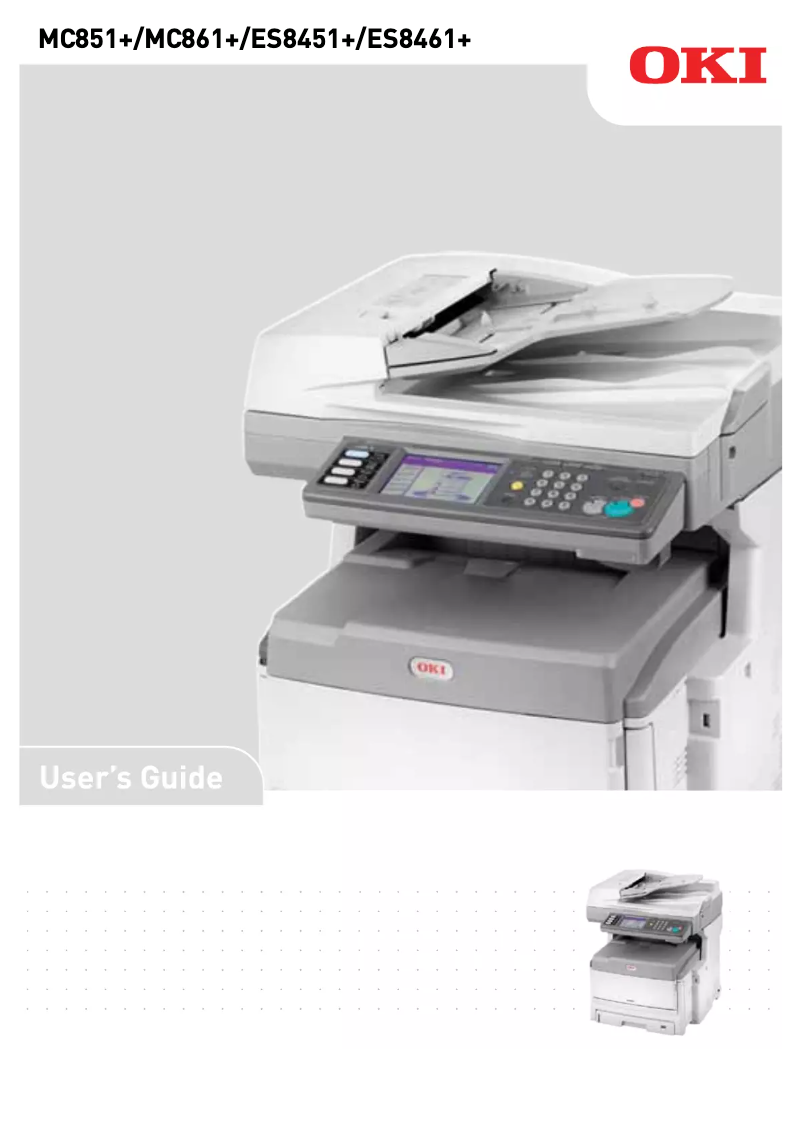
Editorial note
The OKI ES8451 Plus printer stands out for its exceptional print quality, ideal for professional documents and presentations. Its speed makes it a valuable asset for demanding work environments, although the speed may not be sufficient for very high print volumes. It is also versatile, capable of printing on different types of media, which expands its usage possibilities. However, several drawbacks should be considered. The high cost of ink cartridges can represent a significant expense in the long run, making printing less economical. Additionally, the weight and dimensions of the printer complicate its installation and movement, especially in offices with limited space. The user interface, while functional, may seem complex for some, requiring an adjustment period for optimal use. In terms of environmental impact, the OKI ES8451 Plus is energy-efficient, thus helping to reduce operating costs. Its design, although robust, can pose challenges during handling due to its weight. In summary, the OKI ES8451 Plus is a high-performing and quality printer, but the operating costs and complexity of use may be barriers for some users.Score details
User experience
Ease of use is a strong point thanks to a clear user manual, but the interface may seem complex for some users, requiring an adjustment period.
Performance
Print performance is fast and high quality, ideal for work environments, although the speed may be insufficient for very high print volumes.
Value for money
Although print quality is high, the high cost of ink cartridges can make printing less economical in the long run.
Design
The design is functional, but the weight and dimensions of the printer can complicate its installation and movement in tight spaces.
Battery life
The printer is energy-efficient, which helps reduce operating costs and environmental impact.
Robustness
The printer appears robust and well-built, but its weight can pose challenges during handling.
Usability
Installation is simplified, but the complexity of the user interface can make its use less intuitive for some.
Advantages
High-quality prints
Fast and efficient printing
Printing on various media
Significant energy savings
Simple and intuitive use
Disadvantages
High cost of ink cartridges
Unmanageable weight and dimensions
Complex user interface
Insufficient printing speed
Disturbing noise level during operation
Technical Specifications ES8451 Plus
General Information
-
ModelES8451 PLUS
-
Brand
-
Category
-
Type
-
SKU860402
-
MPN860402
Frequently Asked Questions
What is the best method to remove jammed paper from the printer?
Why is my printer rejecting original cartridges?
What could be the reasons for poor print quality?
What is the difference between a laser printer and an inkjet printer?
Why is my inkjet printer producing black lines on prints?
What does the abbreviation DPI mean?
Is the manual for the OKI ES8451 Plus available in French?
Similar products


More product categories from brand OKI
More product types from brand OKI


Presentation of product ES8451 Plus specifications from brand OKI
General Information
The OKI ES8451 Plus printer, designed by the OKI brand, is a model recognized for its excellence in printing and technological innovation. This device is specifically designed to offer high-level performance and an enriching user experience.
Advantages
This printer stands out for:
- Exceptional print quality: The OKI ES8451 Plus produces high-fidelity prints, making it ideal for professional documents and visual presentations.
- Speed of execution: Thanks to its optimized design, it ensures fast printing, which is particularly advantageous in high-demand work environments.
- Versatility: Capable of printing on various types of media, this printer adapts to a multitude of applications, ranging from standard prints to special media.
- Energy efficiency: The OKI ES8451 Plus is designed to be energy-efficient, helping to reduce operating costs while minimizing its environmental impact.
- Ease of use: With a clear user manual, the installation and use of the printer are simplified, allowing for quick handling.
Disadvantages
However, some aspects may be perceived as disadvantages:
- Cost of consumables: Ink cartridges can be expensive, representing a significant long-term expense.
- Weight and dimensions: Its weight and dimensions can complicate installation and movement, especially in small office spaces.
- User interface: The interface may seem complex for some users, requiring an adjustment period for optimal use.
- Print speed: Although satisfactory, the print speed may not be sufficient for high-volume environments, leading to possible delays in production.
- Noise level: The operation of the printer can generate noise that may be disruptive in workspaces requiring calm and concentration.


