
Manual of product ESP C315
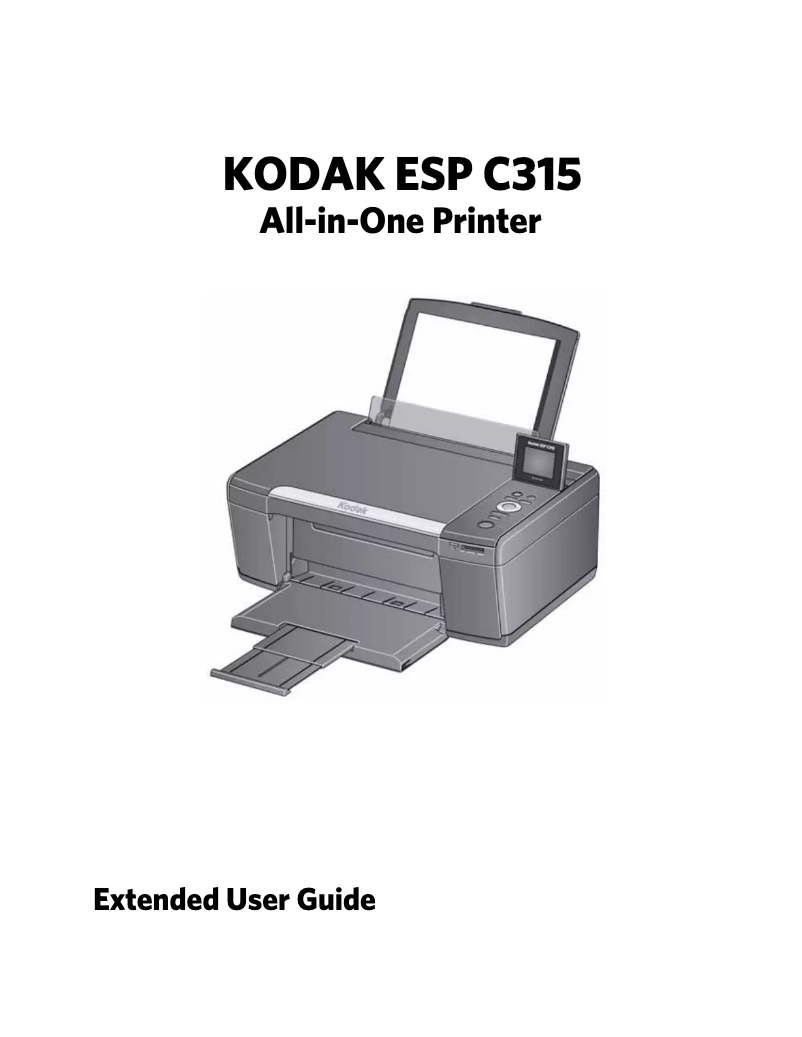
Editorial note
The Kodak ESP C315 printer stands out for its high print quality, delivering vibrant and detailed documents and photos. Its user-friendly interface makes setup and use easy, even for novice users. Additionally, its versatility allows it to adapt to various needs, whether for professional reports or personal photographs. The model is also designed to be energy-efficient, helping to reduce electricity bills while preserving the environment. The reputation of the Kodak brand ensures a robust and durable printer. However, some points may pose issues. The print speed is relatively slow compared to other competing models, which can be a drawback for those with frequent printing needs. The costs of ink cartridges are also high, which can increase the long-term cost of use. Furthermore, the user interface may seem unintuitive to some, making navigation through the settings more complex. Wireless connectivity sometimes encounters stability issues, which can lead to disconnections. Finally, the print quality in photo mode may not satisfy the most demanding users. In summary, the Kodak ESP C315 is a solid option for those looking for a quality printer with good versatility, but it is important to consider its limitations in terms of speed and cost of use.Score details
User experience
The user experience is generally positive due to a user-friendly interface, but some users may find the interface not very intuitive.
Performance
The printing performance is good for standard documents, but the printing speed can be relatively slow compared to other models.
Design
The design is functional and modern, but it is not particularly innovative.
Value for money
The cost of ink cartridges can be high, which increases the long-term cost of use.
Robustness
Kodak is a brand known for its reliability, which ensures good longevity of the printer.
Features
The versatility of the printer is a strong point, capable of printing different types of documents, but wireless connectivity can pose problems.
Support
The included user manual is helpful for beginners, but the lack of online documentation could be improved.
Documentation
The 95-page manual provides clear and detailed explanations on how to use the printer.
Advantages
High-quality prints
User-friendly and easy-to-use interface
Versatile printing for various documents
Energy-saving to reduce bills
Reputable brand for its reliability
Disadvantages
Slow printing speed.
High cost of ink cartridges.
Unintuitive user interface.
Unstable wireless connectivity.
Disappointing photo quality.
Technical Specifications ESP C315
General Information
-
ModelESP C315
-
Brand
-
Category
-
Type
-
SKU860510
-
MPN860510
Frequently Asked Questions
What is the recommended method for removing paper jammed in the printer?
Why is my printer not recognizing the original cartridges?
What are the possible reasons for poor print quality?
How does a laser printer differ from an inkjet printer?
Why does my inkjet printer leave black streaks on prints?
What does the acronym DPI mean?
Is the manual for the Kodak ESP C315 available in French?
Similar products


More product categories from brand Kodak
More product types from brand Kodak






Presentation of product ESP C315 specifications from brand Kodak
General Information
The Kodak ESP C315 printer stands out due to the renowned Kodak brand, famous for its commitment to quality and innovation in the home appliance sector. This model, the ESP C315, is designed to deliver reliable performance, thus facilitating an enriched and intuitive user experience.
Advantages
- High print quality: The Kodak ESP C315 produces sharp and vibrant prints, whether for professional documents or personal photos.
- Ease of use: With its user-friendly interface and user manual, this printer is accessible even to novice users.
- Versatility: Capable of printing a wide range of documents, it easily adapts to the varied needs of users.
- Energy efficiency: Designed to be energy-saving, it helps reduce electricity costs while being environmentally friendly.
- Brand reliability: Kodak is synonymous with durability and innovation, ensuring a robust printer suitable for prolonged use.
Disadvantages
- Print speed: This model can be relatively slow compared to other printers on the market, which may pose a problem for users with high printing needs.
- Ink cartridge costs: Ink cartridges can be expensive, thus increasing the long-term usage cost.
- User interface: Some users may find the interface not very intuitive, making navigation through printing options more complex.
- Wireless connectivity: Stability issues in the wireless connection may occur, leading to frequent disconnections when printing from various devices.
- Print quality in photo mode: For users demanding high image quality, the results in photo mode may not meet expectations.


