

Manuals of product ZX430i

Editorial note
The Godex ZX430i printer stands out for its superior print quality, delivering clear and precise documents, particularly valued in professional environments. Its innovative design and advanced technical features enhance the user experience, making the device efficient and high-performing. The durability of this model is also a major asset, making the investment a wise choice for those seeking reliable and robust equipment. However, some drawbacks are worth noting. The cost of consumables, such as ribbons and paper, can be high, thus increasing the total cost of use. Additionally, while the print speed is acceptable, it may be lower than that of some competitors, which could be a drawback for users needing rapid production. The user interface, sometimes deemed not very intuitive, can make initial setup more challenging for some, and the noise level during printing may be disruptive in quiet work environments. Finally, the lack of wireless features limits usage flexibility, requiring a direct connection to a computer for printing. Overall, the user experience is positive thanks to an accessible user manual and a good level of support provided by the available documentation. However, improvements could be made in certain areas to make it an even more competitive printer in the market.Score details
User experience
The user experience is generally positive thanks to an accessible user manual, but the interface can be somewhat unintuitive for some users.
Performance
The performance is good, with superior print quality, but the speed may be lower than that of some competitors.
Value for money
The cost of consumables can be high, which increases the total cost of using the printer, although durability is an advantage.
Robustness
Durability is a major asset, as Godex printers are known for their longevity, making them a wise investment.
Support
The available documents, such as the user manual and brochure, provide a good level of support for users.
Usability
Ease of use is present due to a simple handling, but the lack of wireless features limits flexibility.
Advantages
High-quality printing
Innovative technology
Simple and quick to use
Reliable and continuous performance
Sturdy and durable
Disadvantages
High cost of consumables
Print speed lower than the competition
Non-intuitive user interface
Relatively high printing noise
No wireless features
Technical Specifications ZX430i
General Information
-
ModelZX430I
-
Brand
-
Category
-
Type
-
SKU1569575
-
MPN1569575
Frequently Asked Questions
What is the recommended method for removing jammed paper from the printer?
Why is my printer not recognizing the original cartridges?
What are the possible causes of poor print quality?
How does a laser printer differ from an inkjet printer?
Why is my inkjet printer producing black lines on prints?
What does the acronym DPI mean?
Is the manual for the Godex ZX430i available in French?
Similar products


More product categories from brand Godex


Presentation of product ZX430i specifications from brand Godex
General Information
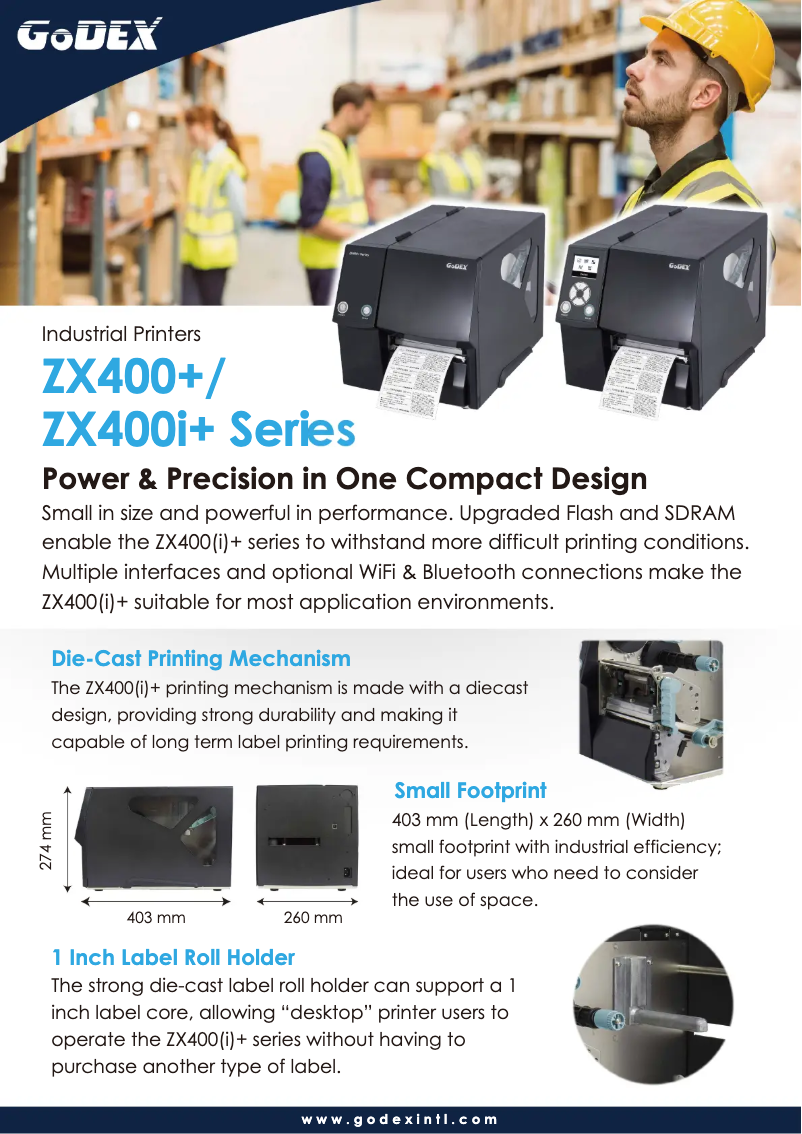
The Godex ZX430i printer, manufactured by the Godex brand, is a device recognized for its robustness and innovation in the printing sector. This model, designated by the reference ZX430i, is designed to deliver high-quality performance, thus ensuring an optimized user experience.
Advantages
The Godex ZX430i stands out for its superior print quality, producing documents with remarkable clarity and precision, which is essential in professional environments. Its innovative design incorporates advanced technical features that simplify use and enhance efficiency.
The handling of the printer is facilitated by a clear user manual and an informative brochure, allowing for immediate use. Additionally, the reliability of this model ensures continuous printing without interruptions, a major asset for high-activity businesses.
Finally, the durability of Godex printers is well established, making it a wise choice for those seeking a device that is both robust and reliable.
Disadvantages
However, there are a few disadvantages to consider. The cost of consumables, such as ribbons and paper, can be relatively high, thus increasing the total cost of use. Moreover, the print speed, while acceptable, may be lower than that of some competing models, which may not suit users with rapid production needs.
Furthermore, the user interface may seem unintuitive, making the initial setup more complex for some. The level of noise during printing can also be a drawback, particularly in quiet work environments. Finally, the lack of wireless features limits usage flexibility, requiring a direct connection to a computer for printing.


