
Manual of product CTRL V1
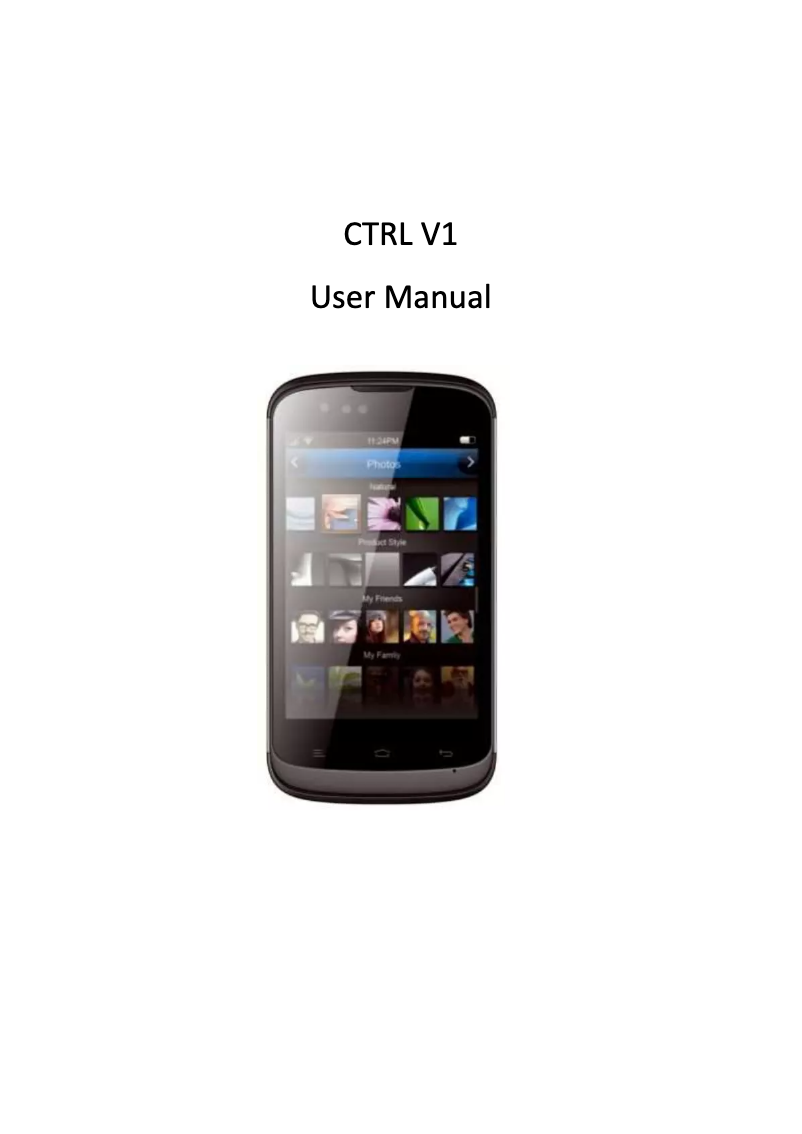
Editorial note
The Gionee CTRL V1 is a smartphone that combines performance and user-friendliness, offering a pleasant user experience thanks to its intuitive interface and features tailored to modern needs. Users appreciate its responsiveness during daily use, although some resource-intensive applications can sometimes lead to slowdowns. However, battery life is a weak point, requiring frequent recharges, especially during intensive use. Additionally, the camera quality is inferior to that of other models in the same range, which may disappoint photography enthusiasts. The build materials, while well-crafted, give an impression of fragility, and the lack of regular software updates raises concerns about security and the durability of the user experience. Despite these drawbacks, the value for money is reasonable, especially considering the performance and innovation brought by the Gionee brand. In summary, the Gionee CTRL V1 is an interesting choice for those looking for a reliable and ergonomic smartphone, but it is important to be aware of its limitations.Score details
User experience
The user experience is generally positive thanks to a user-friendly interface and suitable features, although some performance may be slow with resource-intensive applications.
Performance
The performance is satisfactory for daily use, but can become limited when using demanding applications.
Battery life
The battery life is limited, requiring frequent recharges during intensive use.
Design
The design is ergonomic and neat, but the construction materials seem less premium, giving an impression of fragility.
Value for money
The value for money is reasonable, especially considering the performance and innovation of the brand, although the camera is inferior to other similar models.
Support
The lack of regular software updates can pose security issues and harm the long-term user experience.
Advantages
Fluid and responsive performance
Commitment to quality and innovation
User manual included
User-friendly and suitable interface
Ergonomic and comfortable design
Disadvantages
Limited battery life
Inferior quality camera
Lack of regular updates
Unattractive and fragile design
Slow performance with demanding applications
Technical Specifications CTRL V1
General Information
-
ModelCTRL V1
-
Brand
-
Category
-
Type
-
SKU927367
-
MPN927367
Frequently Asked Questions
How can I reset my Gionee CTRL V1?
What should I do if my SIM card is too small for my Gionee phone?
What is the IMEI number?
What are the dimensions of my smartphone's screen?
Is there a risk of my smartphone's battery exploding?
Is the manual for the Gionee CTRL V1 available in French?
Similar products


More product categories from brand Gionee
Phones Gionee
More product types from brand Gionee


Presentation of product CTRL V1 specifications from brand Gionee
General Information
The Gionee CTRL V1 is a smartphone from the Gionee brand, known for its innovation and quality in the mobile device sector. This model is designed to provide optimal use, ensuring an enhanced user experience through its smooth and responsive performance.
The Gionee CTRL V1 stands out with its user-friendly interface, tailored to the needs of today's users. Its ergonomic design ensures a pleasant grip, allowing for extended use without fatigue.
Advantages
Among the strengths of the Gionee CTRL V1, we note:
- Optimal performance: This smartphone is designed for a smooth and enjoyable daily use.
- Brand innovation: Gionee is synonymous with reliability and durability, offering a device that meets user expectations.
- User manual included: The product comes with a guide, making it easier to discover all its features.
- Enhanced user experience: The model meets modern demands with an intuitive interface.
- Ergonomic design: Its neat appearance allows for comfortable and prolonged use.
Disadvantages
However, the Gionee CTRL V1 also has some limitations:
- Limited battery life: Intensive use may require frequent recharges.
- Camera quality: Less performant compared to other models in the same range, which may disappoint photography enthusiasts.
- Lack of software updates: The absence of regular updates may leave unresolved security vulnerabilities and affect the user experience.
- Construction materials: The design and materials used may seem less premium, conveying an impression of fragility.
- Limited performance: Some demanding applications may make the user experience less smooth.


