

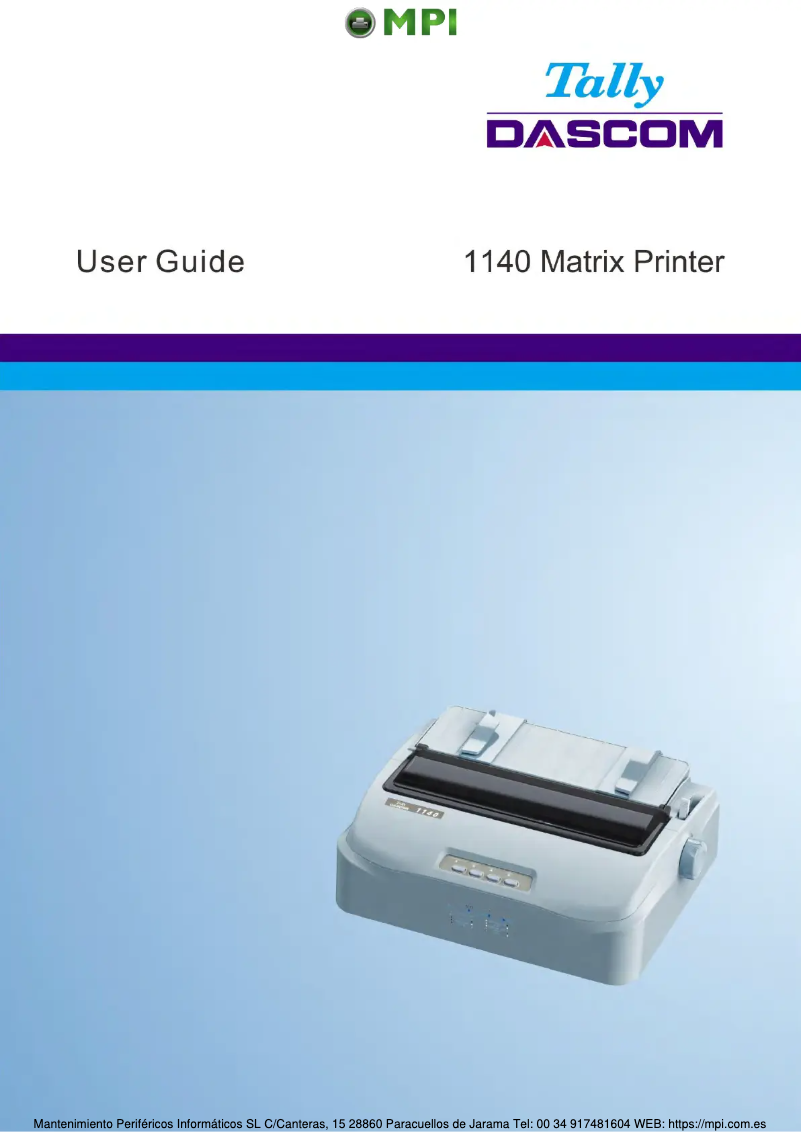
Manual of product Tally 1140
Editorial note
The Dascom Tally 1140 printer stands out for its robustness and performance. With a maximum printing speed of 400 characters per second, it is designed to meet frequent printing needs, making it an ideal choice for demanding work environments. Its durability is also noteworthy, particularly due to a print head with an impressive lifespan of 400 million characters, as well as a mean time between failures of 12,000 hours, ensuring prolonged use without interruptions. However, this printer has some limitations. It only prints in black and white, which can be a drawback for those who need color documents. Additionally, while its maximum resolution of 140 x 244 DPI is adequate for many uses, it may not satisfy users looking for very fine print quality, especially for documents with precise details. The weight of 5000 g can also make its installation less convenient in small workspaces. Regarding user experience, the Dascom Tally 1140 offers extensive compatibility with various Windows operating systems, allowing for easy integration into different computing environments. Its efficient paper management, thanks to a suitable feeding system, and its quiet operation at 51 dB make it a wise choice for noise-sensitive offices. Overall, the Dascom Tally 1140 offers good value for money, combining durability and practical features, although it may not be the best option for those requiring color printing or high resolution. The detailed user manual also facilitates product handling, which is an asset for new users.Score details
User experience
The user experience is generally positive due to the extensive compatibility with various Windows operating systems, providing easy integration into different computing environments.
Performance
Although the printing speed of 400 characters per second is satisfactory, it may seem slower compared to other modern models, especially for high-quality prints.
Design
The design is functional, but the weight of 5000 g can make the printer less convenient to move or install in small workspaces.
Value for money
The product offers good value for money with its durability and longevity, particularly due to the print head having a lifespan of 400 million characters.
Usability
The efficient paper management and quiet operation at 51 dB make this printer a suitable choice for noise-sensitive environments.
Features
The maximum resolution of 140 x 244 DPI may be insufficient for users requiring very fine print quality, limiting its use for documents with precise details.
Documentation
The 107-page user manual provides detailed information, making it easier to get acquainted with the product.
Advantages
Fast printing: 400 characters per second
Durability: 400 million characters
Compatible with many Windows systems
Versatile paper feed: Pull and Push
Quiet operation at 51 dB
Disadvantages
Prints only in black and white
Slow printing speed compared to others
Insufficient resolution for fine details
Heavy weight, difficult to move
Duty cycle limited to 6000 pages
Technical Specifications Tally 1140
General Information
-
ModelTALLY 1140
-
Brand
-
Category
-
Type
-
SKU1678664
-
MPN1678664
Print speed
-
Maximum print width-
-
ColorNo
-
Maximum printing speed400 characters per second
-
Maximum resolution140 x 244 DPI
-
Maximum print speed (draft quality)300 characters per second
-
Bitmap fontsCourier, Draft, Gothic, OCR-A, OCR-B, Orator, Prestige, Roman, Sans Serif, Script, Souvenir
-
Maximum number of copies4 copies
-
Maximum print speed (NLQ)75 characters per second
-
Embedded barcodesCode 128 (A/B/C), Code 39, EAN13, EAN8, Interleaved 2/5, POSTNET, UPC-A, UPC-E
Autonomy
-
Lifespan of the print head400 million characters
-
Print head9 pins
-
Lifespan of the ribbon7 million characters
-
Service cycle (Maximum)6000 pages per month
-
Mean time between failures12000 h
-
Print directionBi-directional
Connectivity
-
Standard interfacesEthernet
-
USB 2.0
Paper management
-
Paper feedingPushing tractor
-
Average weight of cutting sheet52 - 100 g/m²
-
Cutting leaf length rank114 - 362 mm
-
Continuous paper length rank114 - 558 mm
Weight and dimensions
-
Width369 mm
-
Depth283 mm
-
Height130 mm
-
Weight5000 g
Power
-
AC input voltage100-230 V
-
AC input frequency50 - 60 Hz
-
Consumption (eco mode)2 W
Features
-
Sound pressure level (impression)51 dB
-
Buffer size- Ko
-
Product colorWhite
Minimum system requirements
-
Support for the Windows operating systemWindows 10
-
Support for the server operating systemWindows 10 Education
-
Windows 10 Education x64
-
Windows 10 Enterprise
-
Windows 10 Enterprise x64
-
Windows 10 Home
-
Windows 10 Home x64
-
Windows 10 Pro
-
Windows 10 Pro x64
-
Windows 10 x64
-
Windows 8
-
Windows 8 Enterprise
-
Windows 8 Pro
-
Windows 8 Pro x64
-
Windows 8 x64
-
Windows 8.1
-
Windows 8.1 Enterprise
-
Windows 8.1 Enterprise x64
-
Windows 8.1 Pro
-
Windows 8.1 Pro x64
-
Windows 8.1 x64
-
Windows Server 2012
-
Windows Server 2012 R2
-
Windows Server 2012 R2 x64
-
Windows Server 2012 x64
-
Windows Server 2016
-
Windows Server 2016 x64
-
Windows Server 2019
Environmental conditions
-
Operating temperature5 - 35 °C
-
Operating relative humidity (H-H)10 - 80 %
Frequently Asked Questions
What is the weight of the Dascom Tally 1140?
How can I remove the paper jammed in the printer?
Why is my printer not accepting original cartridges?
What could be the reasons for poor print quality?
What is the difference between a laser printer and an inkjet printer?
Why is my inkjet printer producing black lines?
What does the abbreviation DPI mean?
What is the height of the Dascom Tally 1140?
What is the width of the Dascom Tally 1140?
What is the depth of the Dascom Tally 1140?
Is the manual for the Dascom Tally 1140 available in French?
Similar products


More product categories from brand Dascom
More product types from brand Dascom


Presentation of product Tally 1140 specifications from brand Dascom
General Information
The model Dascom Tally 1140, manufactured by the renowned brand Dascom, stands out for its quality and innovation in the printer sector. This model, bearing the reference Tally 1140 | 28.825.0260, is designed to deliver optimal performance and a satisfying user experience. The EAN code 6945882900205 allows for unique identification of the product in the distribution system.
Print Speed
The Dascom Tally 1140 does not offer color printing, making it ideal for black and white prints. Its print speed reaches a maximum of 400 characters per second, thus optimizing productivity in work environments where frequent printing is necessary. With a maximum resolution of 140 x 244 DPI, it ensures print clarity suitable for various needs. In draft mode, the print speed can reach 300 characters per second, making this printer effective for less demanding documents. Additionally, it supports up to 4 copies simultaneously and features bitmap fonts for quick and efficient reading of information. The integrated barcode supports multiple formats, ensuring accurate and fast reading.
Longevity
The print head of the Dascom Tally 1140 has an impressive lifespan of 400 million characters, ensuring durable performance. Equipped with 9 pins, it also guarantees consistent print quality. The ribbon has a longevity of 7 million characters, allowing for prolonged use. This printer is designed for a maximum service cycle of 6000 pages per month, suitable for the needs of heavy users. The average time between failures is 12,000 hours, demonstrating its reliability. Its bi-directional print direction optimizes speed while maintaining high print quality.
Connectivity
The Dascom Tally 1140 is equipped with standard interfaces, ensuring effective connectivity and facilitating integration with various devices, which is particularly useful in diverse work environments.
Paper Management
Its paper feeding system combining Pull tractor and Push tractor allows for smooth paper management during printing. The recommended weight of sheets is between 52 and 100 g/m², ensuring optimal print quality. The cut sheet dimensions range from 114 to 362 mm, while continuous paper can extend from 114 to 558 mm, thus offering flexibility for different formats.
Weight and Dimensions
The dimensions of the Dascom Tally 1140 are 369 mm wide, 283 mm deep, and 130 mm high, ensuring easy integration into various spaces. With a weight of 5000 g, it remains relatively easy to handle.
Power
The AC input voltage of the printer is 100-230 V, ensuring its compatibility with standard electrical systems. The input frequency is 50 - 60 Hz, for optimal operation. In economy mode, the consumption is limited to 2 W, which helps reduce operating costs.
Features
The noise level in print mode is 51 dB, ensuring relatively quiet operation, which is an asset for noise-sensitive work environments. Its white color gives it a modern and elegant aesthetic.
Minimum System Requirements
The Dascom Tally 1140 is compatible with several Windows operating systems, including recent versions like Windows 10 and Windows Server 2019, making it easy to integrate into various IT environments.
Environmental Conditions
For optimal operation, the printer requires an operating temperature between 5 and 35 °C and a relative humidity of 10 to 80 %, thus offering flexibility of use in different ambient conditions.


