

Manuals of product CAD 2018
Editorial note
Corel CAD 2018 stands out for its extensive compatibility with various Windows operating systems, thus offering easy integration into different work environments. This flexibility is a major asset for users operating in contexts requiring a diversity of systems. However, it is unfortunate that this product is not compatible with Mac systems, which limits its accessibility for some users. In terms of performance, the minimum system configuration allows for use on older machines, although some users may find these requirements a bit high, particularly those using older hardware. The recommended RAM and required disk space can be restrictive for those with limited storage. Corel CAD 2018 offers an educational license that makes the product accessible to students and teachers, but this restriction may hinder professionals who do not fall under the educational domain. In terms of support, access to help documents, such as the user manual and assembly instructions, is a significant advantage, facilitating optimal use of the product. Finally, the functional and aesthetic design of Corel CAD 2018 optimizes space in a work or learning environment. However, the minimum display resolution of 1280 x 768 pixels may not meet the expectations of users with high-definition screens. Overall, Corel CAD 2018 is a robust tool for users in the educational field, although it has limitations in terms of compatibility and system specifications.Score details
User experience
The user experience is generally positive due to the extensive compatibility with various Windows operating systems, but the incompatibility with Mac systems limits accessibility.
Performance
The minimum configuration allows use on older machines, but may be considered high for some users with outdated hardware.
Value for money
The educational license makes the product accessible to students and teachers, but restricts its use for professionals outside the educational field.
Support
Access to help documents such as the user manual and assembly instructions provides additional support for optimal product use.
Design
The functional and aesthetic design optimizes space in a work or learning environment, although the minimum display resolution may not satisfy users of high-definition screens.
Advantages
Compatibility with multiple Windows systems
Minimum system requirements for older machines
Educational license for students and teachers
Help documents available for user support
Optimized functional and aesthetic design
Disadvantages
Incompatible with Mac systems
High minimum configuration for older hardware
EDU license limited to educational users
500 GB hard disk space required
Minimum display resolution not well suited
Technical Specifications CAD 2018
General Information
-
ModelCAD 2018
-
Brand
-
Category
-
Type
-
SKU1044841
-
MPN1044841
Minimum system requirements
-
PlatformWin/Mac
-
Minimum RAM2048 MB
-
Minimal disk space500 MB
-
Minimal processorIntel Core 2 Duo/AMD Athlon x2 Dual-Core
-
Minimum display resolution1280 x 768 pixels
-
Recommended RAM memory8192 MB
-
Recommended hard drive space500 GB
-
Internet ConnectionYes
-
Support for the Windows operating systemWindows 10, Windows 10 Education, Windows 10 Education x64, Windows 10 Enterprise, Windows 10 Enterprise x64, Windows 10 Home, Windows 10 Home x64, Windows 10 IOT Core, Windows 10 Pro, Windows 10 Pro x64, Windows 7, Windows 7 Enterprise, Windows 7 Enterprise x64, Windows 7 Home Basic, Windows 7 Home Basic x64, Windows 7 Home Premium, Windows 7 Home Premium x64, Windows 7 Professional, Windows 7 Professional x64, Windows 7 Starter, Windows 7 Starter x64, Windows 7 Ultimate, Windows 7 Ultimate x64, Windows 8, Windows 8 Enterprise, Windows 8 Enterprise x64, Windows 8 Pro, Windows 8 Pro x64
-
Internet ConnectionYes
-
Support for the Mac operating systemMac OS X 10.10 Yosemite, Mac OS X 10.11 El Capitan, Mac OS X 10.12 Sierra
-
Minimum system requirementsOpenGL 1.4
License
-
LanguageMultilingual
-
Type of licensesEducation (EDU)
-
Quantity of licenses1 degree(s)
-
TypeComputer-Aided Design (CAD)
Frequently Asked Questions
Which operating system is compatible with Corel CAD 2018?
Is the user manual for Corel CAD 2018 available in French?
Similar products


More product categories from brand Corel
Software Corel
Other Corel
More product types from brand Corel


Presentation of product CAD 2018 specifications from brand Corel
General Information
Corel CAD 2018 is software developed by the Corel brand, known for its commitment to quality and innovation in the field of computer-aided design software. The model of this product, identified under the reference CAD 2018 | LCCCAD2018MPCMA1, is designed to offer optimal performance, thus fostering an enriching user experience.
Minimum System Requirements
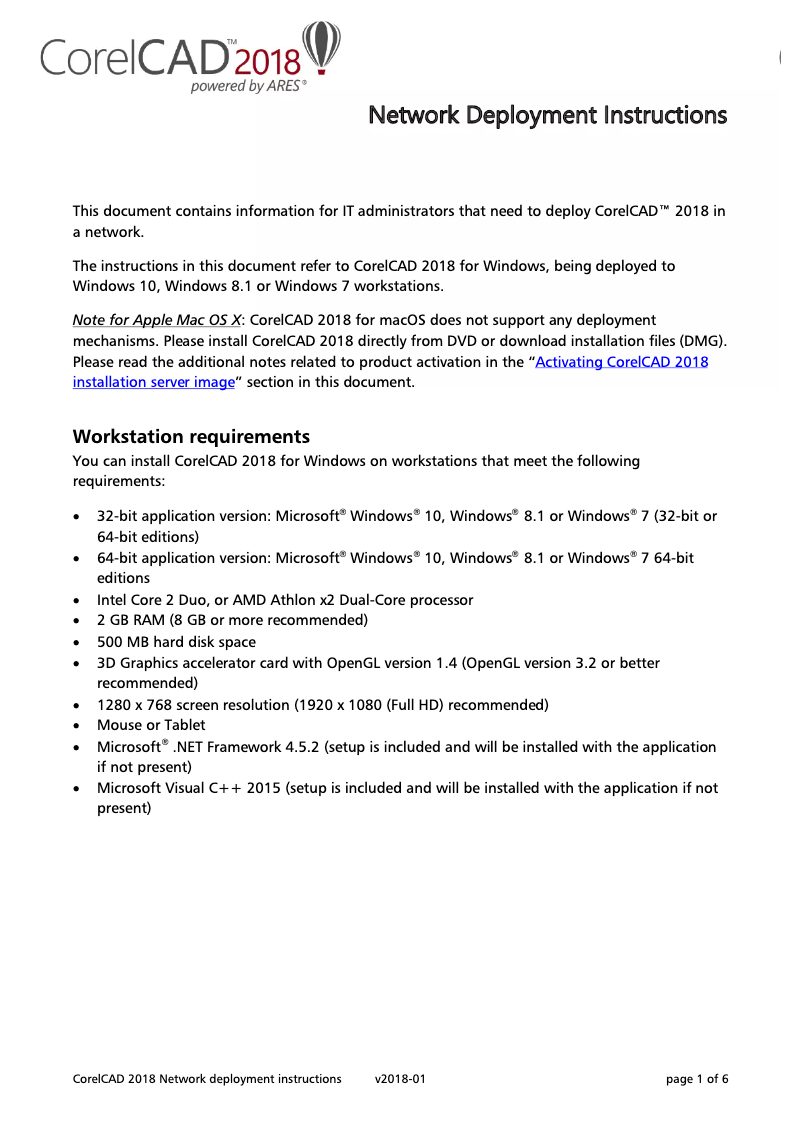
Corel CAD 2018 is compatible with Windows operating systems, ensuring smooth integration into various work environments. For effective use, the minimum required RAM is 2048 MB, ensuring adequate operation of applications. A disk space of at least 500 MB is necessary for proper data storage, while the minimum recommended processor is an Intel Core 2 Duo or an AMD Athlon x2 Dual-Core, capable of handling common tasks.
The display resolution of 1280 x 768 pixels allows for acceptable viewing, although users with high-definition screens may find this limited. For an optimal experience, a RAM of 8192 MB is recommended, as well as a recommended hard disk space of 500 GB for storage. It is important to note that Corel CAD 2018 is not compatible with Mac systems, which restricts its accessibility to a wider range of users.
The software supports a variety of Windows operating systems, including Windows 10 in its various editions, as well as Windows 7 and Windows 8. An Internet connection is also required to access online resources, thus facilitating daily use and support.
Regarding graphic requirements, the minimum system configuration includes OpenGL 1.4, essential for ensuring the proper functioning of the software.
License
Corel CAD 2018 is offered with an educational license (EDU), specifically designed to meet the needs of users in the education sector. This type of license is limited to one user, which can be restrictive for those not in the academic field. The software is structured under an island design, thus optimizing space in a work or learning environment.


