

Manual of product MFC-7480D
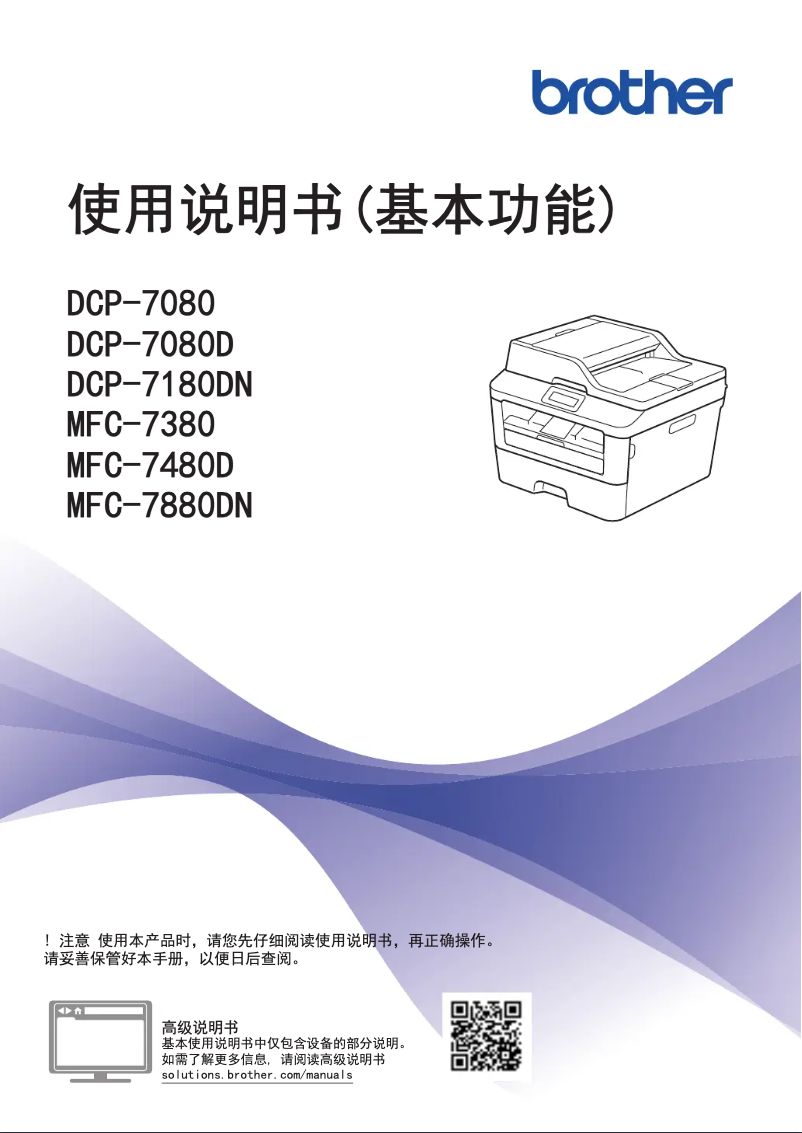
Editorial note
The Brother MFC-7480D printer stands out for its functional versatility, offering printing, scanning, copying, and faxing capabilities. This multifunctionality effectively meets the diverse needs of users, whether for professional documents or various office tasks. Additionally, the print quality is sharp and precise, ensuring satisfactory results for most users. However, a few drawbacks must be considered. Its bulkiness can pose problems in tight spaces, and while the printing speed is acceptable, it may not be sufficient for those with high printing needs. Furthermore, the high cost of ink cartridges can strain the budget in the long run, and some users have reported connectivity issues with wireless networks. Regarding user experience, the Brother MFC-7480D is generally well-rated, particularly due to its intuitive interface and accessible user manual. The Brother brand is also known for the robustness of its products, providing peace of mind to users. However, the color print quality may not meet the expectations of graphic professionals or those needing high-quality photo prints. In summary, the Brother MFC-7480D is a solid option for users looking for a reliable and high-performing multifunction printer, despite some limitations in terms of design and operating costs.Score details
User experience
The user experience is very positive due to the ease of use and an accessible user manual, facilitating onboarding.
Performance
The printing performance is good, but the speed may be insufficient for users with high printing needs.
Design
The design is functional, but the printer can be bulky and difficult to place in tight spaces.
Value for money
The cost of ink cartridges can be high, increasing the total cost of ownership in the long run.
Robustness
The Brother brand is recognized for the durability of its products, providing peace of mind to users.
Features
The printer's functional versatility, including printing, scanning, copying, and faxing, meets various office needs.
Support
Although support is generally good, some users have encountered connectivity issues with wireless networks.
Advantages
High-quality and precise printing
Multifunction features: printing, scanning, faxing
Reliable and durable brand
Intuitive and easy to use
Built-in energy saving
Disadvantages
Bulky, difficult to place in small spaces.
Print speed lower than some competitors.
Expensive ink cartridges to replace.
Reported wireless connectivity issues.
Disappointing color print quality for professionals.
Technical Specifications MFC-7480D
General Information
-
ModelMFC-7480D
-
Brand
-
Category
-
Type
-
SKU1822164
-
MPN1822164
Frequently Asked Questions
What is the recommended method for removing paper jammed in the printer?
Why is my printer refusing to accept original cartridges?
What could be the reasons for poor print quality?
What are the differences between a laser printer and an inkjet printer?
Why is my inkjet printer producing black streaks on prints?
What does the acronym DPI mean?
Is the manual for the Brother MFC-7480D available in French?
Similar products


More product categories from brand Brother
Home appliances Brother
Other Brother
Tools Brother
Phones Brother
Interior Brother
More product types from brand Brother


Presentation of product MFC-7480D specifications from brand Brother
General Information
The Brother MFC-7480D printer is a multifunction model from the Brother brand, known for its commitment to quality and innovation in the electronics sector. This MFC-7480D model stands out for its reliable performance and optimized user experience, making it a wise choice for various work environments.
Advantages
High-quality printing: The Brother MFC-7480D produces clear and precise prints, making it ideal for professional documents and presentations.
Functional versatility: As a multifunction printer, it offers printing, scanning, copying, and faxing capabilities, thus meeting a variety of office needs.
Brand reliability: Brother is renowned for the durability and performance of its products, ensuring users have a device they can rely on.
Ease of use: The MFC-7480D model is designed to be intuitive, accompanied by a clear user manual to facilitate its installation and setup.
Energy savings: This printer incorporates features that help reduce energy consumption, thus helping to lower electricity bills.
Disadvantages
Bulkiness: The Brother MFC-7480D may be considered bulky, which can pose challenges for placement in tight workspaces.
Printing speed: Although reasonable, the printing speed of this device may be lower than that of some competing models, which can be a drawback for users with high printing needs.
Cost of cartridges: Ink cartridges can represent a significant cost when replacing, increasing the total cost of ownership over the long term.
Connectivity issues: Some users have reported difficulties connecting with wireless networks, which can complicate its use in modern office environments.
Color print quality: The color print quality may not meet the expectations of professionals, especially for graphic work or high-quality photo prints.


