

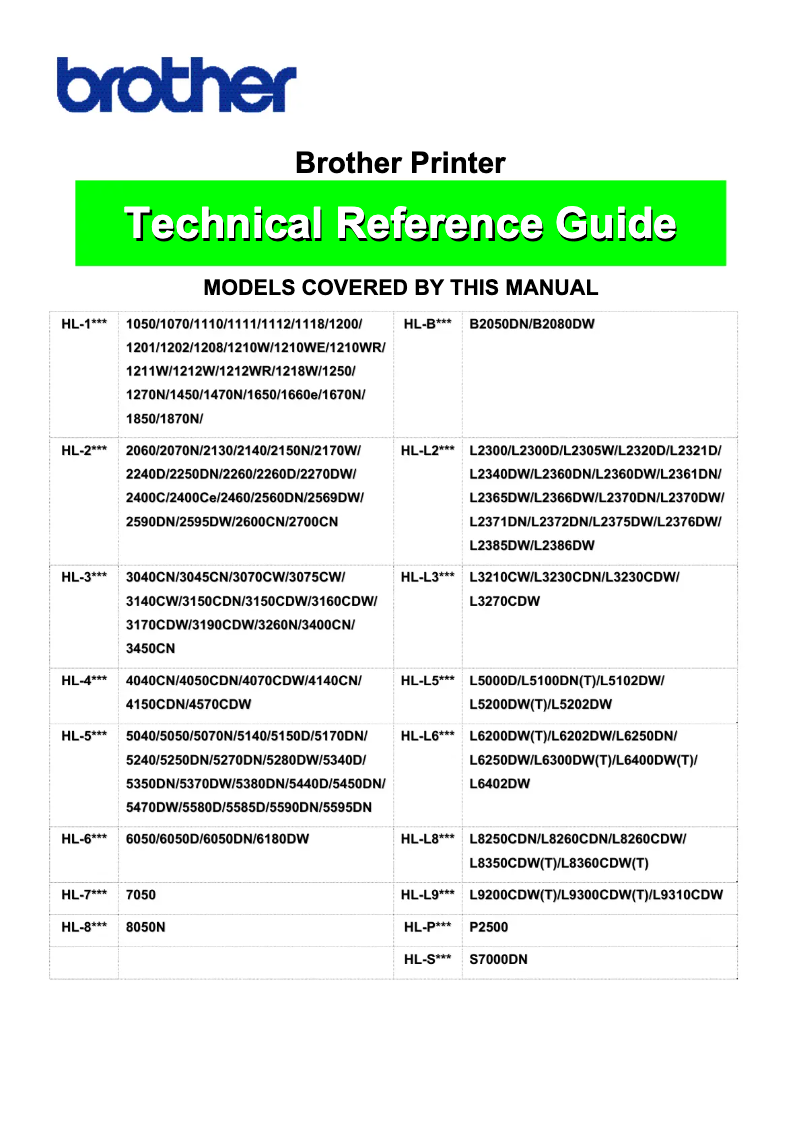
Manual of product HL-1210WE
Editorial note
The Brother HL-1210WE printer stands out for its superior print quality, producing sharp and precise documents suitable for both professional and personal use. Its user-friendly design, accompanied by a clear user manual, makes installation and usage easy, even for novice users. Additionally, it offers good value for money with advanced features at an affordable price. However, there are some drawbacks to consider. The lack of scanning and copying features limits its usefulness for those seeking an all-in-one device. The cost of toner cartridges can also be high in the long run, increasing overall usage expenses. Furthermore, connectivity is limited, offering only Wi-Fi and USB, which may pose challenges in more complex office environments. Finally, while its compact design is convenient for small spaces, it may seem basic to those who prefer a device with a modern style. Overall, the Brother HL-1210WE is a solid option for users looking for a reliable and efficient printer, but it may not be suitable for everyone due to its limitations in features and connectivity.Score details
User experience
The user experience is positive thanks to a user-friendly design and a comprehensive manual, making installation and use easy even for novices.
Performance
The printing performance is optimal, providing sharp and accurate prints, but the speed may be insufficient for high-volume printing.
Value for money
The value for money is satisfactory, with advanced features at an affordable price, but the cost of toner cartridges can increase expenses in the long run.
Design
The design is compact and practical for small spaces, but it may seem basic for those looking for a device with a modern style.
Features
The printer lacks scanning and copying features, and connectivity is limited to Wi-Fi and USB, which may restrict its use in professional environments.
Advantages
Clear and precise impressions
Easy installation and use
Optimal and innovative performance
Excellent quality at an affordable price
Compact design for small spaces
Disadvantages
No scanning or photocopying function.
High cost of toner cartridges.
Limited connectivity: only Wi-Fi and USB.
Slow printing speed for large volumes.
Basic and not very modern design.
Technical Specifications HL-1210WE
General Information
-
ModelHL-1210WE
-
Brand
-
Category
-
Type
-
SKU1802716
-
MPN1802716
Frequently Asked Questions
What is the recommended method for removing jammed paper from the printer?
Why is my printer not recognizing the original cartridges?
What are the possible reasons for poor print quality?
What is the difference between a laser printer and an inkjet printer?
Why is my inkjet printer producing black streaks?
What does the acronym DPI mean?
Is the manual for the Brother HL-1210WE available in French?
Similar products


More product categories from brand Brother
Home appliances Brother
Other Brother
Tools Brother
Phones Brother
Interior Brother
More product types from brand Brother


Presentation of product HL-1210WE specifications from brand Brother
General Information
The Brother HL-1210WE printer, from the renowned brand Brother, stands out for its print quality and technological innovation. This model is designed to deliver optimal performance, ensuring a smooth and efficient user experience, whether for professional or personal documents.
Advantages
Superior print quality: The Brother HL-1210WE is known for its ability to produce precise and sharp prints, thus satisfying the demands of detail-oriented users.
Ease of use: Its user-friendly design and clear user manual allow for easy installation and use, even for technology novices.
Innovative technology: In line with the brand's reputation, this model incorporates innovations that meet the needs of modern users, thus ensuring reliable performance.
Value for money: Offering advanced features at an affordable price, the Brother HL-1210WE is an excellent choice for those seeking a balance between quality and economy.
Compactness: With its compact design, this printer easily fits into tight workspaces while maintaining robust performance.
Disadvantages
Limited features: The lack of scanning and copying functions may be a drawback for users looking for an all-in-one device.
Consumable costs: The price of toner cartridges can quickly add up, thus increasing the long-term cost of use.
Restricted connectivity: The Brother HL-1210WE offers only Wi-Fi and USB connectivity, with no Ethernet option, which may limit its integration into more complex office environments.
Print speed: While the print speed is adequate for personal use, it may not be sufficient for high-volume printing, thus slowing down work in a professional setting.
Basic design: The design of the printer is relatively simple, which may not meet the expectations of those looking for a device with a modern and aesthetic style.


