

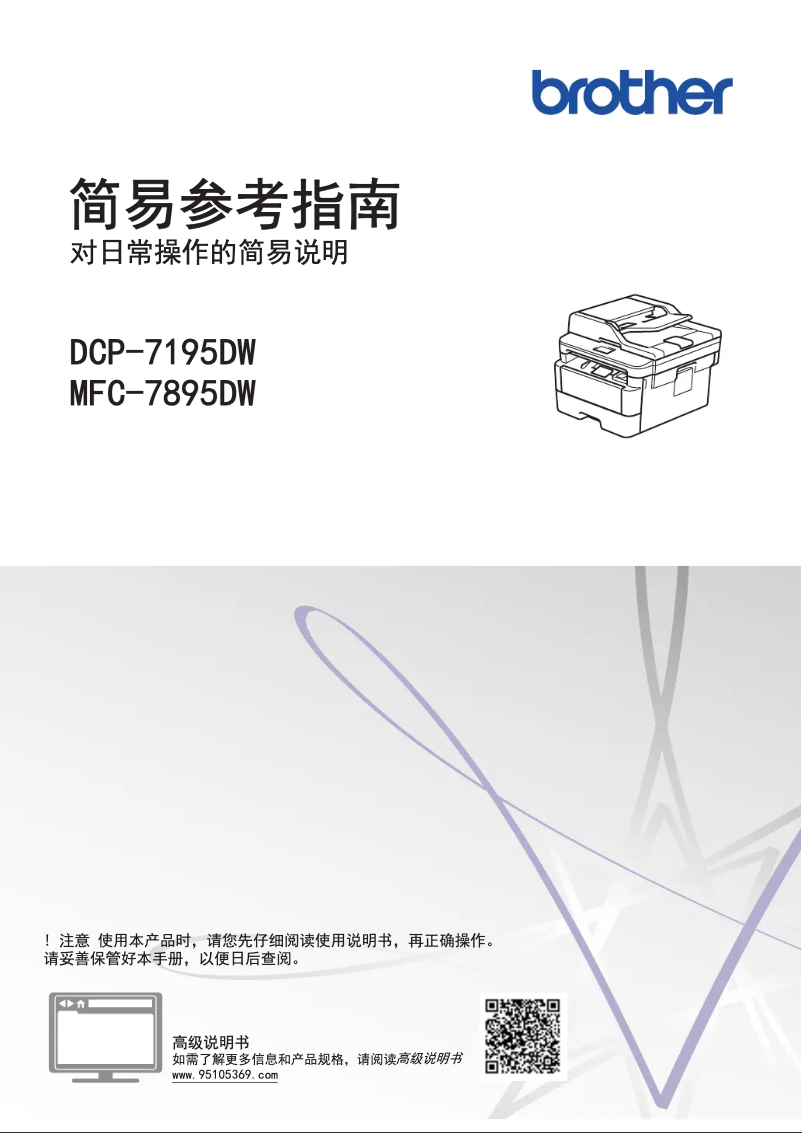
Manual of product DCP-7195DW
Editorial note
The Brother DCP-7195DW printer stands out for its print quality, delivering sharp and professional documents thanks to excellent resolution. Its versatility is a major asset, as it allows for printing, copying, and scanning, thus meeting various office needs. Additionally, advanced connectivity options, both wireless and USB, facilitate its integration into different work environments. The energy efficiency of this model also helps reduce operating costs, while its user-friendly interface and accessible user manual make it simple and intuitive to use. However, some drawbacks are worth noting. The high cost of ink cartridges can quickly increase long-term expenses, making the use of the printer less economical. Its bulkiness may pose a problem in small workspaces, and while the print speed is adequate, it may not be suitable for high-volume environments. Furthermore, some advanced features may require technical skills for optimal setup, and the operating noise when printing large volumes can be bothersome. In summary, the Brother DCP-7195DW is a solid choice for those seeking a quality multifunction printer, provided that its limitations regarding operating costs and space are taken into account.Score details
User experience
The user experience is positive due to a user-friendly interface and an accessible user manual, making setup and use easier.
Performance
The print performance is of high quality, but the printing speed may be insufficient for high-volume environments.
Features
The printer offers versatile features, including printing, copying, and scanning, thus meeting various office needs.
Value for money
Although the initial cost is reasonable, the high cost of ink cartridges can significantly increase long-term expenses.
Design
The design is functional, but the printer's footprint may be problematic in small workspaces.
Robustness
The printer is designed to be robust, but the operating noise when printing large volumes can be bothersome.
Advantages
High-quality and professional printing.
Multifunction: prints, copies, scans.
Wireless and USB connectivity.
Energy-efficient design for savings.
Simple setup and use.
Disadvantages
High cost of ink cartridges.
Bulky for small spaces.
Insufficient printing speed for large volumes.
Complex setup for advanced features.
Annoying noise during printing.
Technical Specifications DCP-7195DW
General Information
-
ModelDCP-7195DW
-
Brand
-
Category
-
Type
-
SKU1822159
-
MPN1822159
Frequently Asked Questions
How can I remove a jammed paper from the printer?
Why is my printer refusing to accept original cartridges?
Why is the quality of my prints unsatisfactory?
What are the differences between a laser printer and an inkjet printer?
Why is my inkjet printer producing black streaks?
What does the acronym DPI mean?
Is the manual for the Brother DCP-7195DW available in French?
Similar products


More product categories from brand Brother
Home appliances Brother
Other Brother
Tools Brother
Phones Brother
Interior Brother
More product types from brand Brother


Presentation of product DCP-7195DW specifications from brand Brother
General Information
The model Brother DCP-7195DW is a multifunction device from the brand Brother, known for its commitment to quality and innovation in the office equipment sector. This device is designed to deliver optimal performance, thus facilitating an enriched and intuitive user experience.
Main Features
This model stands out for its high-quality printing capability, allowing for the production of clear and professional documents thanks to advanced printing resolution. As a multifunction device, it offers not only printing features but also copying and scanning, thus meeting a variety of needs in a work environment.
The advanced connectivity of the printer, with wireless and USB options, allows for seamless integration into different types of offices. Additionally, the Brother DCP-7195DW is designed to be energy-efficient, promoting savings on operating costs while minimizing its environmental impact.
Ease of use is also a major asset, with a detailed user manual and a user-friendly interface that simplify the setup and daily use of the device.
Advantages and Disadvantages
Among the advantages, we note:
- High-quality printing with professional documents.
- Versatility by offering printing, copying, and scanning functions.
- Advanced connectivity facilitating integration into various work environments.
- Energy efficiency contributing to reduced operating costs.
- Ease of use with an intuitive interface and accessible manual.
On the other hand, some disadvantages must be taken into account:
- The high cost of ink cartridges, which can increase long-term expenses.
- The size of the printer, which can be bulky in limited workspaces.
- A printing speed that, while adequate, may not suffice for high-volume environments.
- Some advanced features may require technical knowledge for optimal setup.
- The noise level when printing large volumes can be annoying.


