
Manual of product M510-C
Editorial note
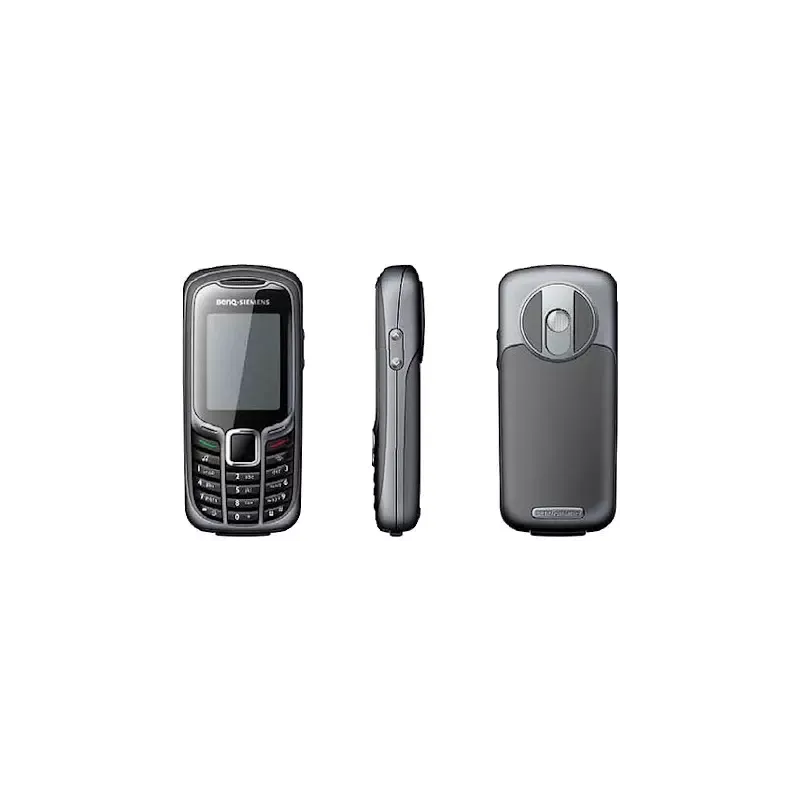
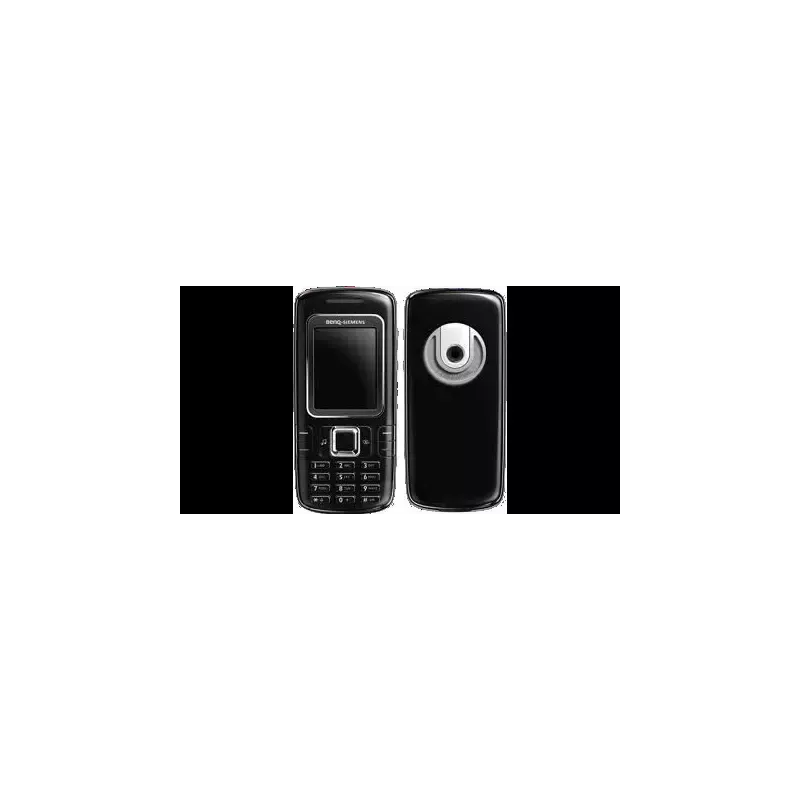
The Amplicomms M510-C mobile phone stands out for its user-friendly design, making it an ideal choice for elderly individuals or those with specific communication needs. Its build quality and ergonomic design ensure a comfortable grip and appreciable durability. The optimized features allow for intuitive navigation, and a 38-page user manual is available to help even novices familiarize themselves with the device. However, the M510-C also has drawbacks. Its design, while functional, may appear basic and unappealing to those seeking a more modern style. Additionally, the lack of 4G connectivity and various applications may limit its use for more diverse tasks. The screen size is relatively small, which can make navigation less comfortable. The battery life, while adequate, may not be sufficient for very active users. Finally, the product's price may seem high given the features offered, which could deter some buyers. In summary, the Amplicomms M510-C is a reliable mobile phone, particularly suited for simplified use, but it may not meet the expectations of all users due to certain limitations.Score details
User experience
The user experience is enhanced by optimized features, providing intuitive navigation, although the lack of certain advanced features may disappoint some users.
Performance
The performance is adequate for basic use, but the limitations in connectivity and available applications may restrict its use for more varied tasks.
Battery life
The battery life is acceptable, but may not be sufficient for very active users or those frequently on the go.
Design
The design is ergonomic and comfortable to hold, but may seem basic and unappealing to those looking for a more modern device.
Value for money
The price may seem high compared to the features offered, which could deter some potential buyers.
Usability
The product is specifically designed for easy use, making it ideal for elderly people or those with specific needs.
Support
The availability of a 38-page user manual facilitates understanding and using all the phone's features, even for novices.
Advantages
Designed for easy use.
Ergonomic and durable design.
Intuitive and fast navigation.
Accessible user manual.
Brand recognized for innovation.
Disadvantages
Basic and unappealing design
Lack of advanced features
Small screen
Limited battery life
High price for the features offered
Technical Specifications M510-C
General Information
-
ModelM510-C
-
Brand
-
Category
-
Type
-
SKU1875100
-
MPN1875100
Frequently Asked Questions
How can I set my preferred click choice on the Amplicomms M510-C phone?
Where can I access tutorial videos for the Amplicomms M510-C phone online?
Is the manual for the Amplicomms M510-C available in French?
Similar products




More product categories from brand Amplicomms
More product types from brand Amplicomms





Presentation of product M510-C specifications from brand Amplicomms
General Information
The Amplicomms M510-C is a mobile phone designed by the brand Amplicomms, known for its commitment to quality and innovation in the communication device sector. This model, the M510-C, is specifically developed to offer optimal performance, making the user experience more enjoyable and accessible.
Advantages
This phone is ideal for elderly people or those with special needs, thanks to its user-friendly design. Its ergonomic design allows for a comfortable grip, while its build quality ensures satisfactory durability. The optimized features of the Amplicomms M510-C guarantee intuitive navigation and quick access to essential options.
Moreover, the presence of a clear user manual facilitates understanding of the features, which is an asset for novice users. The Amplicomms brand also stands out for its commitment to integrating modern technologies, thus offering a product at the forefront of innovation.
Disadvantages
However, some aspects of the M510-C may be perceived as limitations. Its design, while functional, may seem basic and less appealing to those seeking a more contemporary device. Additionally, the lack of advanced features such as 4G connectivity or a variety of applications may restrict its use for users wanting a multifunctional phone.
The size of its screen, relatively small compared to other models on the market, could make navigation and reading less enjoyable. Furthermore, although the battery life is adequate, it may not be sufficient for very active users. Finally, the price may be considered high compared to the features offered, which could deter some potential buyers.


